Win10 內建「相片」App 提供相簿管理、自動整理、來源資料夾設定等功能,許多用戶卻不知如何使用。本文圖文教學帶您快速上手。
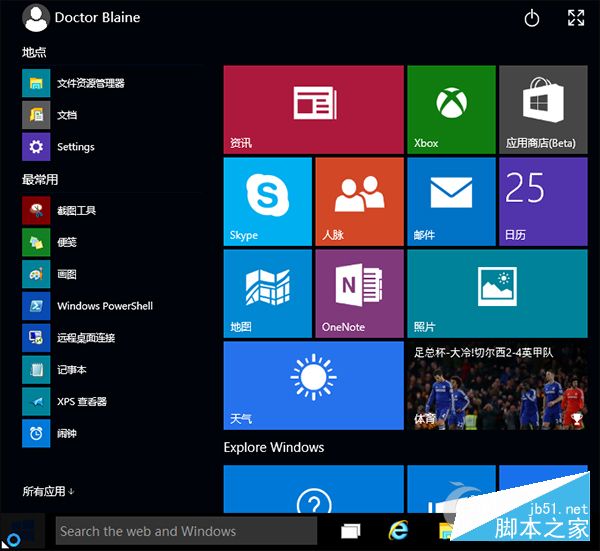
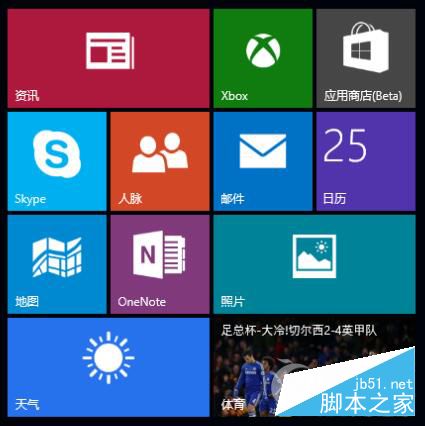
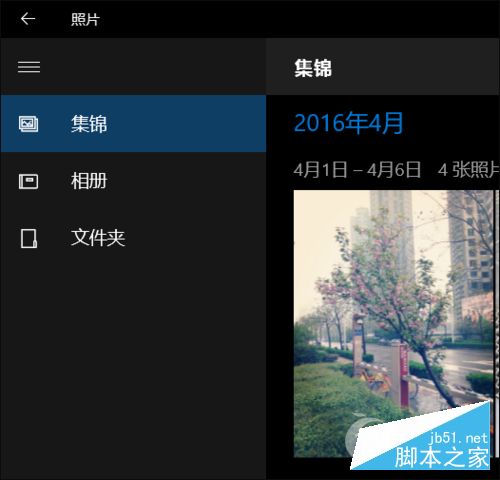
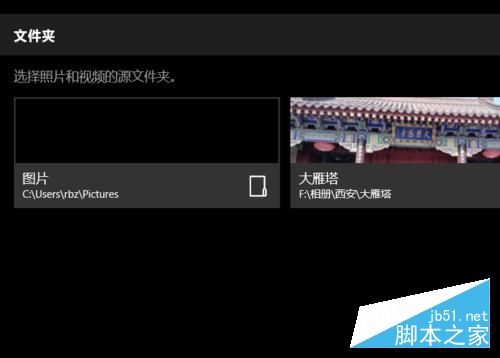
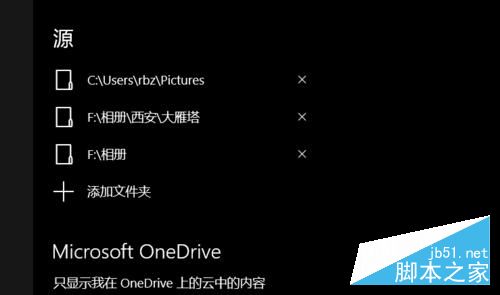
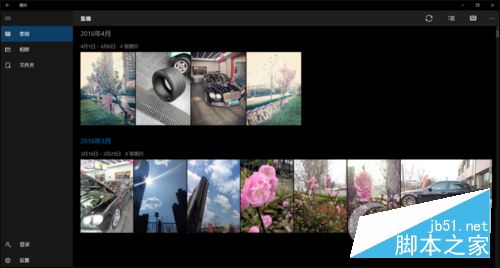
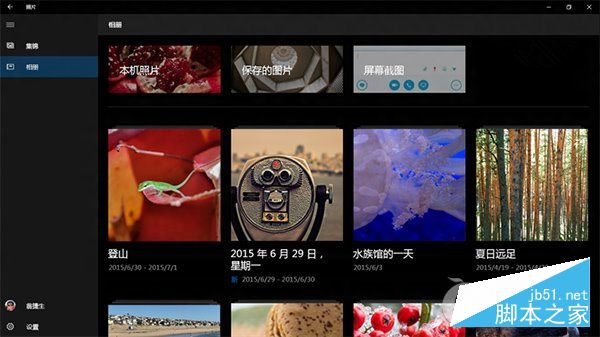
內建相片 App 整合 OneDrive、自動建立相簿、支援標籤搜尋,功能不輸第三方軟體。更多 Win10 內建應用技巧請關注本站!
Windows 命令列建立可開機 USB 隨身碟安裝系統:diskpart 完整指令教學
Windows 7 不內建 IPX/SPX 協定?手動匯入 XP 系統檔案完整安裝教學
Windows 7 新增/移除輸入法教學:控制台與語言列雙管道操作
Xbox One 夏季系統更新體驗:Cortana 語音助手、背景音樂、語言區域分離、Xbox Play Anywhere 全解析
Win10 Mobile 正式版 10586.682 累積更新內容匯總:針對無法升級週年更新的舊裝置
Win8 使用技巧總結:快速搜尋、關機、工作切換、控制台、管理員執行