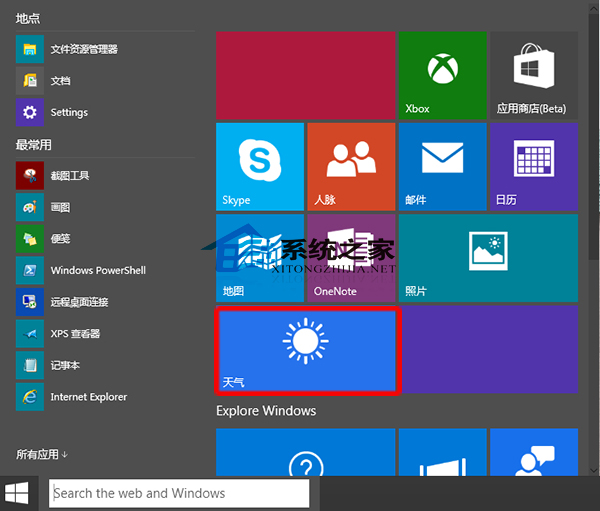
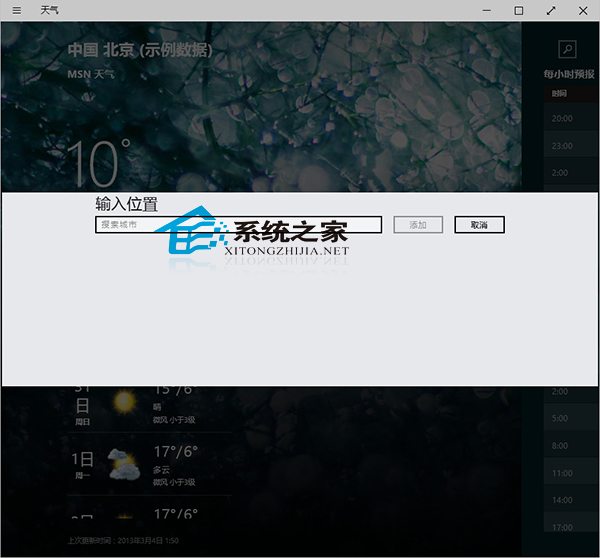
Win10 內建天氣 App,開啟方式:
系統也內建「行事曆」App,可同時顯示農曆與天氣資訊,雙 App 搭配更完整。
WinXP 重灌前備份微軟拼音輸入法 2003 詞庫:自造詞工具匯出完整教學
Win7 連接投影機顯示「正在搜尋訊號來源」?裝置管理器移除監視器驅動重開機即解
Win7 Administrator 帳號被停用無法登入?安全模式/命令列啟用超級管理員完整教學
Windows 內建計算機進階用法全攻略:程式設計師、單位換算、日期計算
Win10 啟用內建 Administrator 管理員帳號圖文教學
Win10 開始選單與 Cortana 無法運作?重設 User Manager 服務即可修復
Win7 安裝 iTunes 錯誤碼 2203?給予系統磁碟完整控制權限解決教學
Windows 10 以系統管理員身分開啟命令提示字元三大法:Win+X+A、Win+X 選單、開始選單搜尋