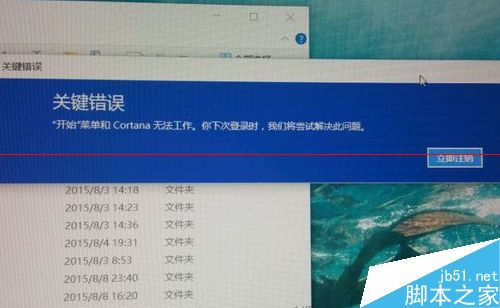
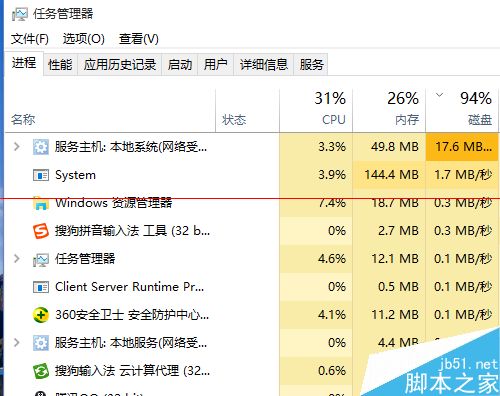
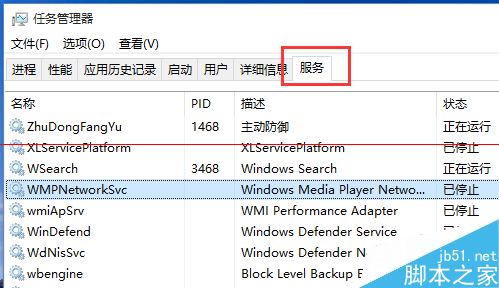
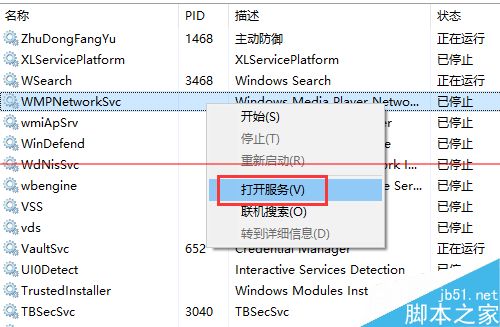
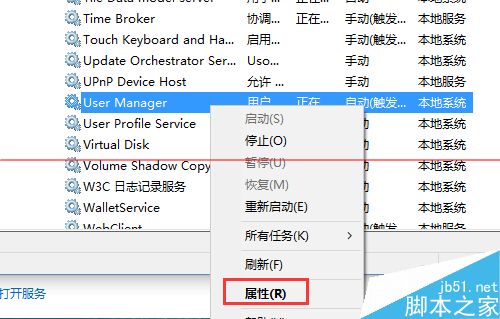
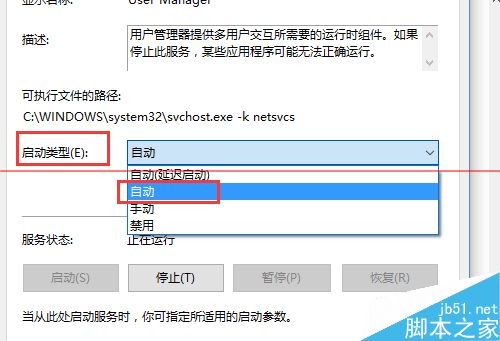
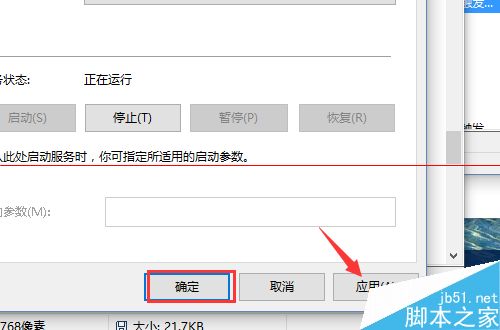
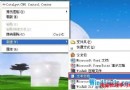
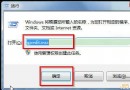
開機出現「關鍵錯誤:開始選單和 Cortana 無法運作」,提示登出重新登入卻無效。實測解決方法:將 User Manager 服務啟動類型設為「自動」。
相關推薦: Win10 Cortana 個人資訊設定 | 關閉 Cortana 搜尋列 | Win10 Cortana 語音搜尋使用教學
Windows 7 運行變慢?群組原則關閉三項非必要功能提升回應速度
64 位簡體中文 Win10 Build 10240.16425 整合鏡像下載:含前兩波累積更新
Windows 10 預覽版全新安裝與雙系統安裝方法圖文詳解(三種方案任選)
Win10 累積更新 KB3200970 及 11 月各版本獨立安裝包 (MSU) 下載彙總
Windows 7 多用戶共用電腦:帳號權限規劃與安全強化實戰
Windows 10 系統實測評測:新開始選單、多工作業、觸控體驗與升級建議
Win7 無線網卡 MAC 地址無法修改?終極解法:替換為 XP 版驅動程式即可突破限制
微軟宣布:Windows Server 2003 將於 2015 年 7 月 14 日停止支援