下載 Win10 企業版技術預覽版需至微軟官網,流程如下:
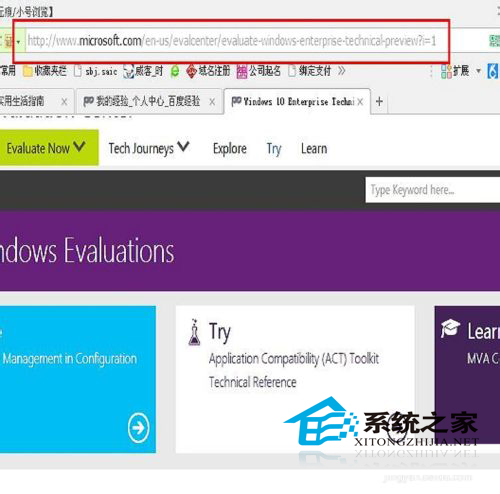
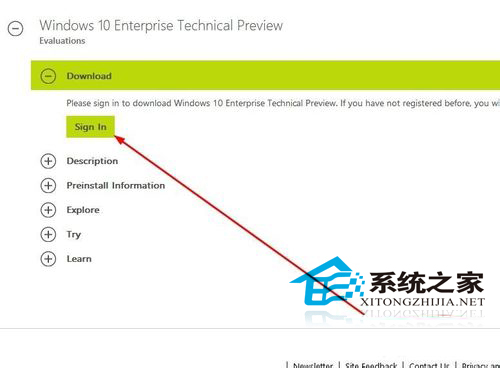
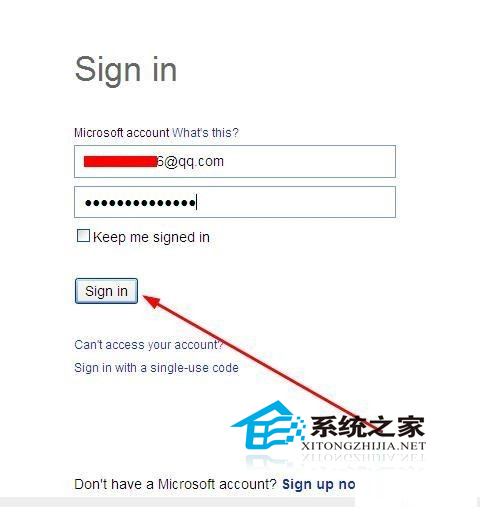
- 進入微軟官網 → 找到「Windows 10 Enterprise Technical Preview」→ 點「Sign in」登入微軟帳號。
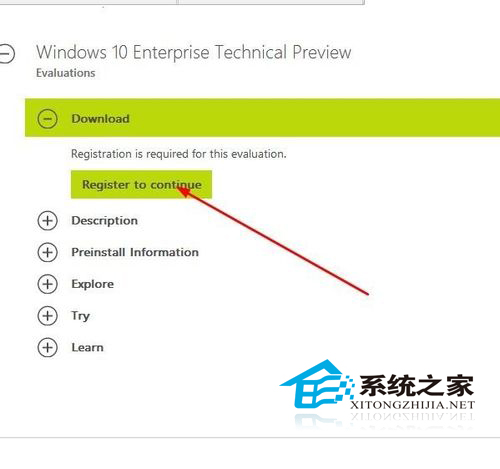
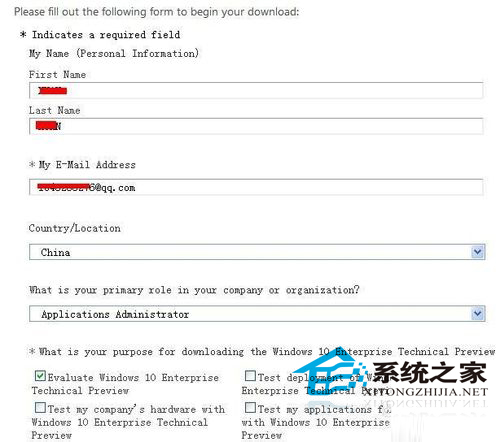
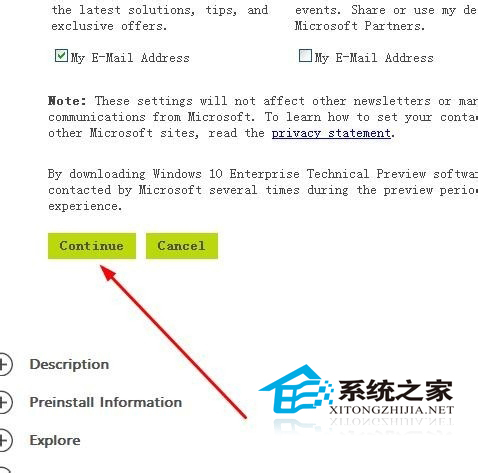
- 登入後點「Register to continue」→ 填寫/確認個人資料 → 點「Continue」。
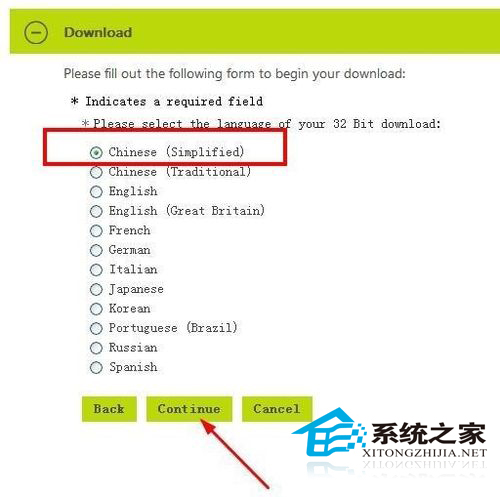
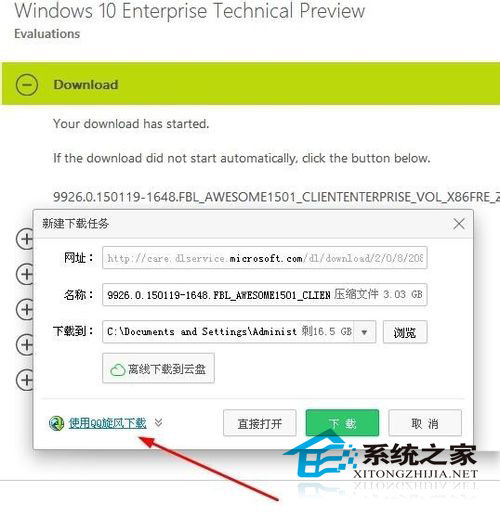
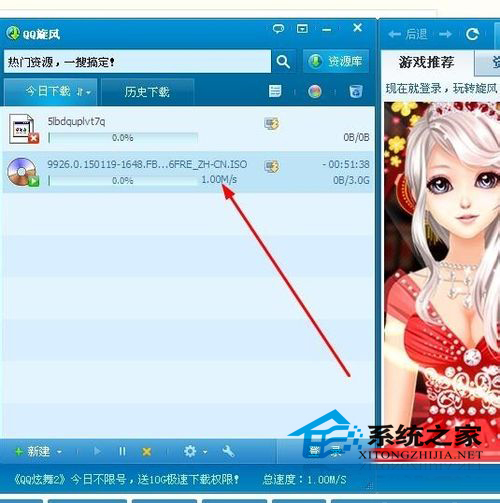
- 語言勾選「Chinese (Simplified)」→「Continue」→ 選「使用旋風下載」(高速下載器)。
- 下載完成後掛載/燒錄 ISO 安裝,過程與一般版本相同。
企業版與專業版功能差異不大,主要多一些企業導向功能(如 DirectAccess、AppLocker 等),一般用戶用處有限。