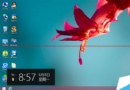
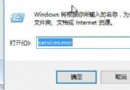
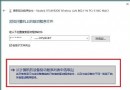
微軟小娜是 Windows 10 內建的個人智慧助理,能學習用戶喜好習慣,協助日程安排、問題解答等。但其自動收集語音、鍵盤輸入等資訊以進行個人化調整,可能引發隱私疑慮。以下是關閉小娜的步驟:
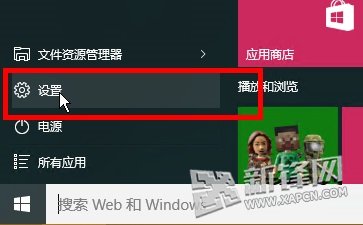
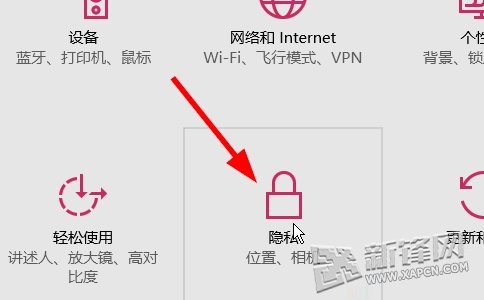
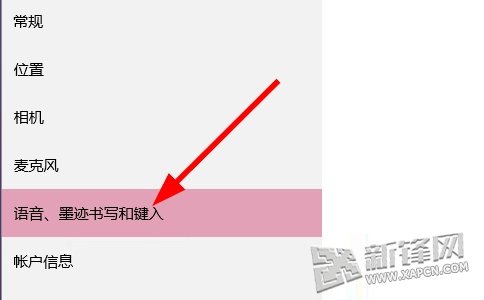
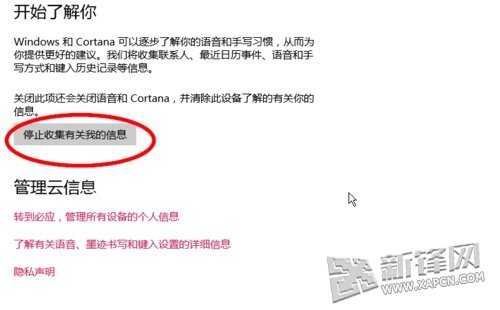
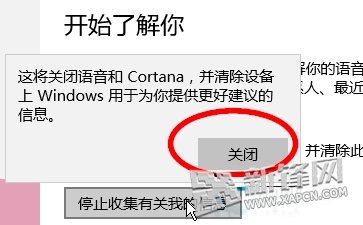
筆者不建議關閉小娜,畢竟它是相當方便的應用。
Win10 啟用/停用 ClearType 字型平滑:個人化→顯示→調整 ClearType 文字、取消勾選啟用 ClearType
Win7 如何更換 IE 瀏覽器桌面圖示?右鍵屬性「變更圖示」即可
Windows 10 第二波累積更新彙總:6 枚補丁 KB3081436,KB3081424 重啟死循環修復狀況不明,建議謹慎升級
XP 遠端桌面雙管理員同時登入:修改 termsrv.dll + 登錄開啟多會話
Win8.1 附件程式 (計算機等) 如何建立桌面捷徑?觸控版開始畫面開啟檔案位置→傳送至桌面