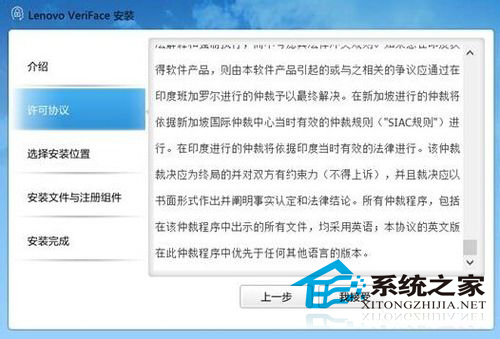
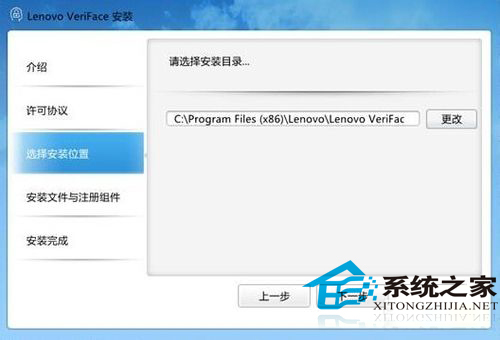
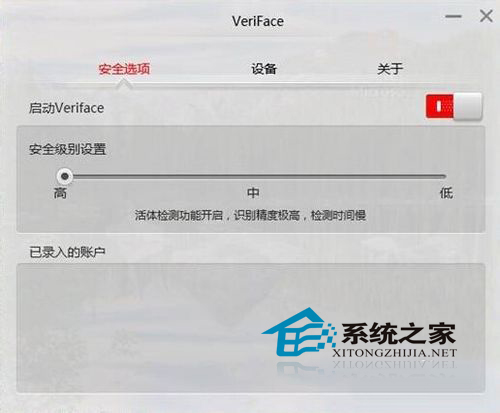
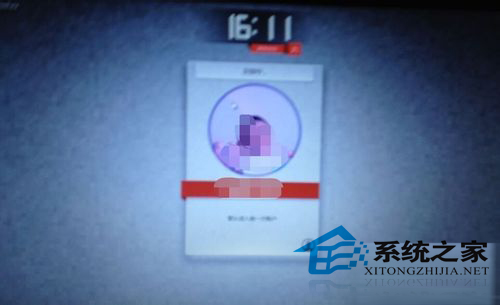
Win10 支援人臉辨識(Windows Hello 前身),但需特定硬體與軟體配合:具備攝像頭的聯想筆電 + 聯想 VeriFace 專用軟體。安裝與設定步驟:
setup.exe
人臉辨識受光線、角度、表情影響大,屬生物特徵辨識較高難度項目,僅作為輔助登入方式。
Windows 7 設定 IIS 伺服器完整圖文教學:控制台 → 程式和功能 → 開啟 Windows 功能
Win8.1 搜狗瀏覽器顯示渲染錯誤?更新顯卡驅動或重裝瀏覽器
Windows 10 檔案總管預設開啟位置修改教學:自訂啟動資料夾
Win8/8.1 微軟輸入法中英切換、全半形快速鍵完整表
Win8 以視窗模式開啟圖片(Windows 相片檢視器),告別全螢幕強制瀏覽
Win10 註冊 OCX/DLL 提示錯誤 0x80040200?管理員權限 CMD 一鍵解決
WinXP 桌面壁紙設置四大注意事項:格式選擇/路徑指向/顯示模式/病毒排查
科普:Windows ProgramData 資料夾是做什麼的?應用程式資料集中存放地