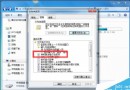
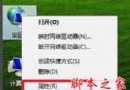
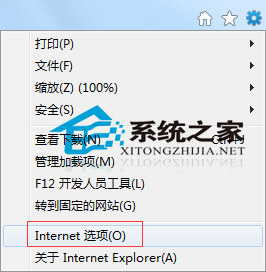
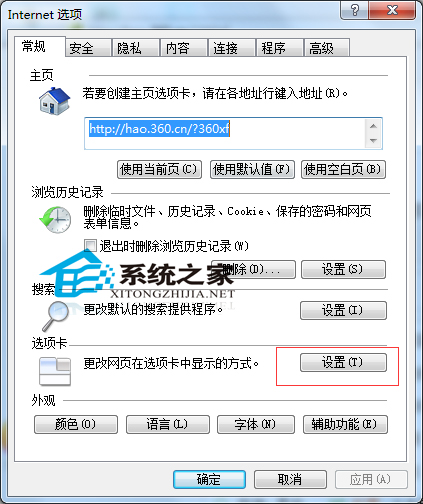
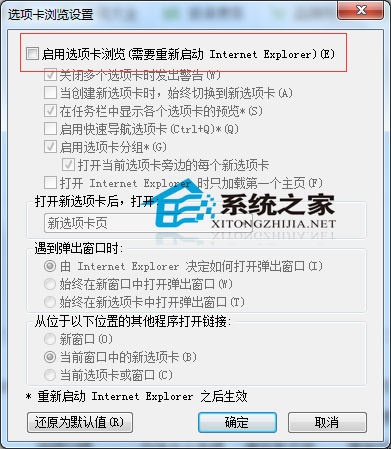
IE 預設啟用分頁瀏覽雖方便,但易誤關分頁。若習慣獨立視窗,可關閉此功能:
用戶吐槽 Win 10 亮度調節不如 Win 8.1 靈活:Modern 介面僅支援 25% 階梯調整,傳統滑桿藏在電源選項
Windows 8 設定 IE 暫存檔儲存空間:限制磁碟佔用提升瀏覽速度
Win10 內建應用(計算機/天氣/Edge 等)無法開啟?PowerShell 重新註冊 AppX 套件一鍵修復
人在國外如何用 Win8 系統觀看國內亞洲盃賽事?VPN 連線完整設定教學
Win10 升級後 SQL 軟體開機報錯解決:360 安全衛士禁用 SQL 服務管理器啟動項
Windows 10 7 月 29 日正式發布,推出中國定制版,硬體需求、版本對應、定價一次看