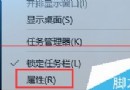
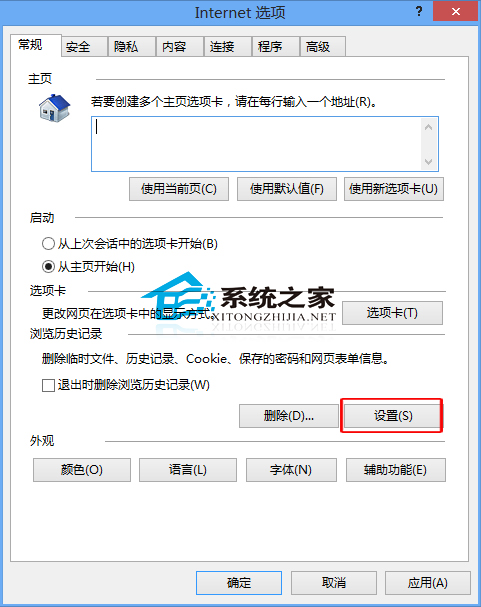
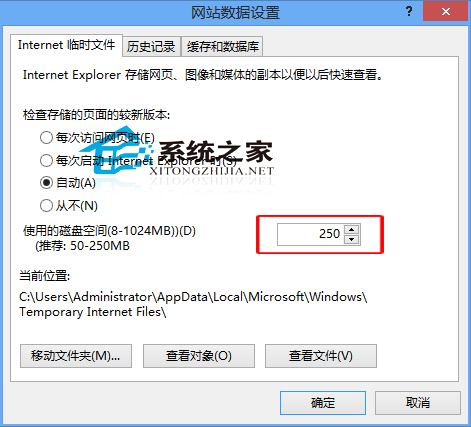
IE 暫存檔可加速重複造訪網站,但過大佔用磁碟空間。透過「網際網路選項」限制最大儲存空間。
Windows 7 關閉自動播放:防止插入 USB/光碟自動播放影片音樂
Win7 64位系統提示缺少 wpcap.dll 的三種修復方案
Windows 7 設定預設瀏覽器:控制台預設程式六步驟完整教學
Windows 10 Xbox One 遊戲串流解鎖 1080P 超高畫質完整步驟:修改 IsInternalPreview 為 true,頻寬需 30Mbps
Win10 Edge 瀏覽器匯入其他瀏覽器我的最愛:匯出至檔案 → IE 匯入 → Edge 從 IE 匯入
Windows 10 工作列跑到右側或頂部?兩招快速還原至底部