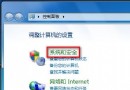
升级 Win10 后语言栏/输入法图标不见,开启方法:
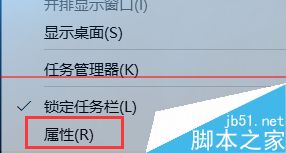
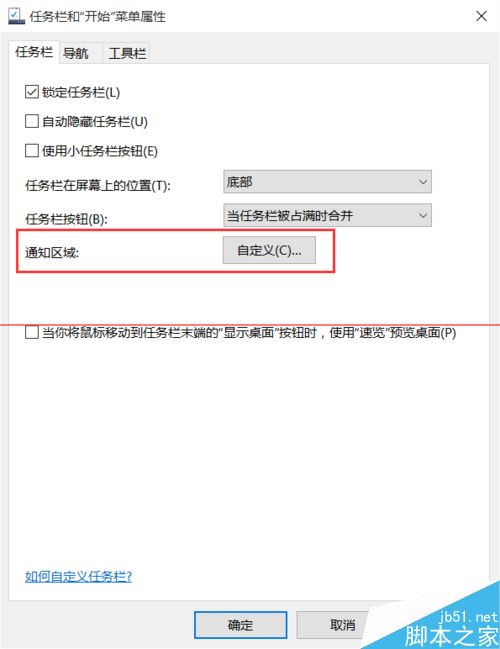
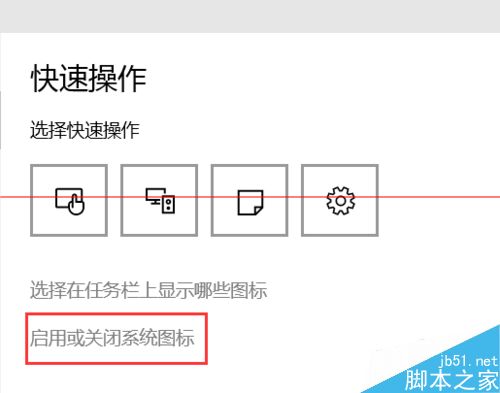

输入法图标即刻回归任务栏。若仍无效,可尝试 Win+R 运行 ctfmon.exe 或检查输入法服务。
Win10 PotPlayer 不斷彈出自動更新提示?防火牆出站規則封鎖聯網一勞永逸
Win10 Build 14279 詳細評測:Cortana、訊息+Skype、登入畫面全新體驗
Win10 週年更新「動作中心」大改版:優先順序、快速動作 15 格、跨裝置同步全解析
Win10 開啟防火牆仍允許其他電腦 Ping 通本機 設定 ICMP 回應規則
Windows 8 刪除「未知帳戶」(S-1-5-21...) 完整教學:透過安全性索引標籤移除殘留 SID
Win7 低配電腦卡頓怎麼辦?視覺特效調整為最佳效能 + 禁用 Windows Defender 顯著提速