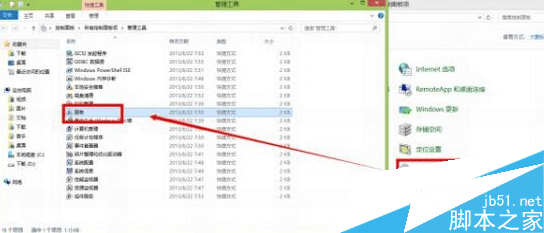
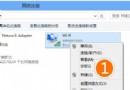
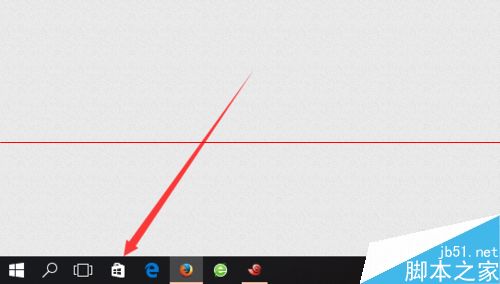
Win10 应用商店(类 iOS App Store)安装卸载流程:
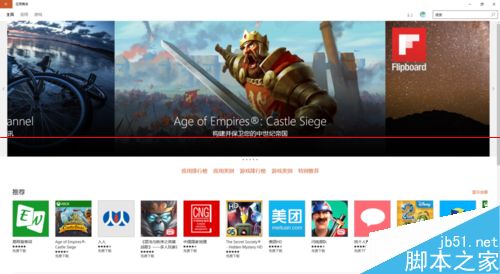
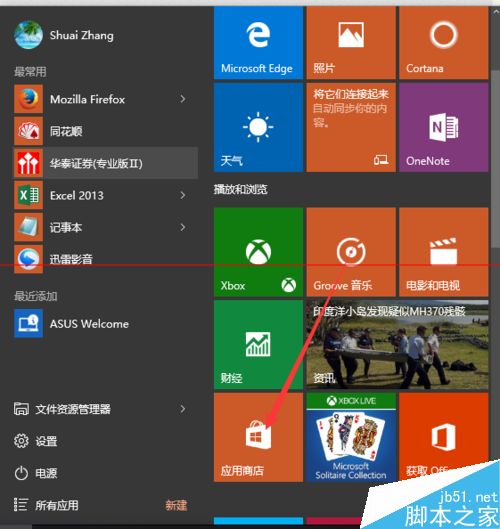
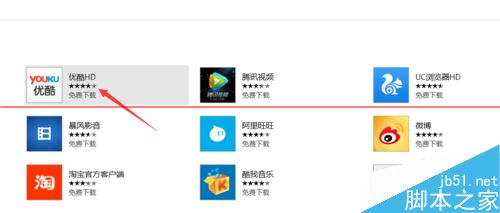
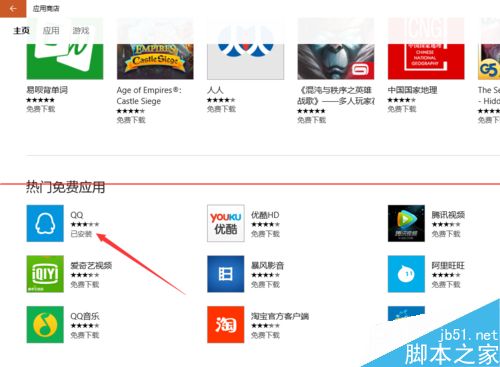
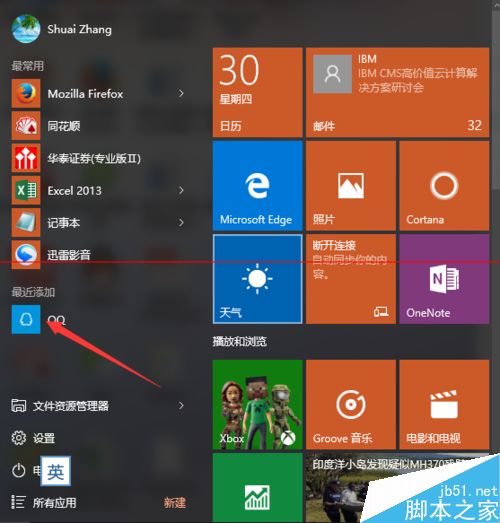
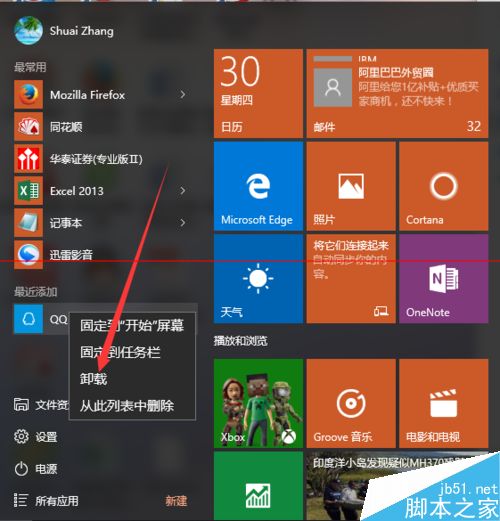
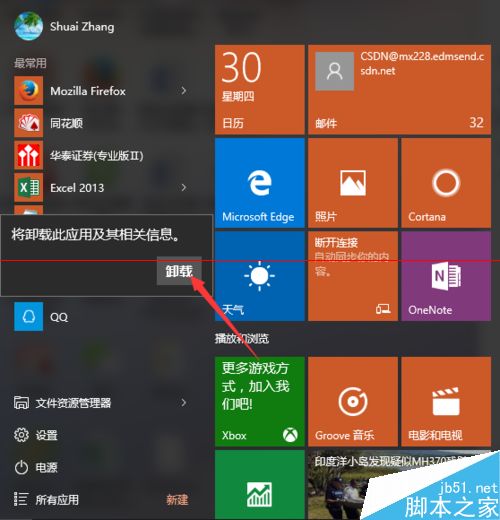
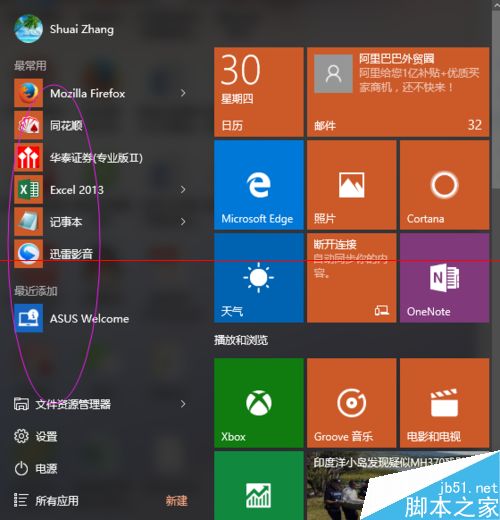
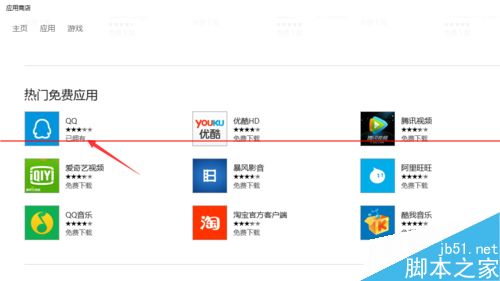
体验类移动端,适合触屏设备,传统桌面软件仍建议用传统安装包。
Windows 10 修改檔案副檔名完整教學:解決常見檔案關聯問題
Win10 Build 10049 官方鏡像下載地址:僅限快速通道線上更新、暫無 ISO、開發者勿升級
Windows 8.1 螢幕忽明忽暗:關閉自適應亮度徹底解決
Win10 URI 統一資源識別符完整清單與使用教學:直接啟動設定頁面
Windows 10 Mobile 10149 中文評測視頻:磚塊動畫是否抄襲 iOS?
Win10 升級後網路受限/無法上網?兩種解決方案:診斷修復或啟用 FIPS 相容性
Win10 讓 QQ 永久以「系統管理員身分執行」:相容性設定一次搞定
Windows 7 取消開機登入畫面直接進入桌面:control userpasswords2 與登錄/群組原則替代方案