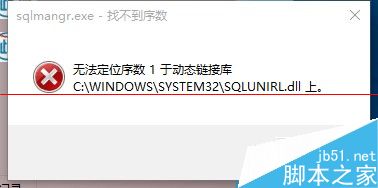
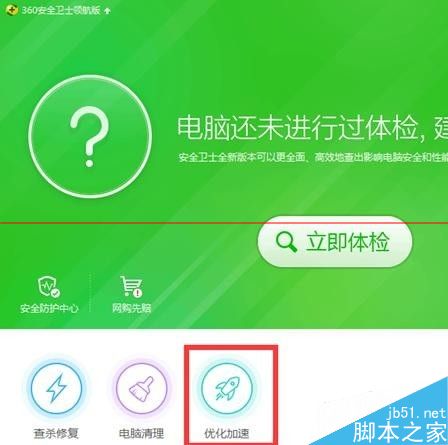
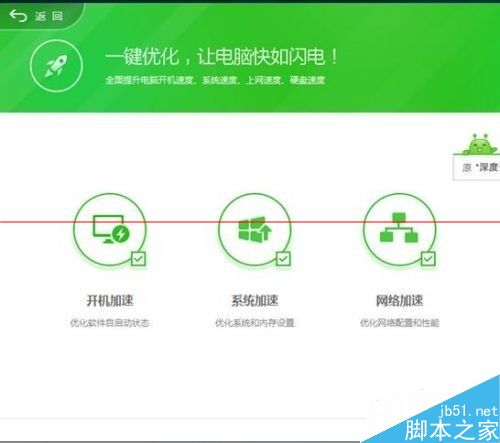
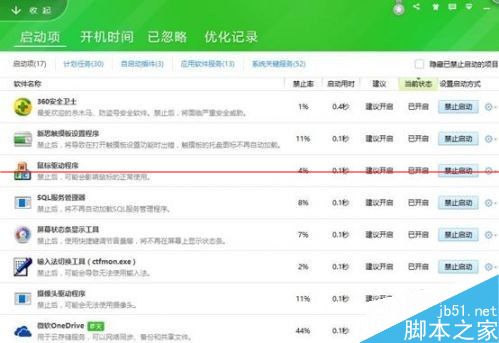
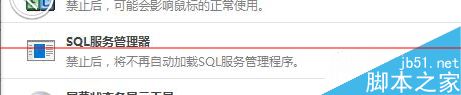
升級 Win10 後遇 SQL 軟體開機報錯,用 360 安全衛士禁用啟動項即可:
簡單快捷,獲網友好評。
Win10 一週年更新 14328 快速版:新功能與修復內容完整彙總
Win10 如何建立自訂色調?透過控制台「色彩管理」曲線達陣
Windows 10 移除 CNNIC 根憑證教學:憑證管理器停用與加入不信任清單
Win10 藍屏錯誤代碼 0x000000C2 三大成因與排除方案
Windows 10 Build 9865 即將推出:新觸控板手勢、視窗吸附、多螢幕優化
Win10 內建應用程式怎麼移除?PowerShell 指令批次解除安裝預裝 App 完整清單(含 Xbox 刪除錯誤說明)
Windows 10 更新顯示卡驅動程式提升執行速度:裝置管理員一鍵自動搜尋更新
Win10 新增語言包 (繁體中文/英文等) 切換顯示語言:控制台語言設定完整教學