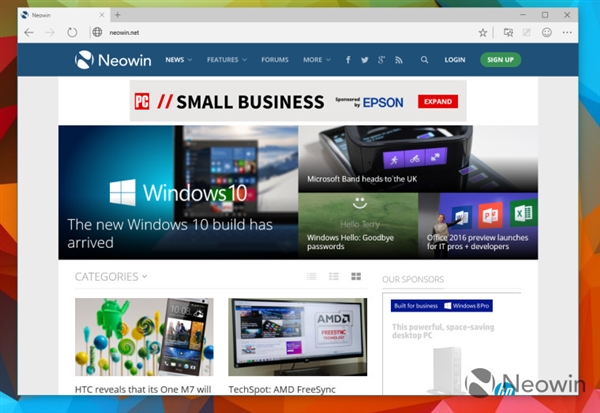
微軟正式推送 Windows 10 Build 10049 測試版,重磅新功能:Spartan 瀏覽器正式登場,搭載全新引擎提供更好 Web 體驗,並保留 IE11 相容舊規範網頁/應用。
升級方法:
歡迎在評論分享 Build 10049 體驗心得。
Win10 TH2 修改視窗標題列顏色:註冊表技巧實現彩色標題列
Win7 資料夾深度隱藏術:透明圖示 + 零寬字元重命名,真正隱形
Win8 Metro 版 IE 跳轉至桌面版 IE 怎麼辦?設定桌面版 IE 為預設瀏覽器解決
Win7 開機出現 Recovery 英文無法啟動?大白菜 PE 修復引導扇區搶救系統
Win8 關機卡住「Program Manager 阻止關機」?三步徹底解決
Win7 設定螢幕保護程式 (螢保) 完整教學:右鍵桌面→個人化→螢幕保護程式→選動畫/等待時間/密碼保護
XP 與 Win7 互訪共享資料夾無權限?完整設定圖解
Win10 正式版啟用暗黑主題技巧:使用 .theme 檔案快速套用 AllDarkEveV2 風格