Win8 建立寬帶撥號出現錯誤 651,依序排查:
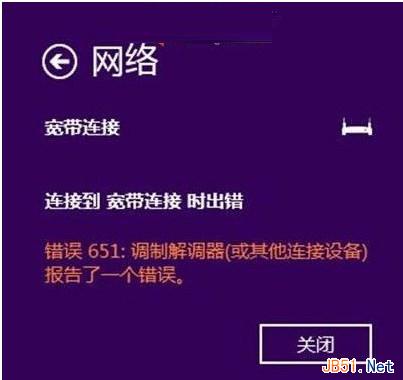
錯誤 651 多為實體層或驅動層異常,依實際狀況逐項排查可快速定位解決。
Win8 安裝工行網銀助手失敗「called runscript when not marked in progress」解決法:重啟 Explorer 進程
Win10 新增印表機連接埠 (Standard TCP/IP Port) 步驟圖解
Win7 命令提示字元視窗字型如何修改?自訂大小、顏色、粗細
Win10 WindowsApps 資料夾權限異常?刪除自訂使用者即可還原預設
Win10 開始選單磚塊背景顏色與圖示自訂教學:XML + 快取清除實作
2016 首個 Win10 RS1 預覽版 11094/11095 版本號曝光,編譯時間揭曉
Windows 10 預覽版必須持續更新至正式版發布,才能獲得正式版授權激活
Windows 10 Build 10130 自製 ISO 鏡像下載 (64 位元/32 位元中文專業版) - 百度網盤