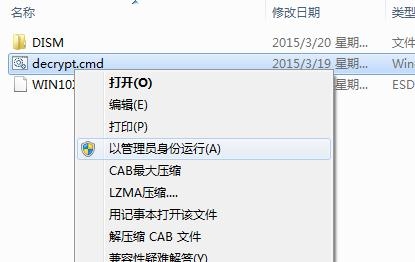
下載到 Win10 ESD 格式鏡像無法直接掛載安裝,需使用 ESD Decrypter 工具解密轉換為 ISO。完整流程:取消 ESD 唯讀屬性 → 複製至工具目錄 → 管理員執行 decrypt.cmd 輸入 4 → 等待轉換完成 → 取得 ISO → 以 USB/虛擬光碟/硬碟安裝器安裝。
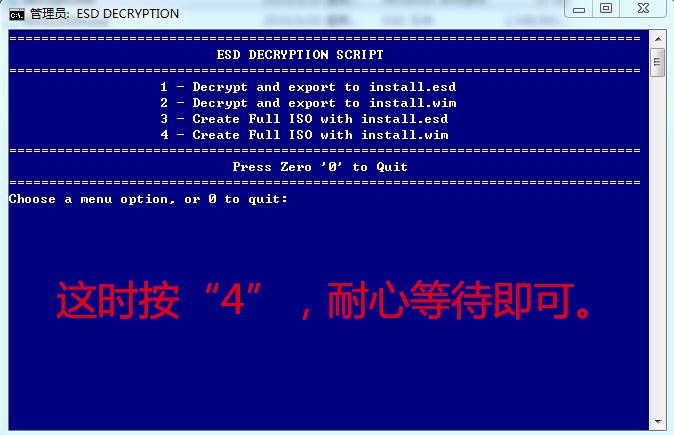
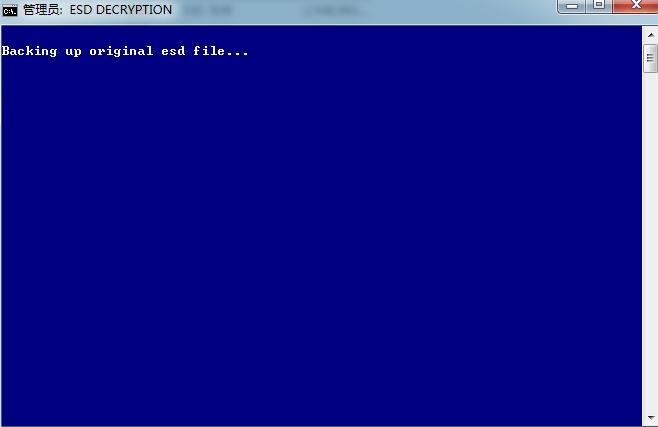
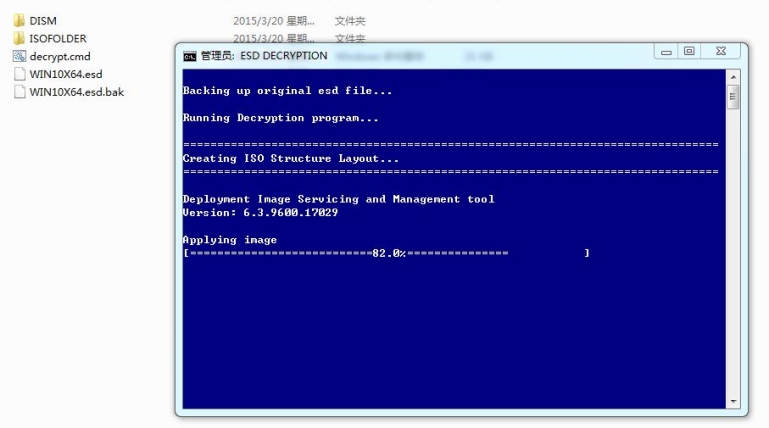
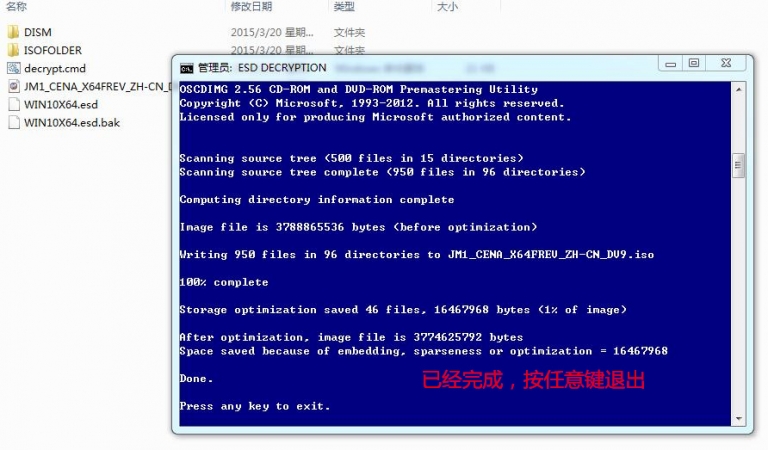
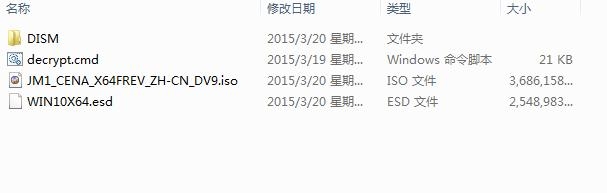
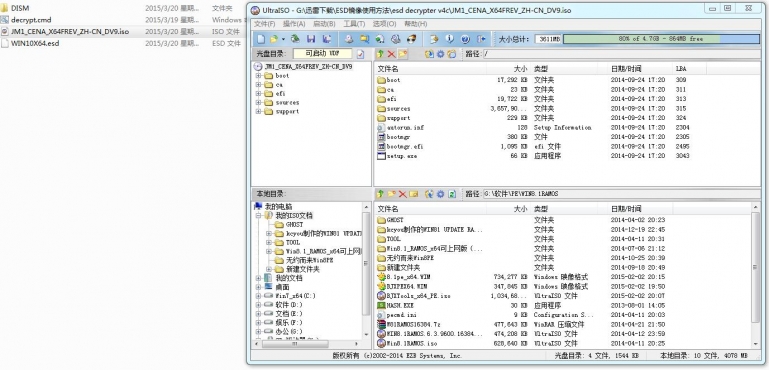
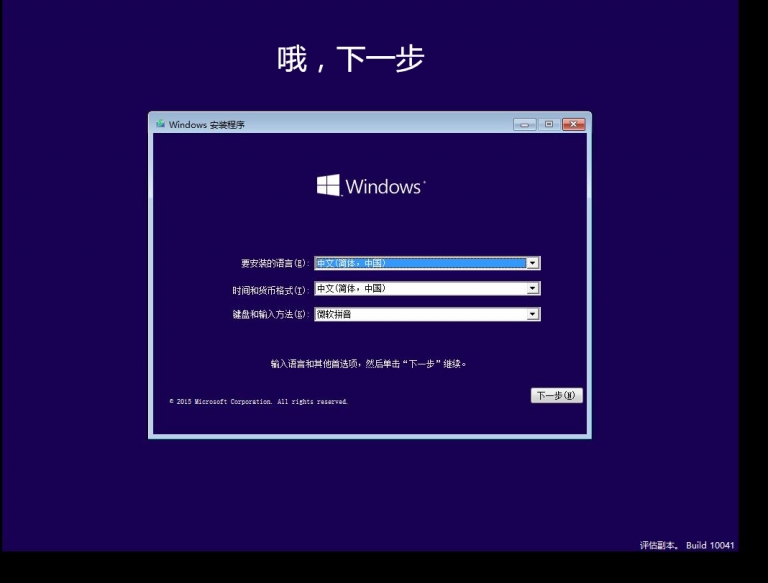
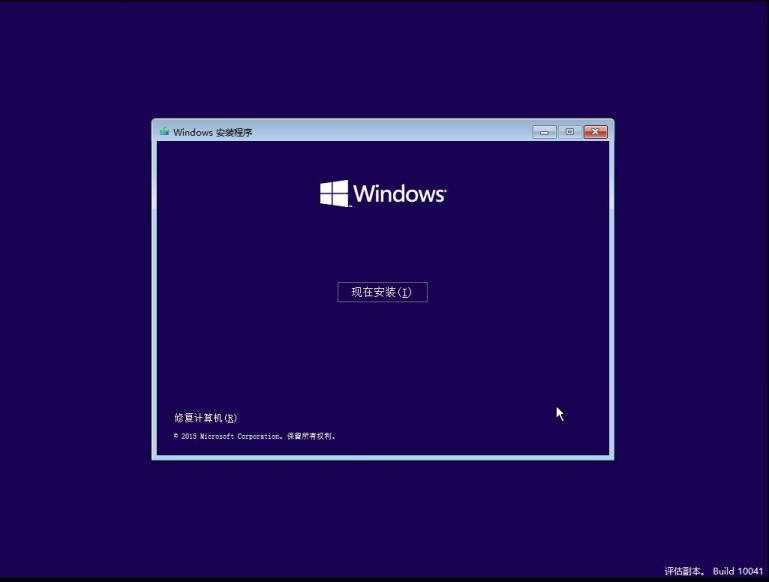
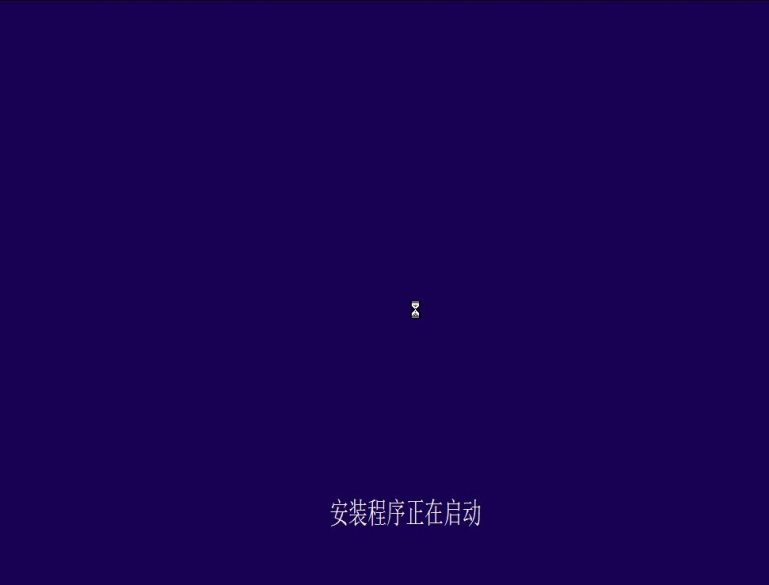
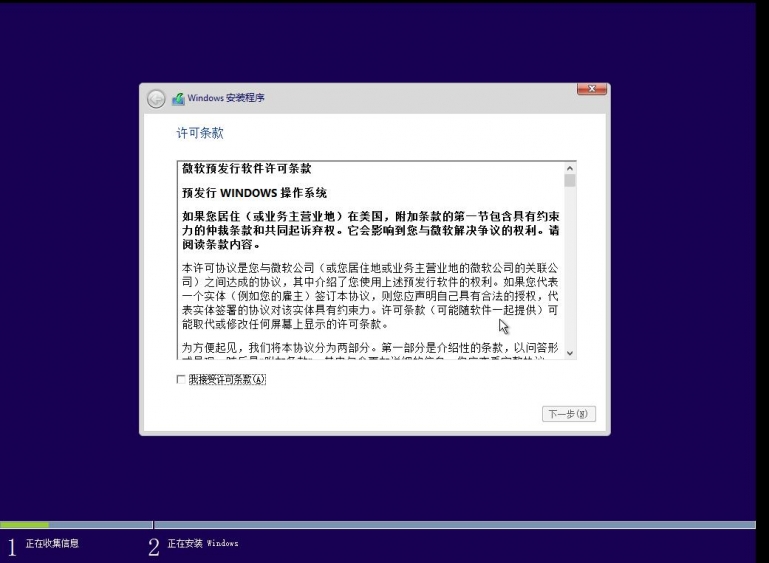
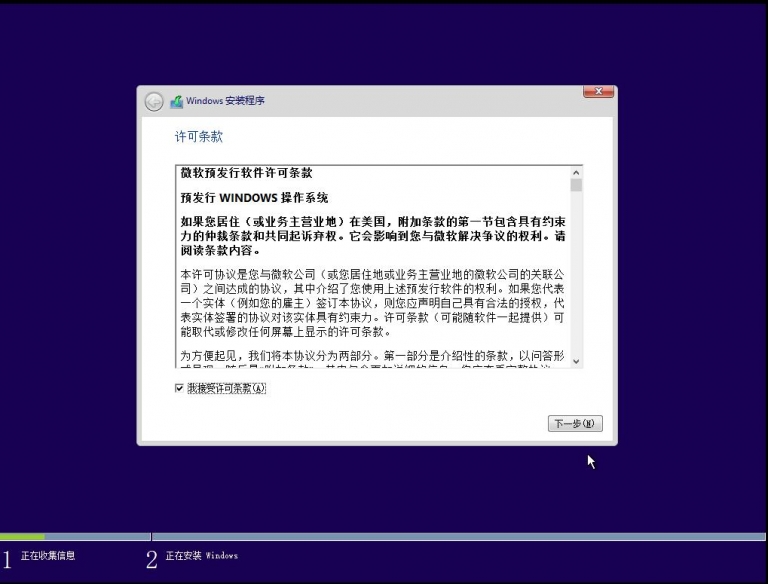
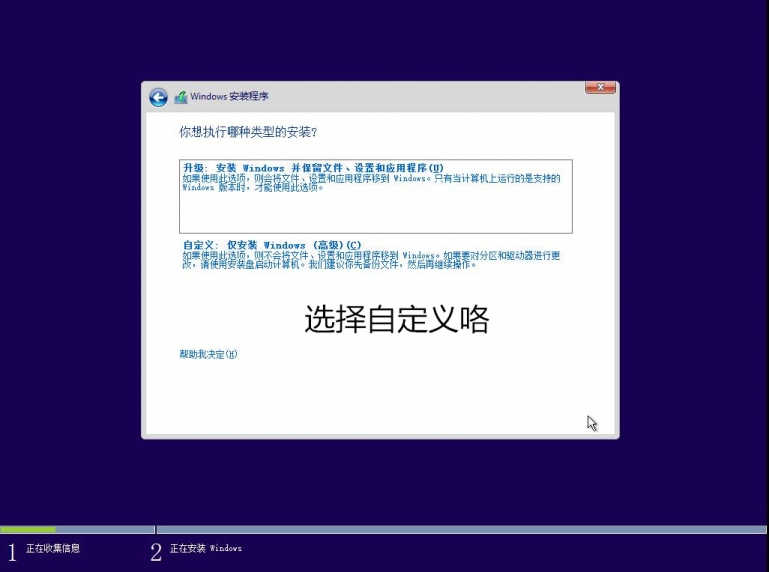
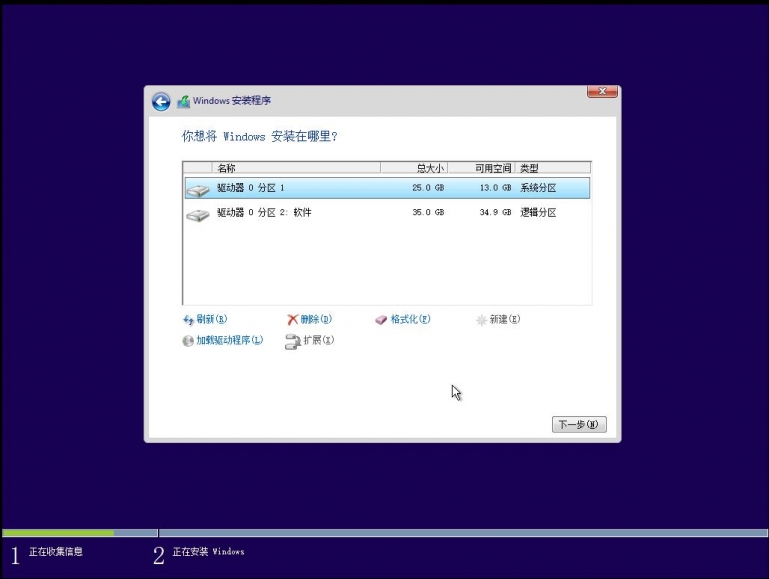
建議執行前關閉防毒軟體避免誤攔截。轉換後可驗證 SHA1/MD5/CRC32 確保檔案完整。
Win10右鍵菜單WinRAR選項過多?一鍵合並為級聯菜單讓介面清爽
Windows Server 2008 禁用本地連接埠雙法:Windows 防火牆新增阻擋規則 vs IPsec 原則深度防禦
Win8/8.1 專業版升級包與媒體中心套件 10 月 31 日停售:時代的終結
微軟 Build 2015 五大看點深度解析:Win10 新時代、Edge 瀏覽器、Office 平台化、Azure 跨平台與 HoloLens 黑科技
Windows 10 10240 專業版 KMS 啟用批次檔教學:slmgr 指令自動化啟用流程
Win10 10547 安裝體驗改進:密鑰輸入介面新增說明文字
Win10 開啟軟體提示缺少 d3dx9_26.dll?控制台啟用「舊版元件 → DirectPlay」自動補齊 DirectX 9 執行庫