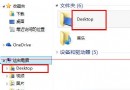
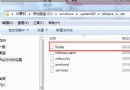
Win7 系統托盤區音量圖示消失,通常是 Systray.exe 未隨開機自動執行。透過登錄表在 Run 機碼新增字串值指向 C:\Windows\System32\Systray.exe 即可恢復。
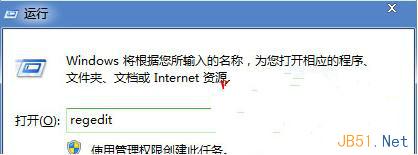
regedit 開啟登錄編輯器。HKEY_LOCAL_MACHINE\SOFTWARE\Microsoft\Windows\CurrentVersion\Run
C:\Windows\System32\Systray.exe
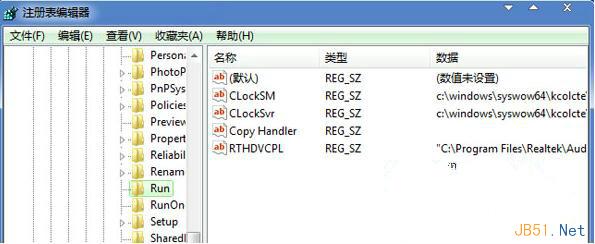
Systray.exe 負責載入系統托盤圖示(音量、網路、電源等)。若 Run 機缺少此項,開機時不會自動啟動,導致圖示缺失。手動新增即可修復自動啟動機制。
Win10 Build 10532 手機版 ISO 鏡像何時釋出?預估 9 月中旬
Win10 操作小技巧 16 招:1/4 分屏、虛擬桌面、命令列支援 Ctrl+V、開始選單縮放、一鍵卸載、跨版本更新等
Win8.1 藍屏 KERNEL SECURITY CHECK FAILURE 原因與解決:驅動程式回滾法
Windows 8 更換桌面主題(桌布、視窗顏色)完整操作步驟
Windows 10 10240 正式版首個累積更新 KB3074665:修補 Flash 嚴重漏洞
微軟發布免費線上應用開發工具 Microsoft App Studio:Windows 10 版 Beta 上線,支援跨裝置自適應