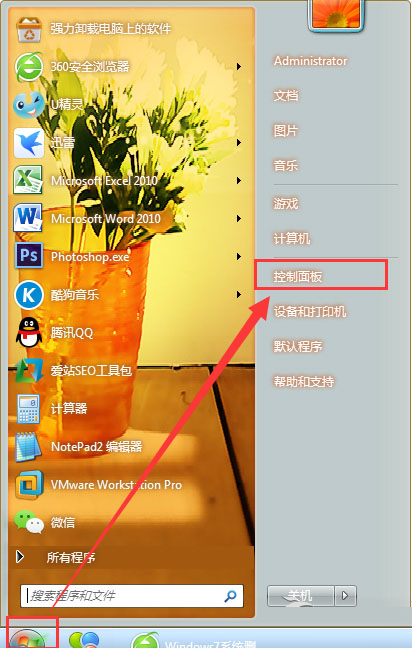
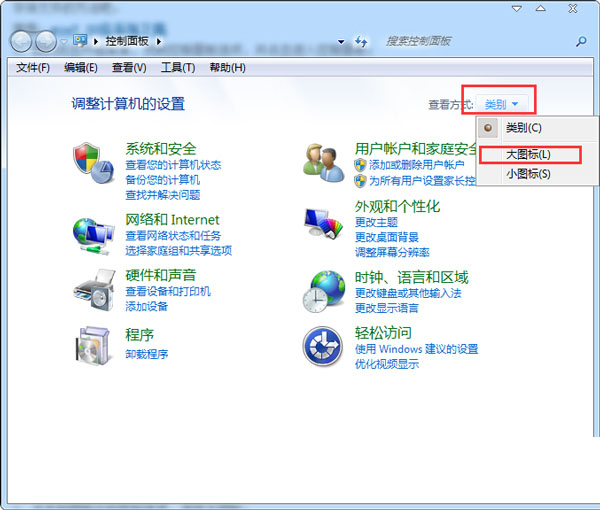
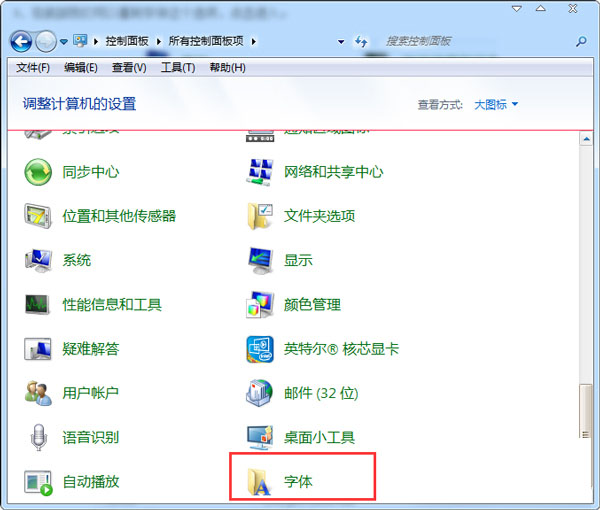
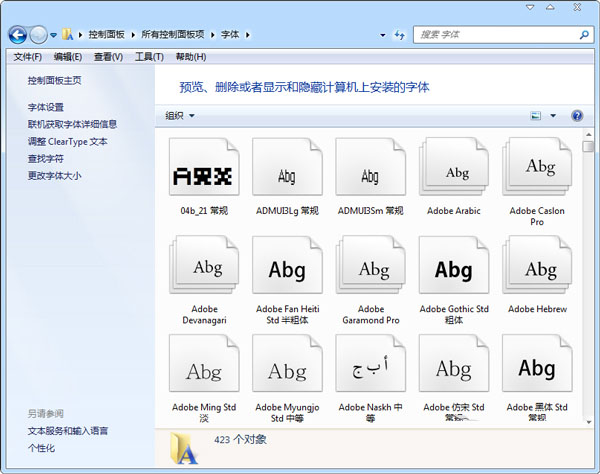
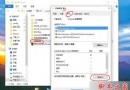
Win7 內建多種字型佔用空間,若確定不需特定字型可手動刪除釋放空間(但系統字型檔案較小,空間充足建議保留)。
提醒: 系統字型檔案通常不大,刪除前請確認不影響文件顯示與軟體相容性。
Win10 升級提示搶鏡美國氣象直播:女主播幽默化解「我該怎麼辦?開心嗎?」
Windows 10 新分割區格式化教學:NTFS 檔案系統一鍵完成
Windows 10 強化資安防護:多因子認證、企業資料隔離、白名單簽署服務全面升級
Windows 8 正確啟用 AHCI 模式避免藍畫面教學
Win10 快速開啟控制台的兩大技巧:開始選單固定與 Win+X 熱鍵
Win8 第三方 INF 驅動簽名無效?進入進階啟動選項停用強制簽名即可安裝
重裝 Win10 純淨版教學:格式化 C 盤全新安裝避免舊系統殘留
Windows 8 清理 Modern 應用程式快取:釋放磁碟空間與改善系統效能