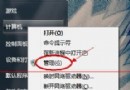
Windows 8 內建「個人化」功能,支援更換桌布、視窗顏色、聲音、螢幕保護程式等主題元素,亦可從 Microsoft 官網下載更多主題套用。
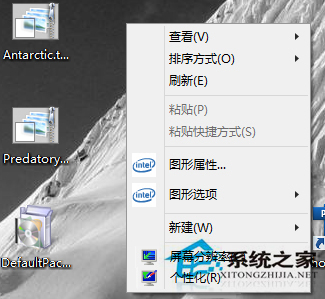
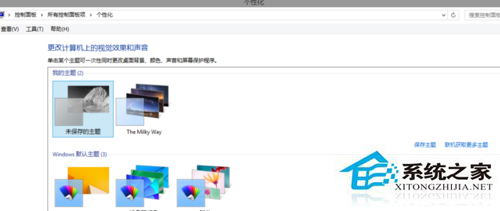
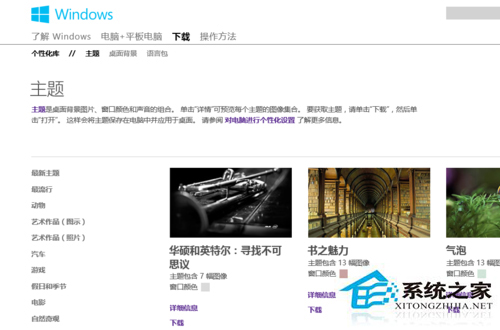
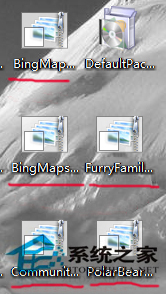
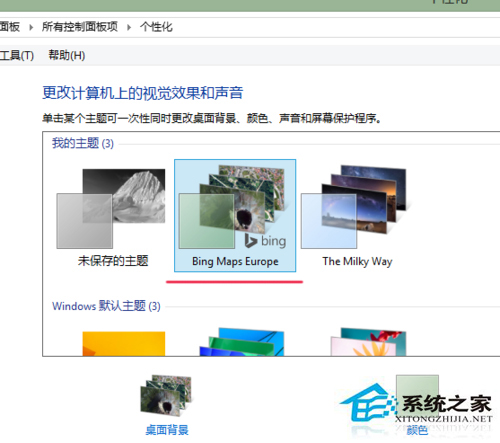
系統預設提供 2-3 組主題可直接切換。若遺忘下載主題儲存位置,可參考《Windows 8 如何查看下載主題包的安裝路徑》。
Windows 10 免費升級預約開放,預計 8 月底正式推送 (早期洩露資訊)
Win7 Aero 主題全灰無法選擇?啟用 Themes 服務即可恢復
Windows 遠端存取 Linux 完整指南(SSH 與 Samba)
Windows 10 Build 10240 暫不支援全新安裝:ISO 與金鑰已移除,無純淨安裝路徑,執意重灌將失去啟用
Windows 10 Build 10162 無法啟動?電話啟動法 (slui 4) 步驟詳解
Windows 10 虛擬桌面實戰指南:提升多任務效率的關鍵技巧
Win7 沒有毛玻璃 (Aero) 效果?檢查版本、主題、顯卡驅動三步驟恢復透明視窗
微軟透過 Windows Defender 更新自動移除戴爾 eDellRoot 與 DSDTestProvider 不安全根憑證,保護用戶免受中間人攻擊