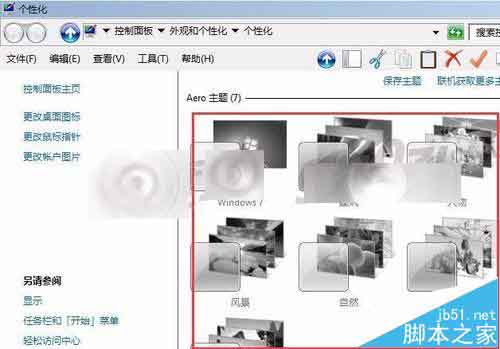
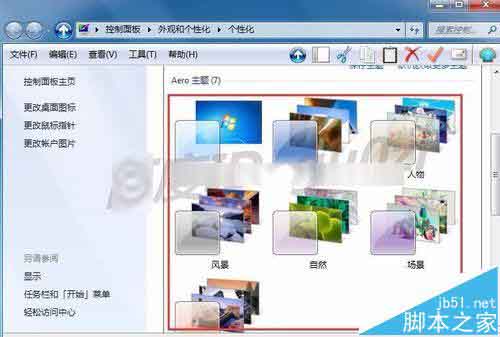
Win7 個人化設定中 Aero 主題全部呈灰色無法點選,桌面失去透明玻璃特效。

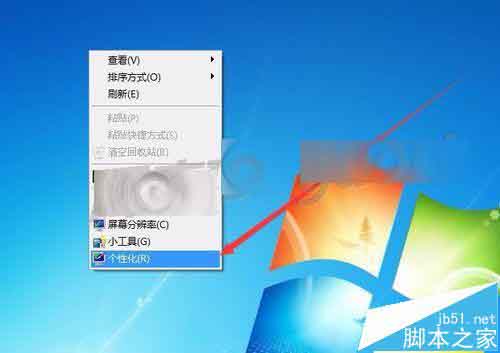
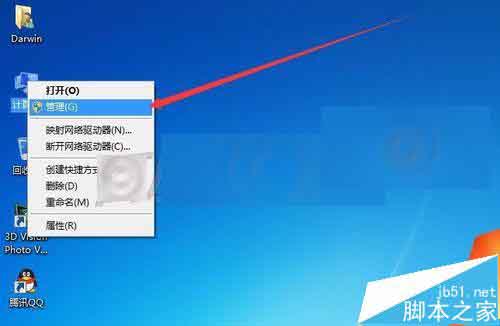
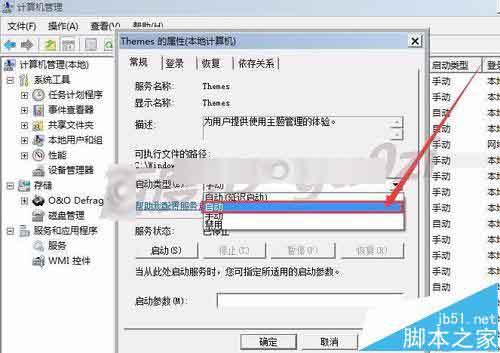
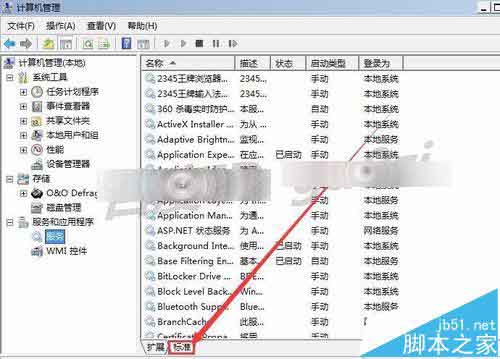
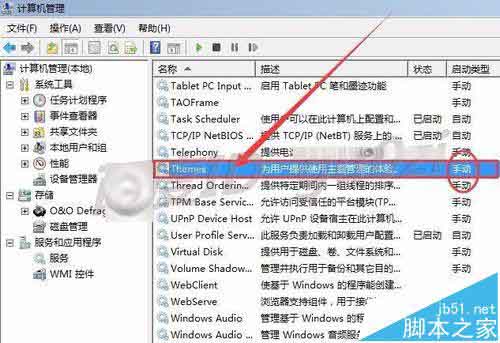
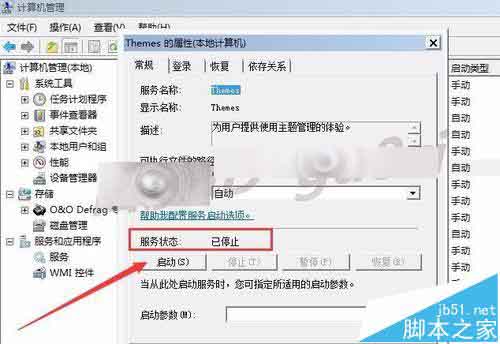
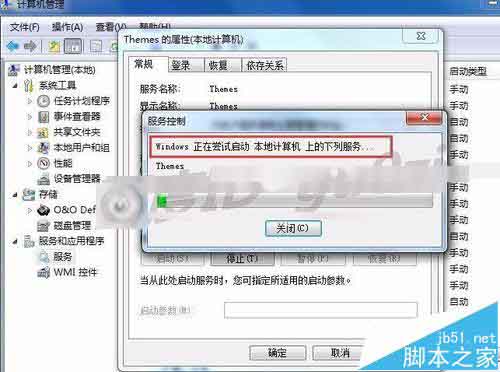
桌面主題服務 Themes 未啟動(啟動類型為「手動」且狀態為「已停止」)。
Win10 安裝金鑰與新功能變化:預覽版金鑰 NKJFK-GPHP7-G8C3J-P6JXR-HQRJR
Win10 Build 10151 中文預覽版演示影片與截圖曝光:新手機助手、介面更完善
WinXP IE 無法開啟 Internet 站點提示 about:blank?完整修復教學
Win10 預覽版 14971:PowerShell 取代命令提示字元成預設 Shell,如何改回 cmd?
ThinkPad 筆電 Win7 關閉觸控板:Fn+F8 快捷鍵或 UltraNav 設定兩種方法