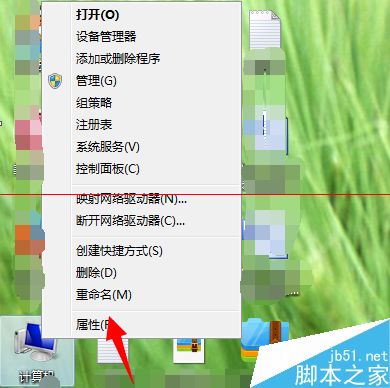
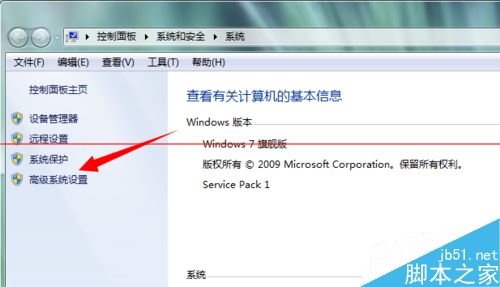
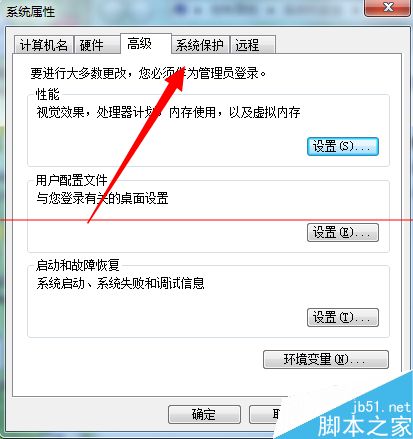
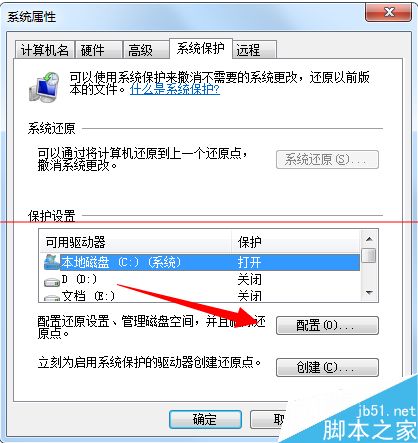
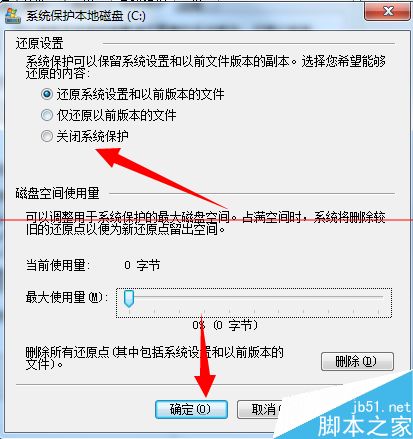
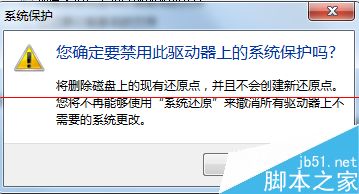
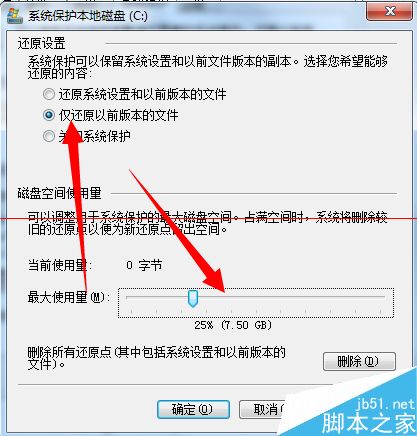
遇到「Windows Anytime Upgrade 無法建立還原點」錯誤,通常因系統保護功能異常或配額不足。重設系統保護即可修復。
Win8 升級 Win8.1 出現錯誤代碼 0x80244021 的五種解決方案
Win8 玩 LOL 跳出「關閉程式以防止資訊遺失」?三招解決記憶體不足與磁碟空間問題
Win7 360 安全瀏覽器無法播放影片顯示「不支援該外掛」?兩種情況分類解決方案
Win10 UAC「是」按鈕點不了?將目前帳號加入 Administrators 群組解決
Win8.1 屏蔽 Win10 升級提示:Windows Update 隱藏「Windows 10 Insider Preview」更新
Windows 10 Build 9926 修復大小寫/數字鍵盤指示燈錯亂 Bug