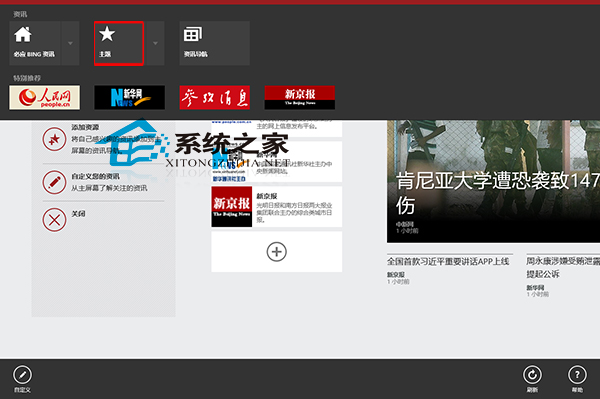
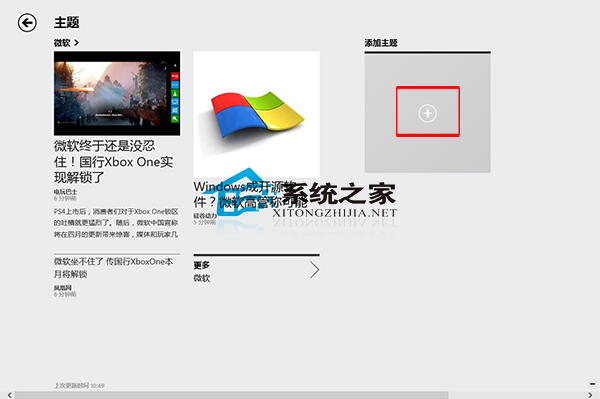
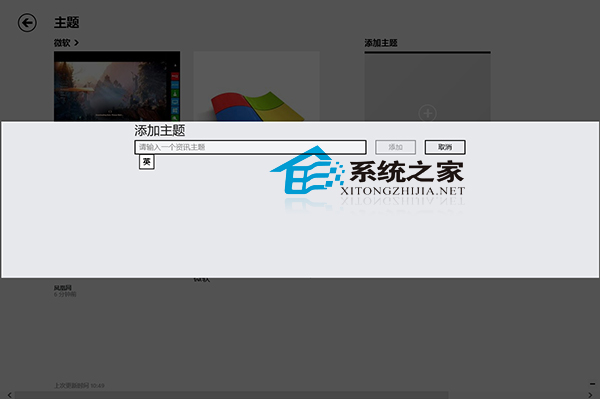
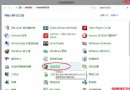
許多使用者喜歡在 Win8 使用資訊應用閱讀,特別是平板使用者。Win8 資訊應用支援設定個人興趣點作為資訊主題,避免漫無目的閱讀。操作方法如下:
除了新增主題,資訊應用還有更多玩法,可參考《Win8 如何使用資訊應用》教學進一步探索。
Win10 服務協議更新:可能自動阻止運行盜版遊戲 隱私條款含糊引擔憂
Win10 自訂鎖定畫面背景圖片教學:設定介面上傳個人化照片
Windows 7 系統光碟官方價格一覽:各版本售價與選購建議
Windows 10 快速取得檔案完整路徑的 2 招:右鍵選單與 Shift 鍵技巧
Win10 瀏覽器輸入文字卡頓?新增美式鍵盤佈局並修改登錄替換輸入法替代碼
Win8.1 運行綠色軟件提示「拒絕訪問」?右鍵以管理員身份運行即可
Win10 關閉 SmartScreen 篩選器兩大方法:控制台介面與登錄表修改
Win10 預覽版 14361 如何使用 Windows Ink 工作區?開啟方法與功能介紹