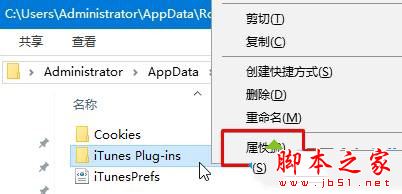
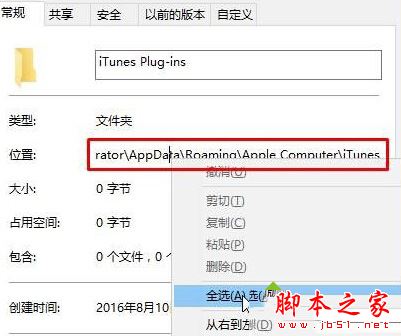
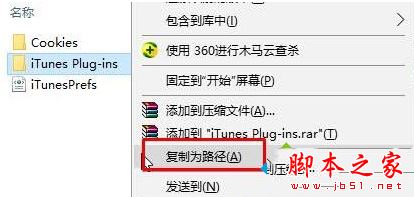
Win10 系統中快速取得檔案路徑的兩種方法,任選一種即可。
Win10 Edge 瀏覽器我的最愛路徑在哪裡?
Win10 用戶可依需求任選一法操作。
Win10 如何移除右鍵選單「釘選到開始畫面」選項?登錄表刪除 pintohome 鍵值
Win10 如何設定管理檔案加密憑證 (EFS) 完整圖文教學
Win7 找不到「執行」指令?兩招快速喚出與固定到開始選單
WinXP 登錄表被惡意網頁 ActiveX 鎖定?用 HTML 檔案反制解鎖
Win10 限制他人電腦使用時間:內建關機指令 + 排程輕鬆管控
Win10 解鎖隱藏設定:自訂鎖定畫面顯示時間,讓精美壁紙多留一會兒
磁碟分區工具協助 Win 10 分區:傲梅分區助手安全無損操作指南
Win10 記事本不自動換行怎麼設定?勾選「自動換行」一鍵解決