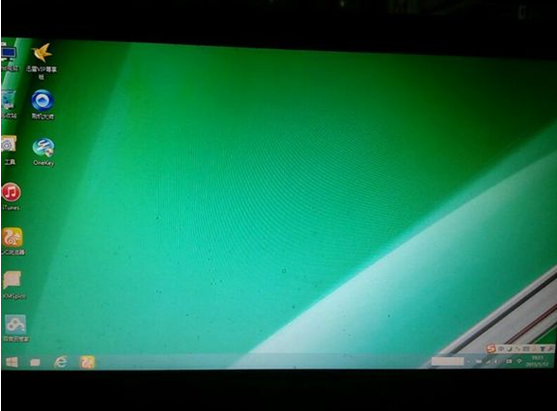
Windows 7 桌面變黑、右下角浮水印提示非正版,解決方法:
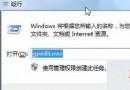
CMD。cmd.exe →「以系統管理員身分執行」。SLMGR -REARM (注意有空格) 按 Enter。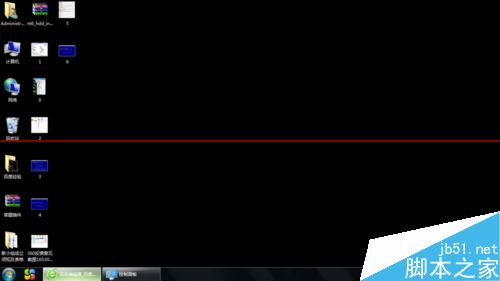
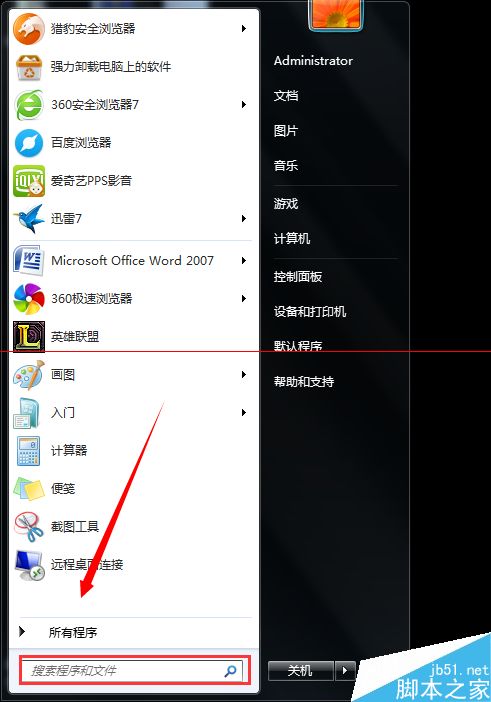
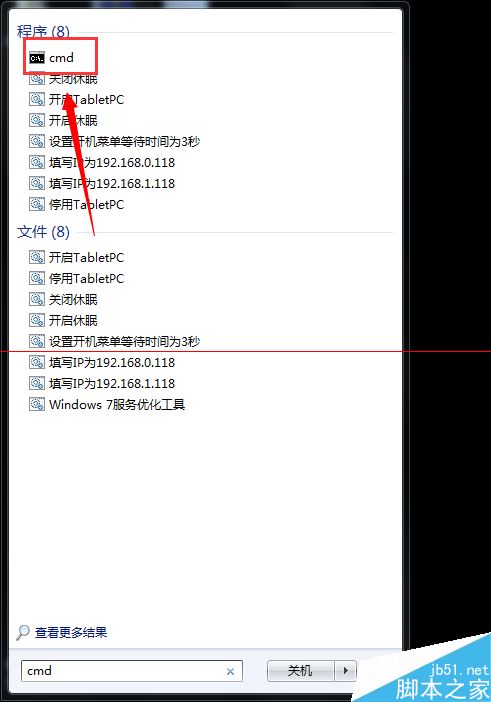
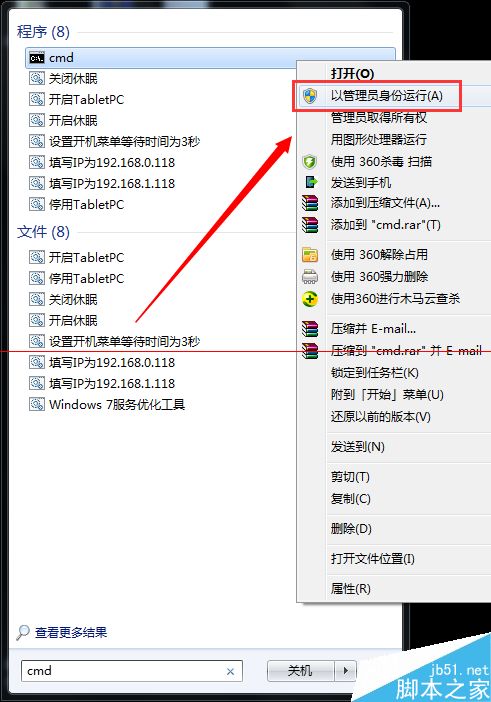
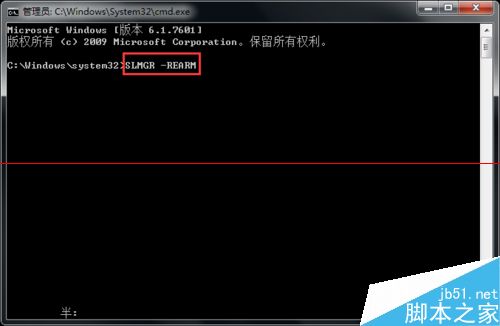
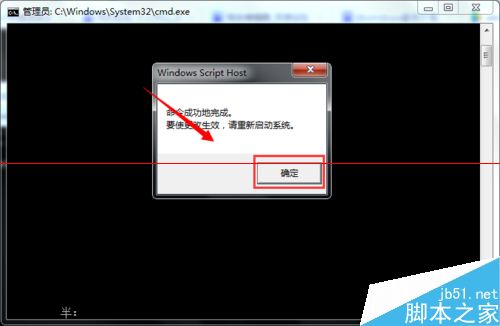
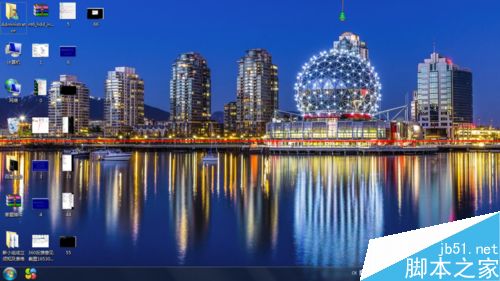
此指令可重置授權狀態,延長試用期限。
百度將取代 Bing 成中國版 Windows 10 預設搜尋引擎:Edge/IE/系統級搜尋全面切換,微軟妥協換市場
Win10 執行軟體跳出「Windows 已保護你的電腦」?關閉 SmartScreen 篩選器徹底解決
Win7 旗艦版顯示「Windows 啟用狀態不可用」怎麼辦?360 優化導致服務被停用的修復法
為什麼 Windows 10 捨棄 IE 瀏覽器?全新 EdgeHTML 引擎專注標準,IE 保留僅供企業相容
Windows 10 售價揭曉:家庭版 119 美元、專業版 199 美元,免費升級優惠詳解
Windows 10 Technical Preview 切換回「開始畫面」模式:取消勾選使用開始選單即可