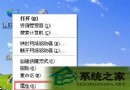
WinXP 中雙擊「我的電腦」裡的磁碟,正常應顯示檔案,但有用戶卻跳出「選擇打開方式」視窗。排除方法:
regedit 開啟註冊表編輯器。HKEY_CLASSES_ROOT\Drive\shell,刪除 Shell 下的所有鍵值。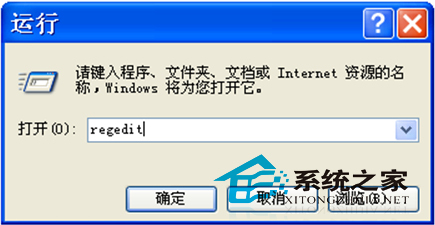
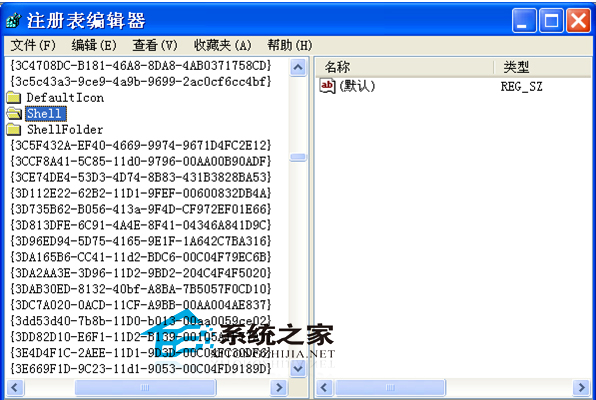
遇到此故障可嘗試上述方法,若有更簡便辦法歡迎留言分享。
Win8 執行 explorer.exe 報錯 0xc0000018?刪除登錄表 Image File Execution Options 修復
Windows 10 家用版快速升級專業版教學:設定 → 更新與安全性 → 變更產品金鑰 (適用 1511 以上版本)
Windows 10 到底免費還是收費?官方升級政策完整說明
Win7 磁碟空間不足?內建「磁碟清理」一鍵釋放 C 槽空間
Windows 8 刪除檔案不提示確認?啟用「顯示刪除確認對話框」找回習慣操作
收不到 Win10 升級推送怎麼辦?檢查版本需求、開啟自動更新、安裝 KB3035583/KB2952664 或執行修復腳本