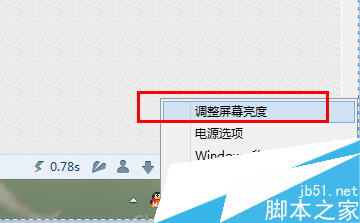
Windows 10 Build 10102 桌面預設僅顯示「回收站」,其他系統圖示需在「設定」中啟用,路徑與舊版不同。
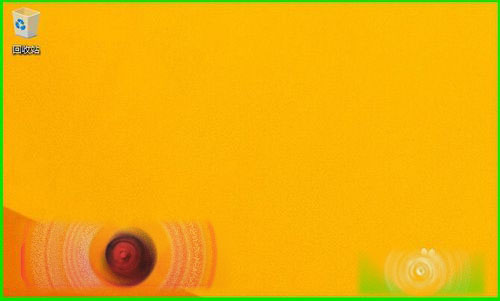
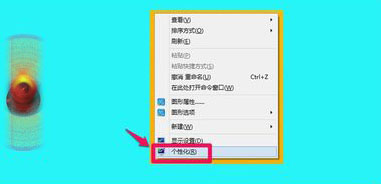
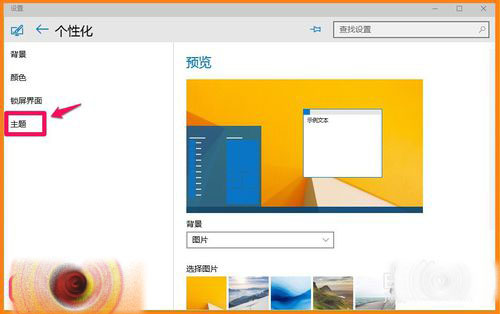
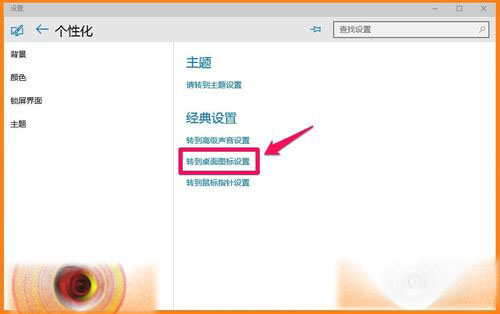
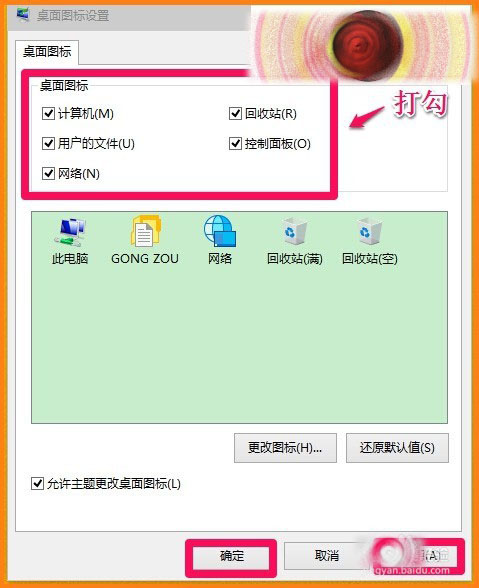
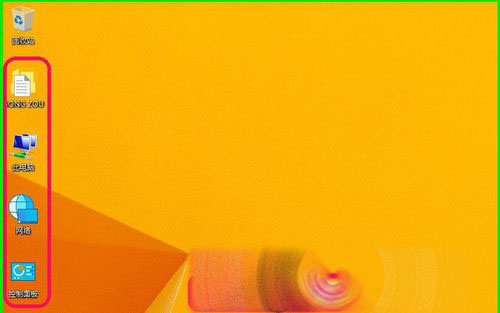
此路徑(設定 → 個人化 → 主題 → 桌面圖示設定)為 Windows 10 新介面架構標準路徑,適用於 Build 10074 及後續版本。
Win8 開機提示「電腦出現問題需重啟」解決方法:重設 WinHTTP 代理設定
XP 安裝 DirectX 後仍顯示加速不可用?啟用顯示卡硬體加速解決
Win7 旗艦版 BCD 引導錯誤修復:命令列腳本 (bat) 一鍵重建引導
如何升級至 Win10 最新預覽版 9926?完整更新步驟與序號教學
Win7 找不到 FlashPaper 虛擬印表機?啟用 Print Spooler 服務並手動新增解決
Win10 Build 10240 有快速啟動功能嗎?如何開啟/關閉:powercfg -h on/off 控制休眠顯示選項