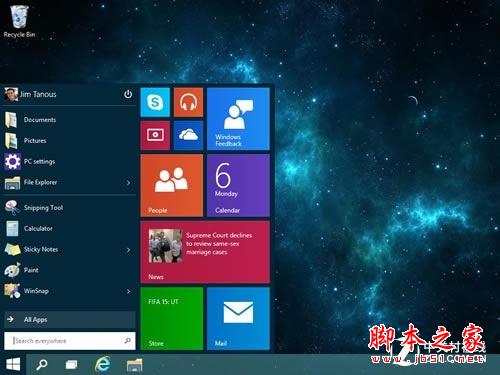
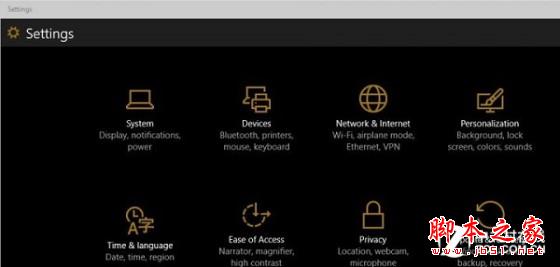
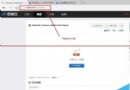
Win10 10074 內建未公開的暗黑主題,透過登錄表啟用。操作有風險,建議備份系統與登錄表後再試,且僅適用 10074 版本。
regedit
HKEY_CURRENT_USER\SOFTWARE\Microsoft\Windows\CurrentVersion\Themes\Personalize
SystemUsesLightTheme
0
將 SystemUsesLightTheme 改為 1 並重啟即可。其他版本請勿嘗試。
1
Windows 8 免密碼自動登入設定:netplwiz 圖文教學
Win8 設定「從不睡眠」仍自動休眠?進階電源設定徹底關閉休眠教學
Windows 10 掃描功能使用教學:透過控制台「裝置和印表機」啟動掃描並匯入影像
Win10 10061 升級後無法啟動?手動安裝 GVLK 金鑰透過 slmgr 指令啟動
Windows 10 預覽版已知 Bug 彙總:開始選單卡頓、Edge 閃退、小娜衝突等
Win8 ClearType 字體微調還原教學:註冊表兩步驟重置為預設值
Win10 平板模式怎麼用?手動開啟平板模式教程
Win7 開啟檔案與印表機共用設定教學 (附啟動工具下載)