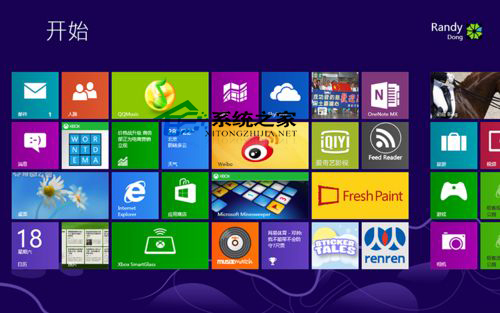
Win8 查看系統位數兩種方法:
法一:系統屬性右側邊緣搜索「系統」→打開系統屬性窗口,直接顯示 32/64 位。
法二:系統信息搜索「系統信息」→打開,查看「系統類型」: • 基於 x64 的計算機 = 64 位 • 基於 x86 的計算機 = 32 位
任選一法即可輕鬆查清。
Win7 喇叭有電流聲怎麼辦?六大排查步驟從接線到驅動設定徹底消除雜音
Win10 將「資源回收筒」釘選到快速存取:兩步驟間接實現側邊欄固定
Win8.1 關閉虛擬記憶體 減少硬碟讀寫 提升 SSD 壽命(需大記憶體支援)
Win10 相機應用儲存位置變更:預設本機相片資料夾可自訂路徑
修改 CMD 預設啟動目錄:透過本地使用者設定檔路徑變更
Windows 7 任務列行事曆只有陽曆?用 360 安全衛士「小清新行事曆」替換支援陰曆
刪除 Windows 系統服務兩法:SC 指令與登錄編輯器
Win10 9926 官方下載圖文教學:官網語言選單選 Chinese (Simplified) → 32/64 位元 → 另存新檔