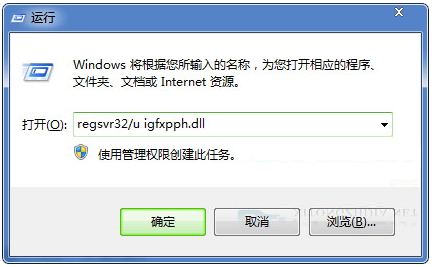
打開 CMD (Win+R → cmd) 預設停留在 C:\Documents and Settings\Administrator (XP/Server 2003) 或 C:\Users\Administrator (Vista/7/10)。若習慣直接在特定工作目錄 (如 D:\Projects) 開始操作,可修改使用者帳號的「本機路徑」屬性達成。
lusrmgr.msc → 開啟「本機使用者和群組」。Administrator) →「屬性」。D:\Work) → 確定。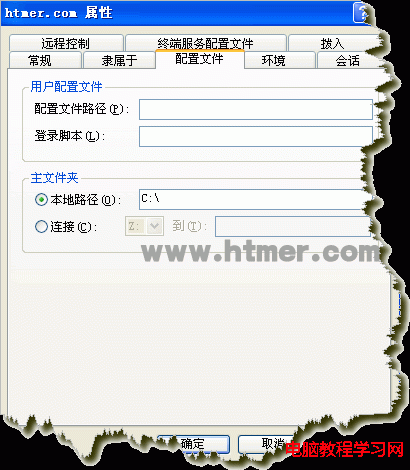
%USERPROFILE% (即設定檔路徑) 作為目前工作目錄。cmd.exe /k cd /d D:\Work。HKCU\Software\Microsoft\Command Processor 新增字串值 Autorun = cd /d D:\Work。Win8 查看顯示卡規格五大法:裝置管理員、鲁大师、dxdiag、GPU-Z、拆機看實體
Win7 語言列不見了?控制台「語言列」索引標籤勾選停駐工作列
解決 Windows 7 Aero 特效無法開啟:檢查硬體需求與修復工具
Win10 開啟 CAJ 閱讀器提示缺少 msvcr71.dll 解決:改副檔名解壓重裝
Windows 10 Mobile 10512 預覽版更新指南:所需空間、耗時與已知 Bug 總表
升級 Win10 後 C 槽空間暴減、開機變慢?清理 windows.old 與 IE 暫存檔立即釋放 20 GB 以上空間