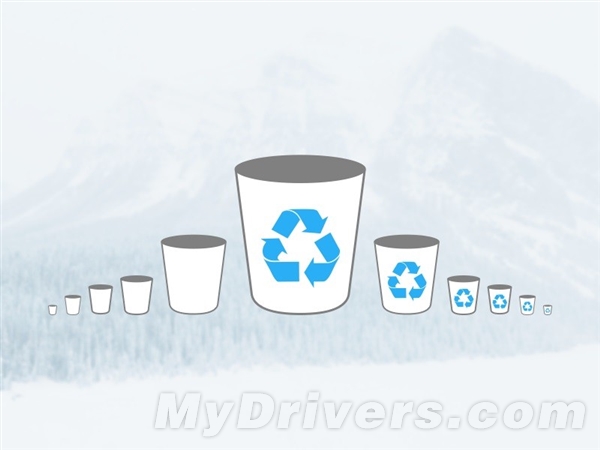
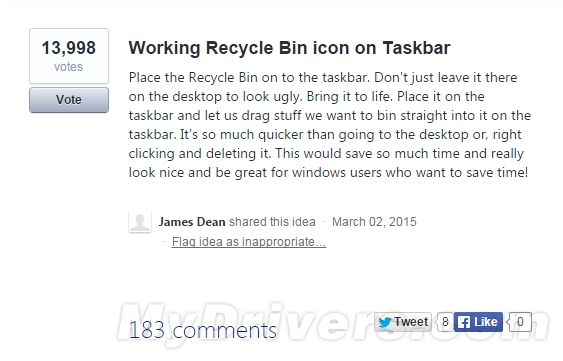
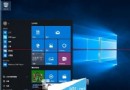
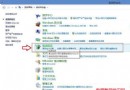
用戶建議將回收站固定任務列以便刪除檔案,UserVoice 已獲 1.4 萬票支持。Win10 實際可將回收站釘選任務列,但僅為開啟入口,功能單一。
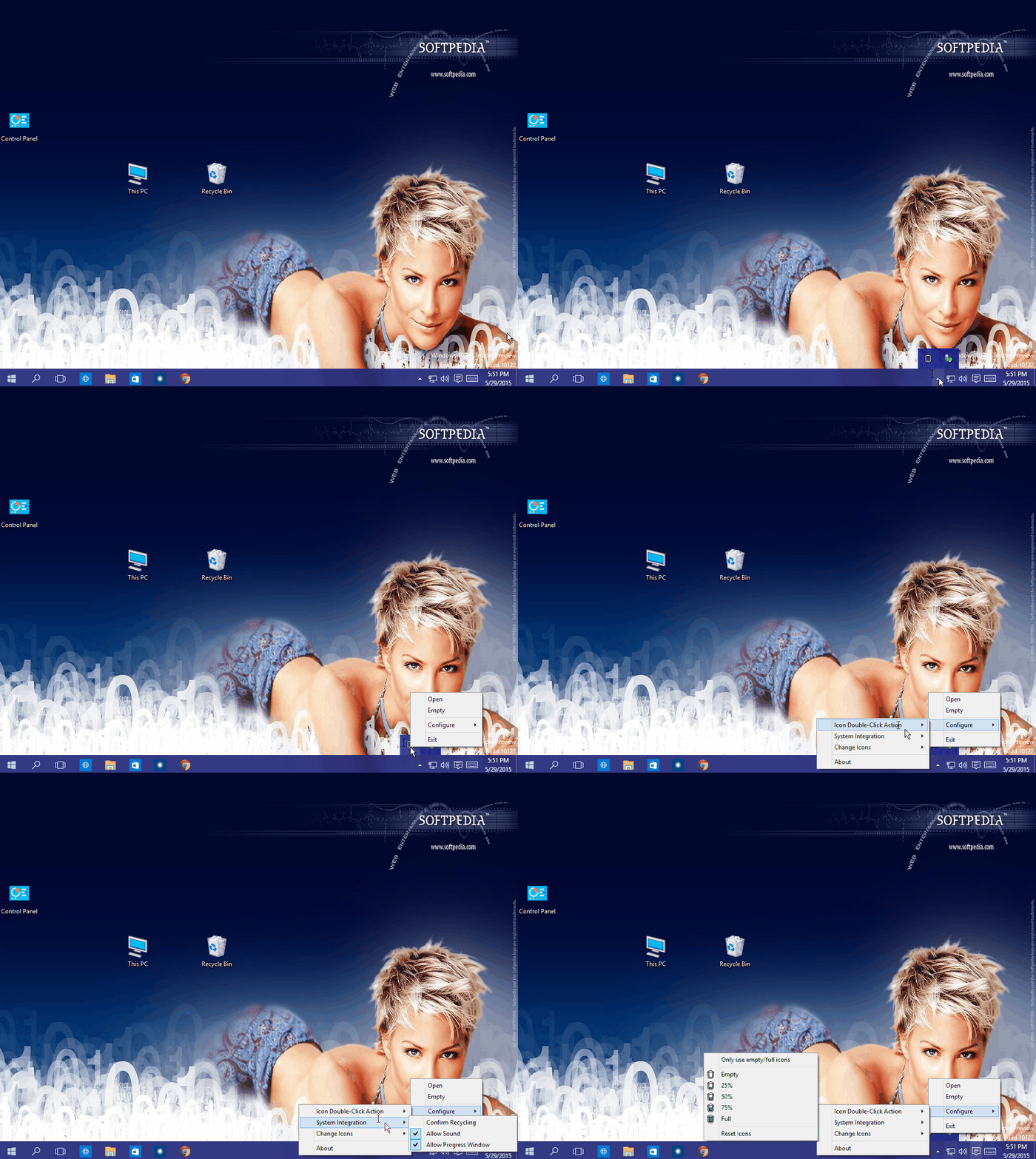
推薦第三方小工具 MiniBin (僅 102KB):安裝後常駐系統匣 (通知區域),滑鼠懸停顯示回收站容量,右鍵可清空/開啟回收站,支援圖示樣式自訂 (如電池圖示式容量顯示)、雙擊動作設定、刪除確認/音效選項。
下載:百度網盤
Win10 系統下 360 瀏覽器無法開啟網頁的四大解決方案
Win7 防火牆完整關閉教學:圖文步驟輕鬆掌握
Win7 修改網卡 MAC 位址(實體位址)繞過網路綁定限制
Windows 8 如何使用 SFC /Scannow 修復系統受損組件?命令提示字元管理員權限完整教學
Windows 10 技術預覽版常用快捷鍵大全:虛擬桌面、分割視窗、新版開始選單
Windows 關閉系統錯誤報告功能:透過群組原則停用,避免 C 槽空間被佔用
Win10 Build 9879 官方 ISO 鏡像下載地址與安裝方式說明
WinXP 開機藍屏 0x000000F4 解決:調整電源管理關閉硬碟與待機設為「從不」