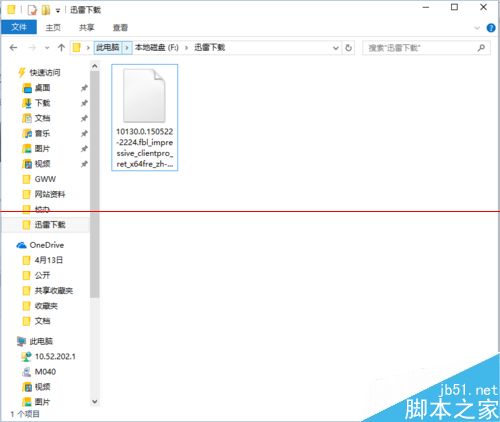
Windows 10 測試版更新頻繁,下載 ESD 格式映像轉為 ISO 刻錄 USB 安裝更便捷。使用 Dism++ 工具操作步驟:
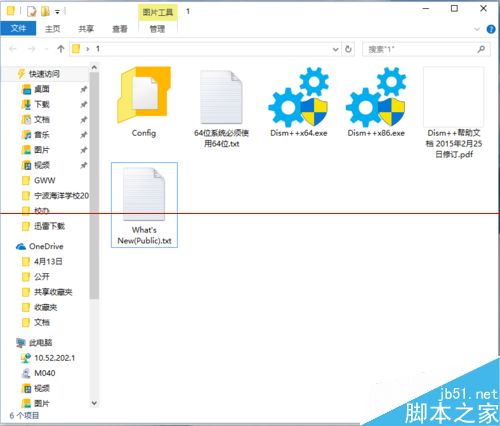
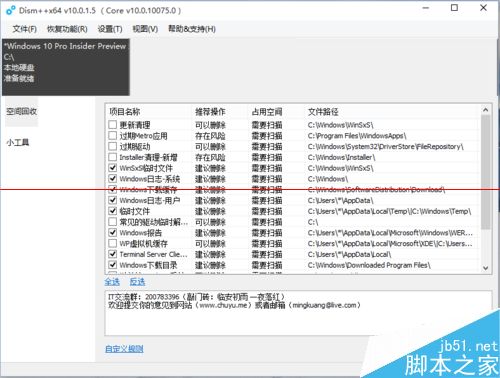
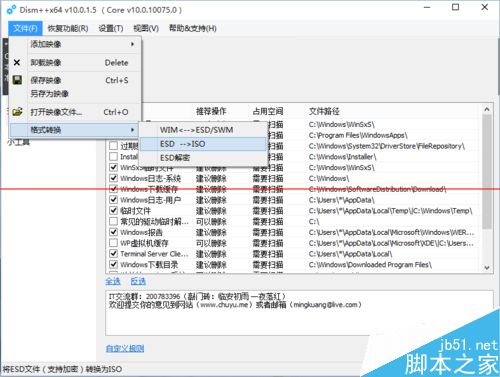
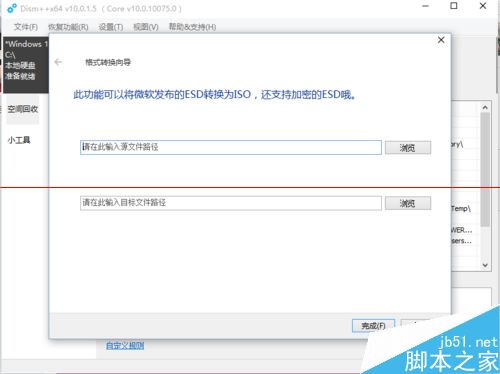
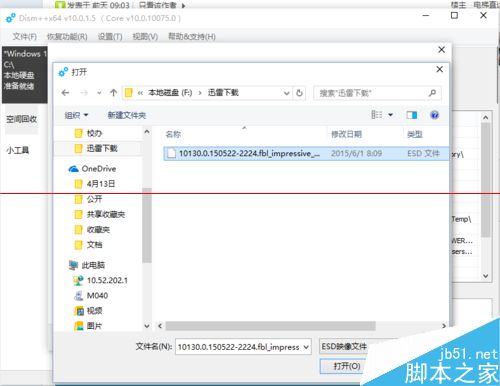
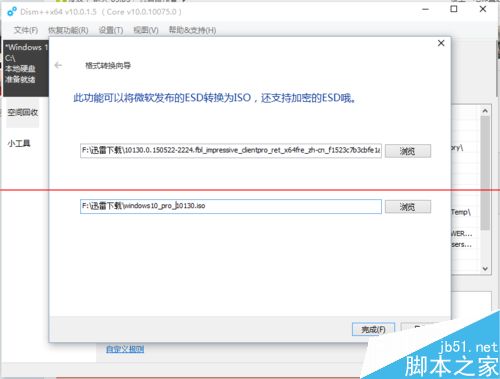
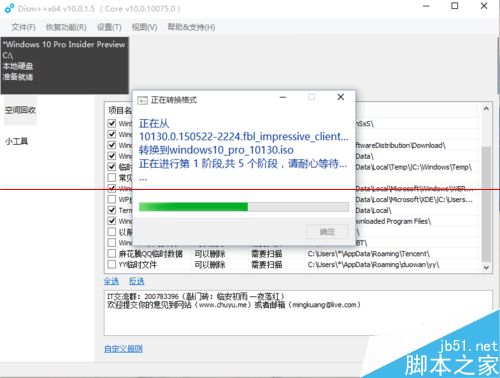
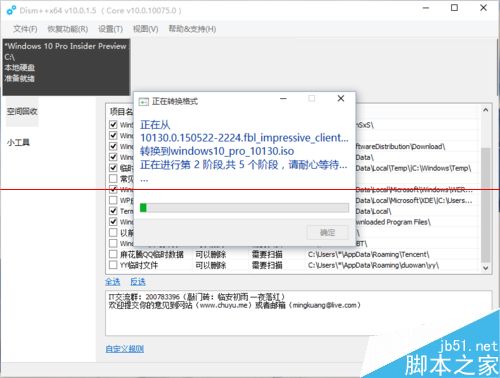
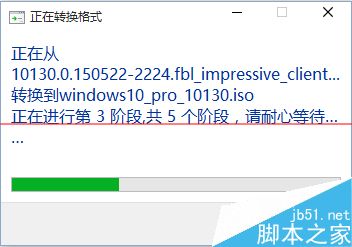
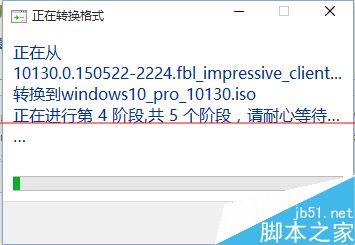
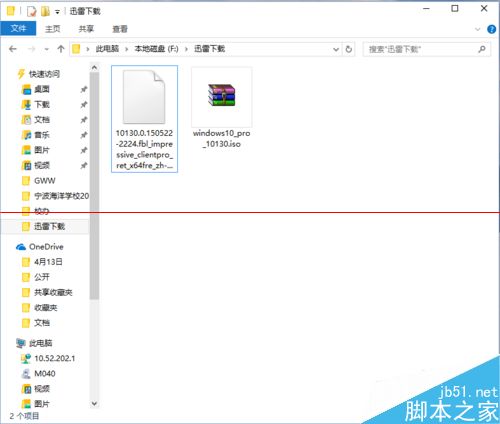
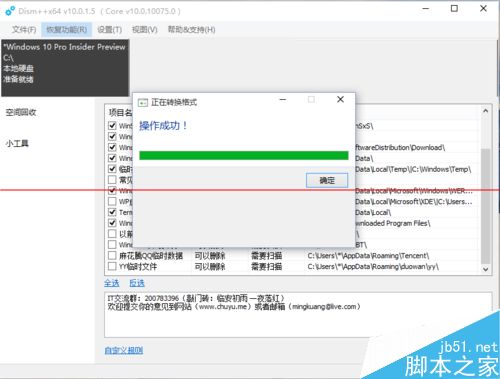
注意: 必須依系統位元 (32/64 位元) 選擇對應版本的 Dism++ 執行。
Win10 如何防止硬碟資料損毀遺失?善用「儲存空間」建立鏡像/奇偶校驗備份
Win7 硬碟改 AHCI 模式藍屏?安裝 AHCI 驅動再進 BIOS 修改
Mac 安裝 Win10 專業版雙系統完整教學,Boot Camp 助理一步到位
Win7 安裝程式報 mom.exe .NET Framework 初始化錯誤:安裝 .NET 4.0 修復
如何在 Windows 10 中變更預設音樂播放器:將 Groove Music 替換為慣用軟體
Windows 8 Metro 應用程式無法開啟?改用 Microsoft 帳號登入即可解決