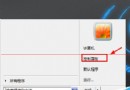
Windows 7 插入 USB 隨身碟後,開啟「電腦」視窗右側會自動顯示 USB 內容面板,視覺干擾大。可透過該面板右上角齒輪圖示 → 取消勾選「使用 USB 時,在檔案系統視窗的側邊展示 USB 內容」→ 套用,即可永久關閉。
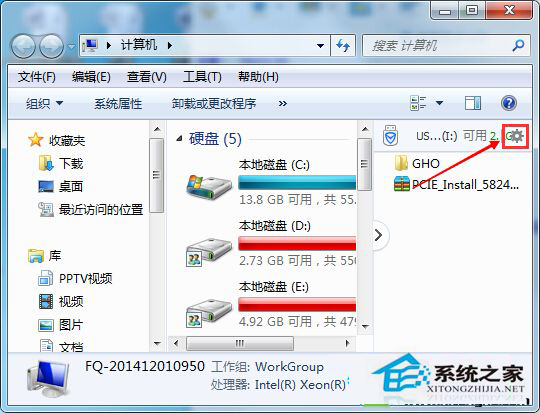
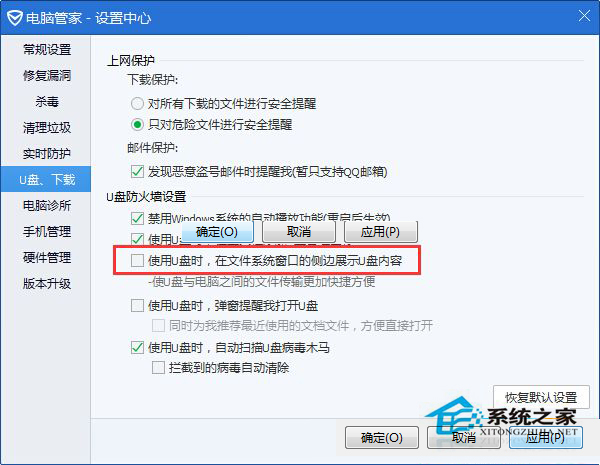
設定後再插入 USB 開啟電腦,右側不再顯示內容面板,介面更清爽。
Win8 升級後 Apache 服務啟動失敗?命令列手動安裝服務解決
Win7 32位系統跳出「記憶體讀寫錯誤」?關閉 WMI 服務快速修復
Win7 沒有毛玻璃 (Aero) 效果?檢查版本、主題、顯卡驅動三步驟恢復透明視窗
Windows 7 64 位元安裝 MongoDB 2.4.8 圖文教學:從下載到驗證插入查詢
微软推送 Win10 Build 10565 快速版更新:Insider 会员可通过 Windows Update 升级
Win10 Build 10041 快速版正式推送:透明開始選單、Task View 改版、UI 圓潤化、小娜中文化