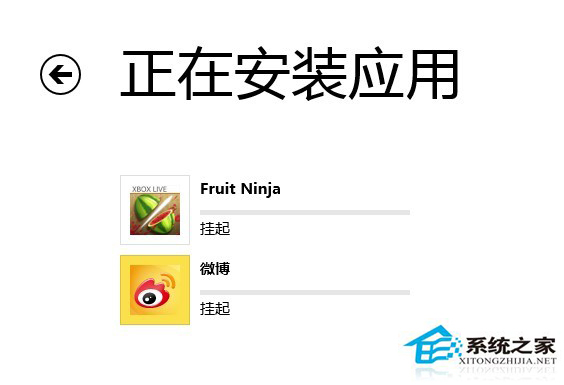
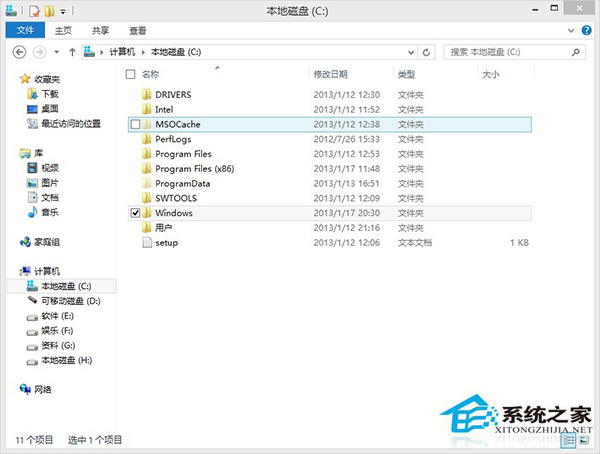
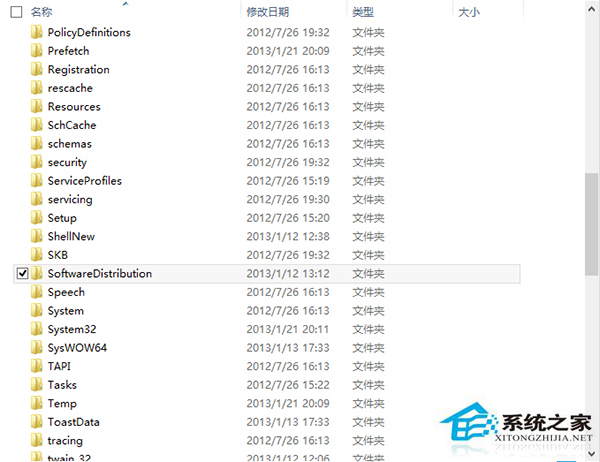
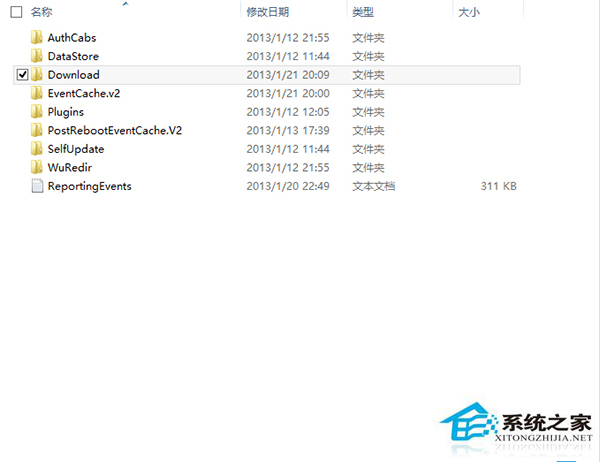
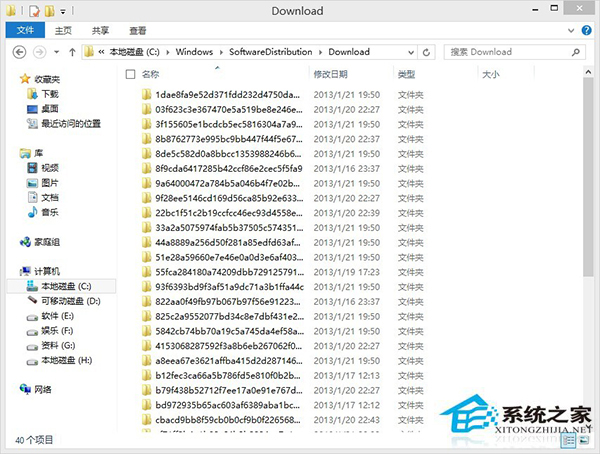
Windows 8 應用商店安裝應用常卡在「掛起」狀態,重試仍掛起。主因為舊版安裝殘留快取檔案干擾,清除快取資料夾即可解決。
SoftwareDistribution
Download
原因:Metro 應用解除安裝不一定完整清除資料夾,殘留快取導致新安裝衝突,手動清除即可恢復正常。
Windows 命令列修改登錄:reg add 指令參數速查
Win8 系統故障排除:動作中心「還原」功能恢復穩定狀態
Win7 將使用者帳戶提升為最高權限:啟用 Administrator 並取得 TrustedInstaller 權限
Win7 開機自動彈出網頁/廣告?IE 封鎖彈出視窗、第三方瀏覽器廣告攔截、Hosts 檔檢查全方位解決
Windows 10 右鍵選單新增「註冊/反註冊 DLL」功能:登錄表手動部署與軟媒魔方一鍵式方案
全新安裝 Win8.1 Update 完整圖文教學:從 ISO 驗證到 USB 製作、分區、帳號建立全流程
科普:Windows ProgramData 資料夾是做什麼的?應用程式資料集中存放地
Windows 7 資料夾使用中出現假死怎麼辦?啟用「在單獨程序中開啟資料夾視窗」與取消索引解決