Windows XP Windows 7 Windows 2003 Windows Vista Windows 綜合教學 Linux 系統教學
Windows 10 Windows 8 Windows 2008 Windows NT Windows Server 電腦軟體教學
您现在的位置: Windows教程網 >> Windows教程 >  >> Windows 綜合教學 >> 關於 Windows

Win8 升級後 Apache 服務啟動失敗?命令列手動安裝服務解決

編輯:關於 Windows

Win8 升級 8.1 後 Apache 服務消失或啟動失敗,因登錄表未同步更新。手動以命令列安裝服務即可修復。

修復步驟

  1. 瀏覽器輸入 localhost 確認無其他服務佔用 80 埠(如 IIS 需先關閉)。
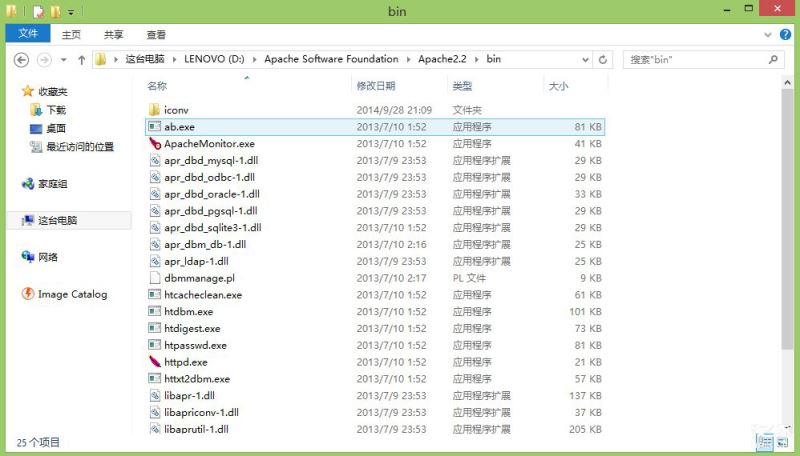
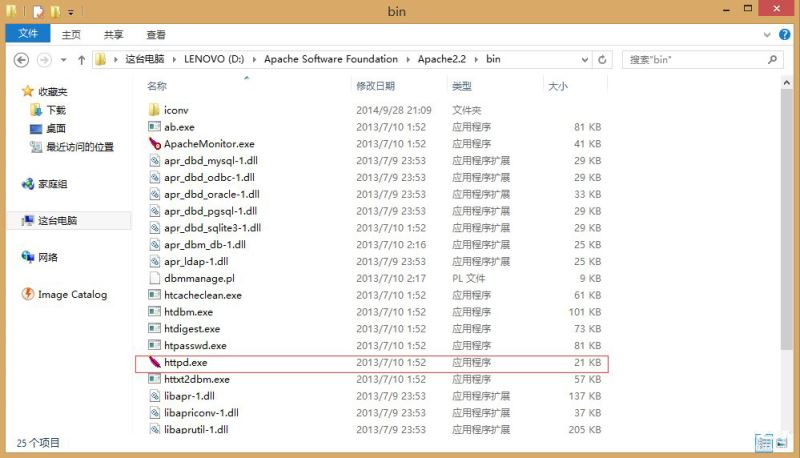
  2. 找 Apache 安裝目錄 \Apache Software Foundation\Apache2.2\bin,管理員身分開啟 CMD 切換至該目錄。
  3. 執行安裝服務指令:
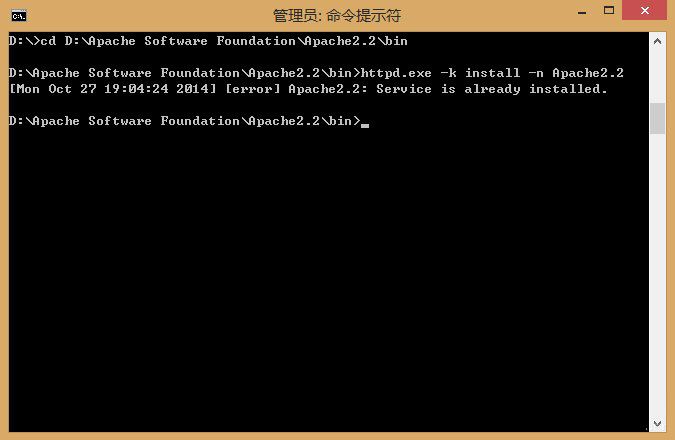
    httpd.exe -k install -n Apache2.2
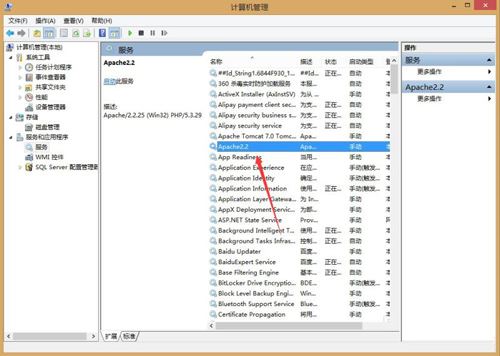
  4. 啟動服務:net start Apache2.2 或服務管理員手動啟動。

預設安裝為自動啟動,不想開機自啟請在服務屬性改為手動。Win8.1 關閉 IIS 可能有 Bug,需自行搜尋方案。

Copyright © Windows教程網 All Rights Reserved