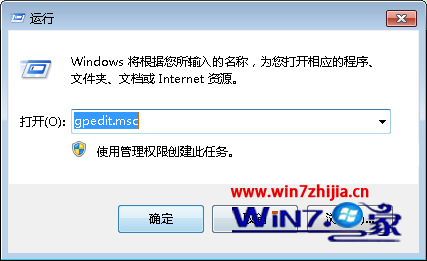
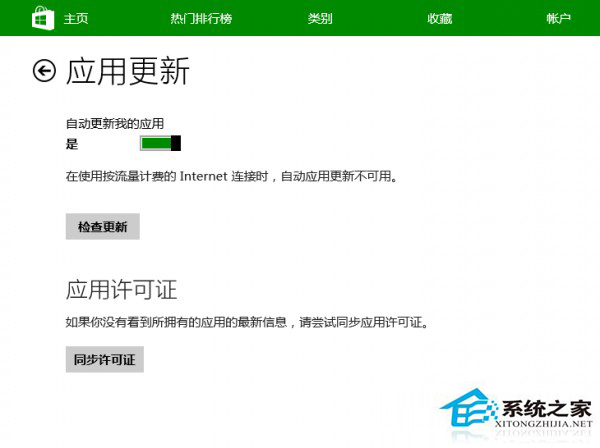
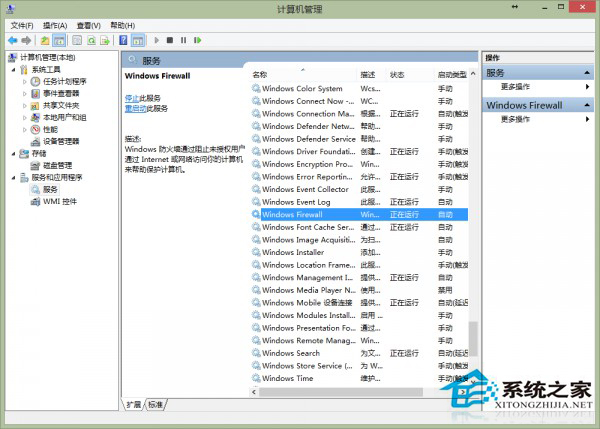
Win8.1 應用商店安裝應用報錯 0x80070005,常因授權未同步、SoftwareDistribution 資料夾故障、防火牆干擾、系統檔案損壞。五大解法:
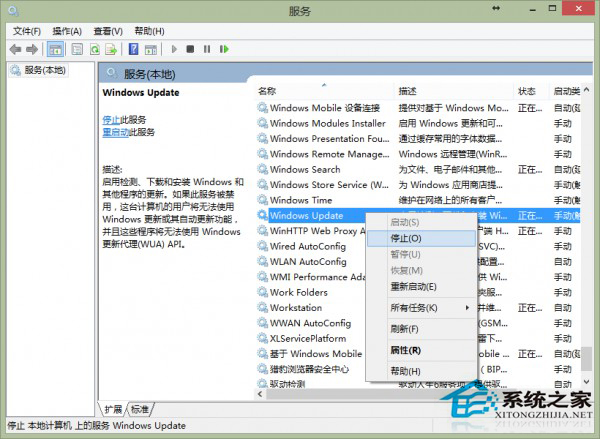
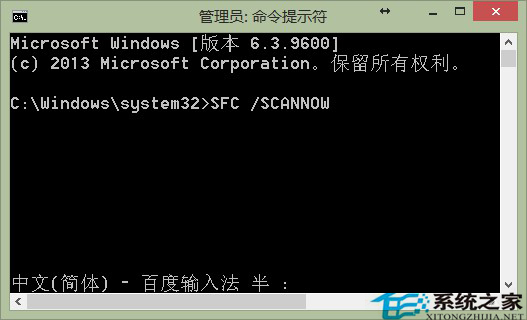
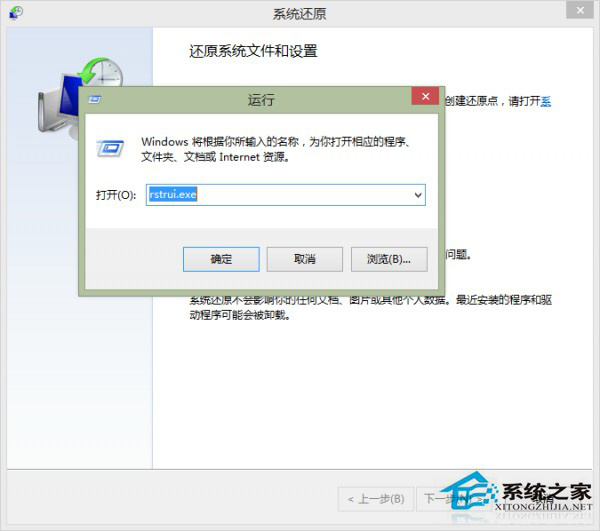
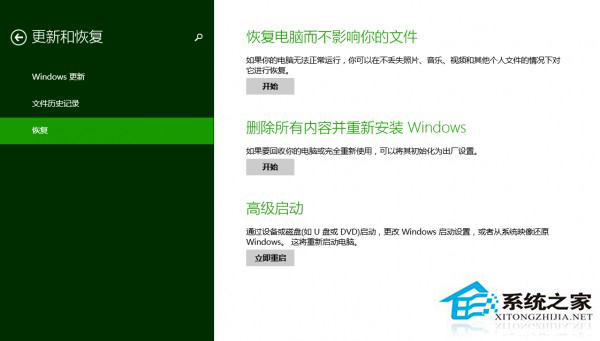
C:\Windows\SoftwareDistribution\Download,若失敗停用 Windows Update 服務,重命名資料夾為 SoftwareDistribution-old,重啟服務。SFC /SCANNOW 掃描修復,重啟後測試。若均無效,嘗試系統還原點還原或「恢復電腦不影響檔案」重置系統。
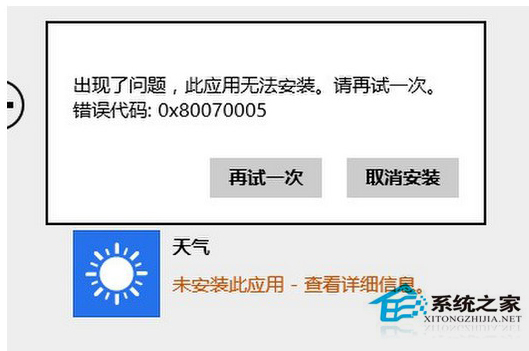
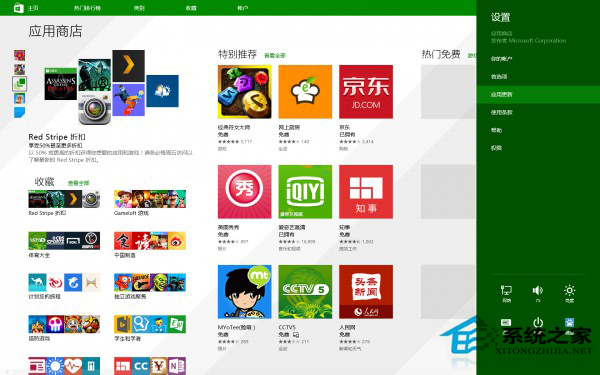
Win10 Microsoft 管理主控台停止運作?乾淨啟動排除衝突 + 系統修復
Windows 7 內建指紋辨識設定教學:免裝第三方軟體即可登入
Win8 Modern 應用程式閃退/無法開啟?系統檔案修復 + 帳號修復完整教學
Win8.1 升級 Win10 用戶批評開始畫面:設計不進反退,失去多選磁貼與同步功能
Win7 搜尋功能失效?修改登錄 FilterFilesWithUnknownExtensions 修復
Win8.1 附件程式 (計算機等) 如何建立桌面捷徑?觸控版開始畫面開啟檔案位置→傳送至桌面
Win10 64位開機卡在登入畫面?多半是新裝驅動/軟體衝突,安全模式逐一排除或重置系統
Windows 7/8.1/10 通用 Java 環境變數設定教學:JDK 安裝、JAVA_HOME、Path 變數完整圖文指南