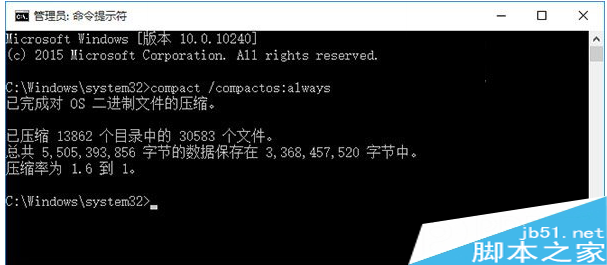
已預約 Win10 升級但想取消,或想徹底移除右下角「取得 Windows 10」圖示,操作如下:
取消預約
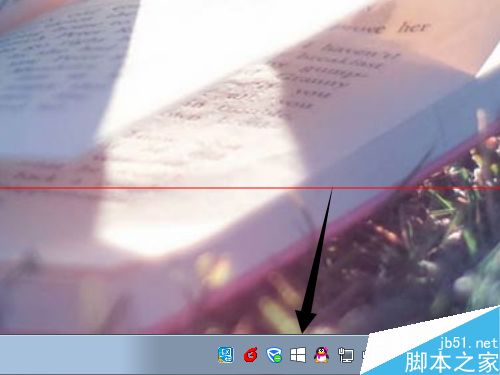
- 點擊右下角「取得 Windows 10」圖示。
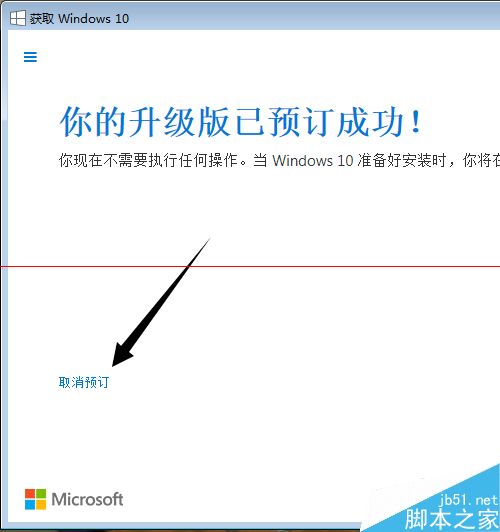
- 視窗左下角點選「取消 Windows 10 升級預約」。
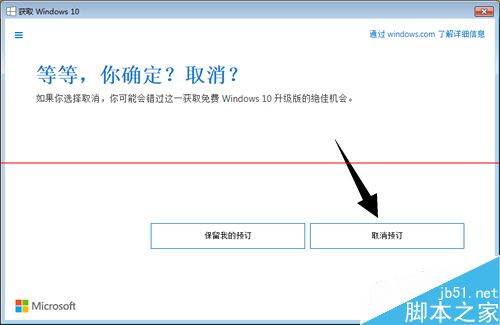
- 確認視窗點選「取消預約」。
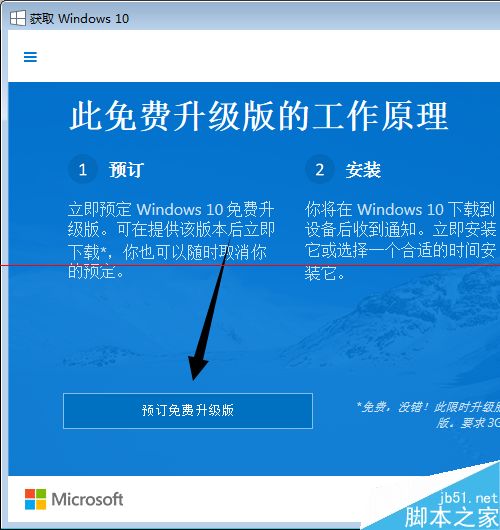
- 隨時可重新點擊圖示再次預約。
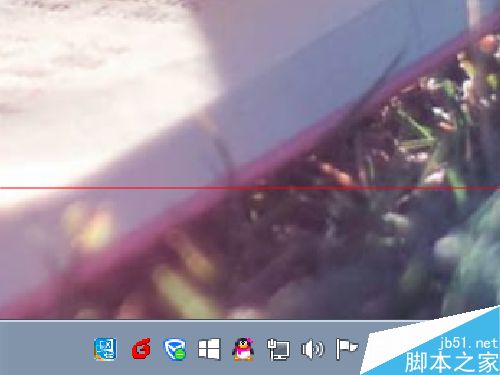
徹底移除圖示(暫時/永久)
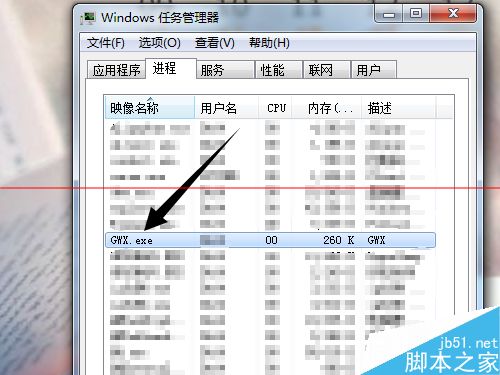
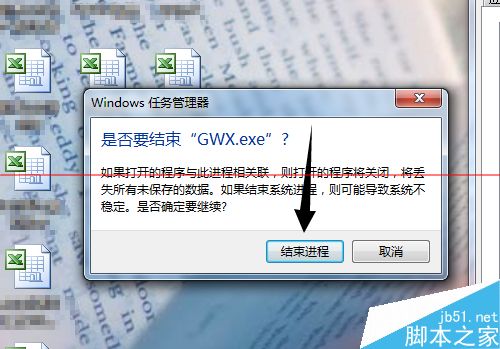
- 暫時:右鍵工作列 → 工作管理員 → 結束
GWX.exe 程序,圖示即時消失(重開機復活)。
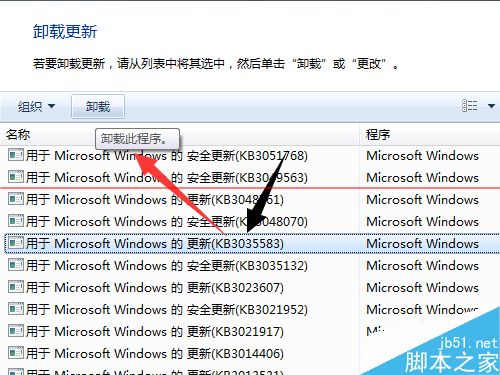
- 永久:控制台 → 解除安裝程式 → 檢視已安裝更新 → 移除 KB3035583,並將 Windows Update 設為「讓我選擇」避免重裝。
不想升級就大方取消/移除,微軟隨時歡迎你回頭再預約。