聲明:本文僅記錄工具操作流程,不鼓勵使用非授權激活方式,請支持正版授權。

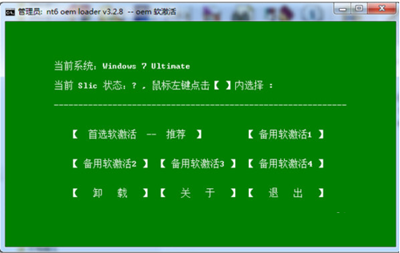
風險提醒:非官方激活工具可能攜帶惡意程式碼、導致系統不穩、無法獲得安全更新,建議購買正版授權金鑰獲得完整支援與保障。
Windows 10 對比 Windows 8 優勢全解析 預覽版實測體驗報告
Win7 找不到 Software Protection 服務無法啟動?從正常系統匯入註冊表鍵值修復
Windows 10 升級後 foobar2000 無法開啟?兩招解決「無法存取設定檔目錄」錯誤
Windows 9 圖示大換裝:資源管理器首度引入 Home(主頁)節點與扁平化系統圖示
Win10 筆電找不到 Wi-Fi、無線圖示紅叉?診斷啟動 Windows 無線服務即可恢復
Win10 Build 10051 更新詳解:全新郵件應用 UI 大改版