Windows XP Windows 7 Windows 2003 Windows Vista Windows 綜合教學 Linux 系統教學
Windows 10 Windows 8 Windows 2008 Windows NT Windows Server 電腦軟體教學
您现在的位置: Windows教程網 >> Windows教程 >  >> Windows 綜合教學 >> 關於 Windows

Win10 小娜 (Cortana) 反應慢?關閉線上搜尋大幅提速

編輯:關於 Windows

Cortana 反應遲鈍因線上搜尋海量資料。透過群組原則關閉線上搜尋可大幅提速至「瞬時」反應。

方法

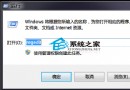
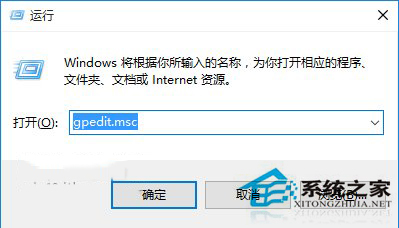
  1. Win+R → gpedit.msc 開啟群組原則。
  2. 依序展開:電腦設定 → 管理範本 → Windows 元件 → 搜尋。
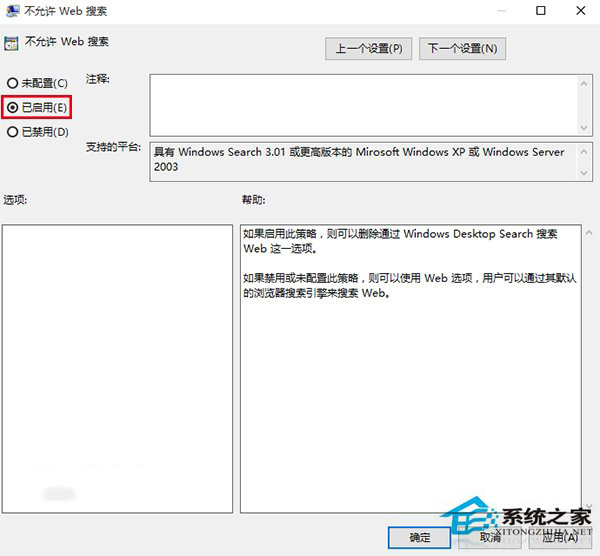
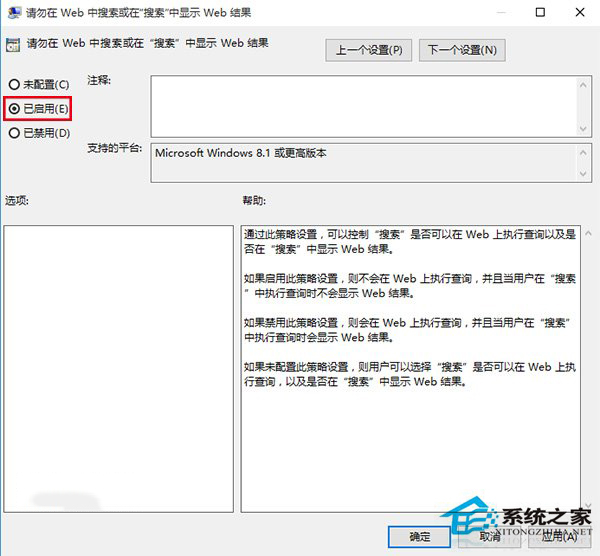
  3. 啟用「不允許 Web 搜尋」與「請勿在 Web 中搜尋或在『搜尋』中顯示 Web 結果」。
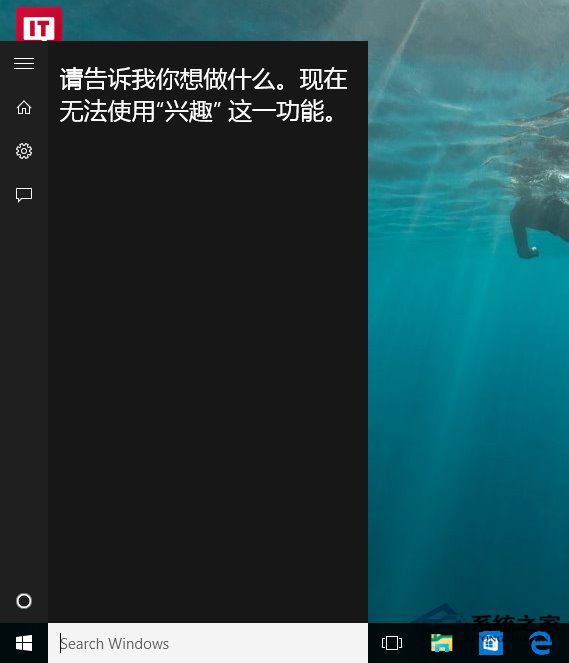
  4. 重啟生效,搜尋提示變「Search Windows」,Cortana 提示無法使用「興趣」功能 (需聯網)。

代價:犧牲線上功能 (天氣、新聞等)。若不依賴線上內容,速度提升值得;否則忍受略微卡頓亦可。
Copyright © Windows教程網 All Rights Reserved