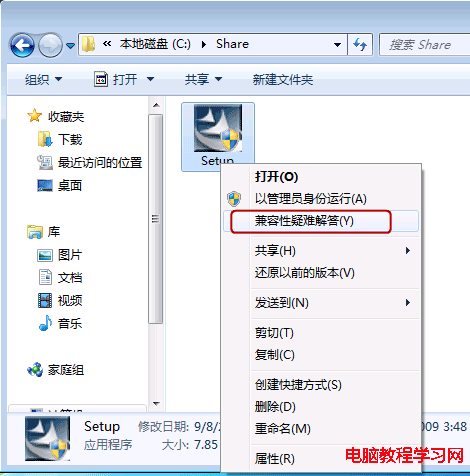
Win7 開始選單雖有休眠選項,但常用者可建立桌面捷徑或熱鍵更便捷:
rundll32.exe powrprof.dll,SetSuspendState Hibernate → 下一步 → 命名「休眠」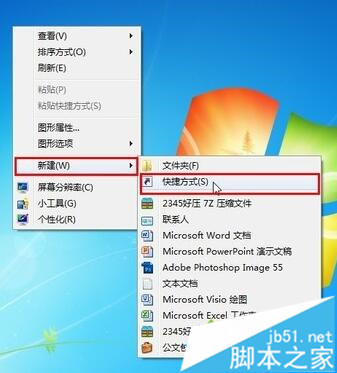
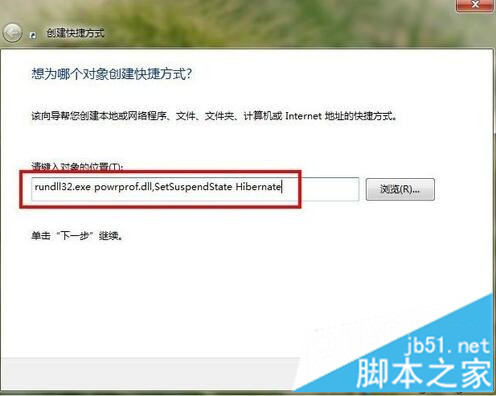
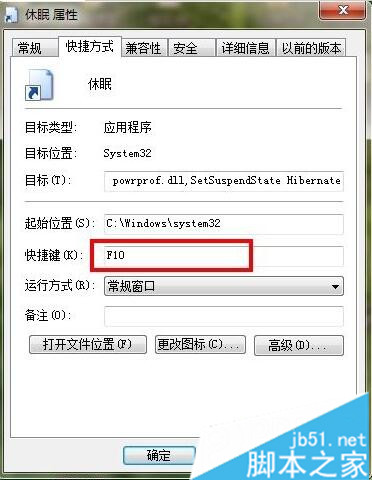
四步驟完成,桌面即有休眠捷徑,隨時一鍵進入休眠模式。
Windows 10 查看 Windows Defender 防火牆監視器狀態:掌握防火牆即時運作概況
Windows 7 無 Win 鍵也能啟用 Flip 3D 切換:建立捷徑指向 rundll32.exe dwmapi #105 並釘選工作列
Win10 企業版安裝 CAD Electrical 2016 提示缺少 .NET 4.5 解決方案
Win10 內建 Cortana 語音助手測試啟動:2015 年初消費者預覽版見真章
Windows XP 開啟 IIS (Internet Information Services) 三大法:控制台、電腦管理、實體檔案
Win10 筆電搜尋不到 WiFi 怎麼辦?五步排查:WLAN 服務、無線網卡驅動、實體開關、BIOS 重置、硬體故障