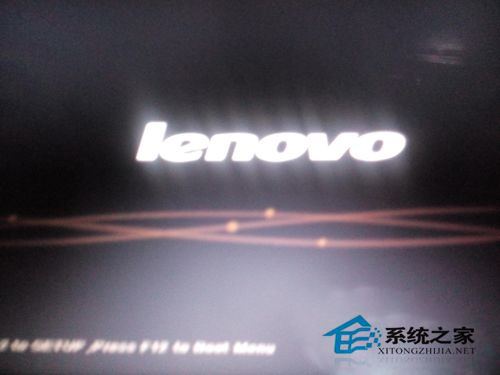
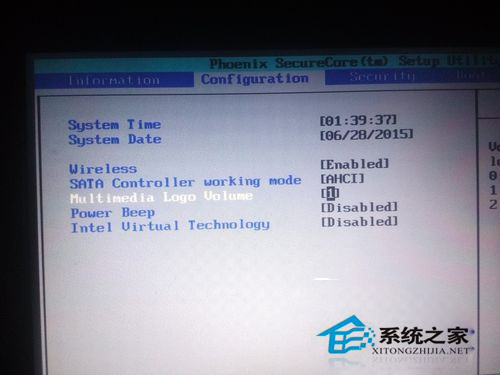
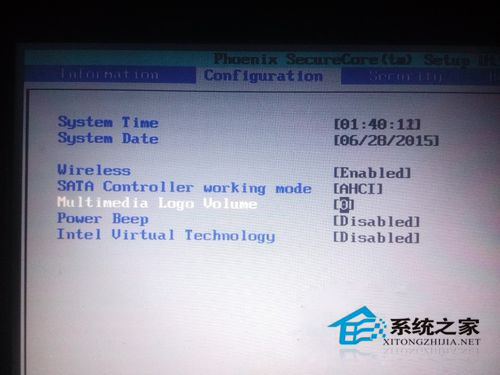
聯想筆電 Win7 開機音效可透過 BIOS 關閉,非系統設定。
若開機音效消失想恢復,參考「Win7 提示開機成功的聲音消失了如何解決」。
WinXP「應用程式發生異常 未知的軟體異常」原因分析與多重解決方案
Windows Server 2012 R2 關閉 X4500 顯卡開機自動啟動項:使用 Autoruns
Win8 IE10 手動新增 Flash 支援網站至兼容性清單,解決部分網站無法顯示
Win10 Build 10036 官方鏡像下載與驗證資訊(含多國語言包)
Windows 作業系統鍵盤快捷鍵完整速查表
Win8 快速關機:建立一鍵關機捷徑教學
Win10 應用程式安裝位置怎麼改?兩種方法讓 App 裝到 D 槽或外接硬碟
Windows 10 完全免費升級!Win7/Win8.1/WinPhone 8.1 首年升級終身免費