Server 2012 R2 無法用 msconfig 管理開機項,需用 Sysinternals Autoruns。X4500 顯卡驅動安裝後會產生三個開機啟動項(面板、熱鍵、通知圖示),透過 Autoruns 取消勾選即可關閉。
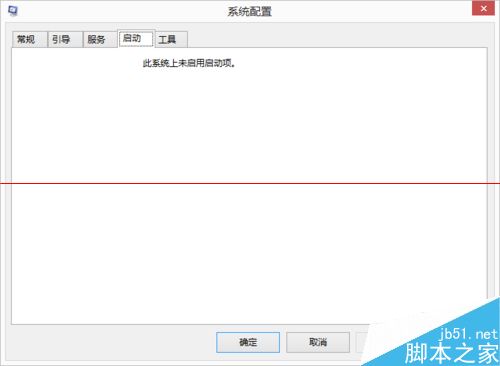
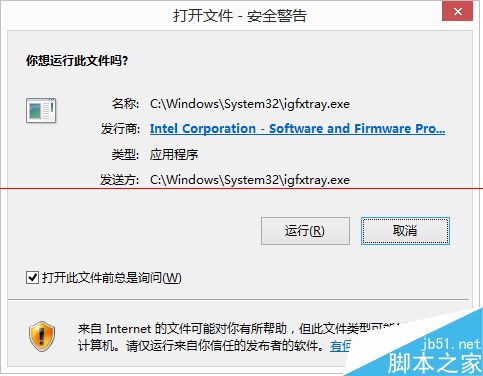
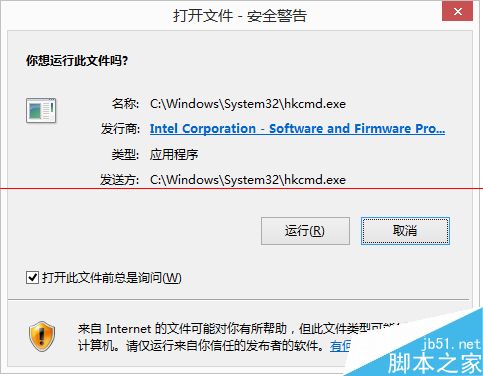
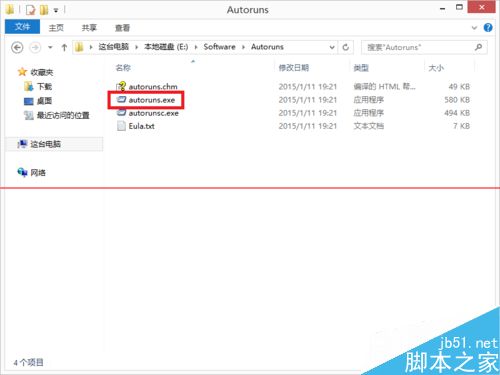
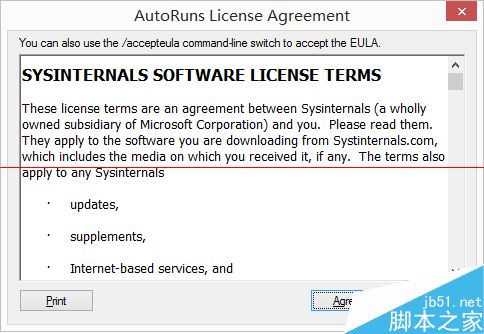
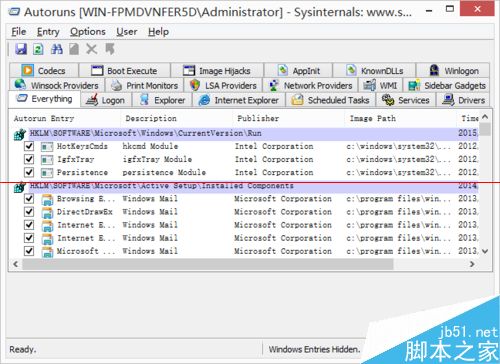
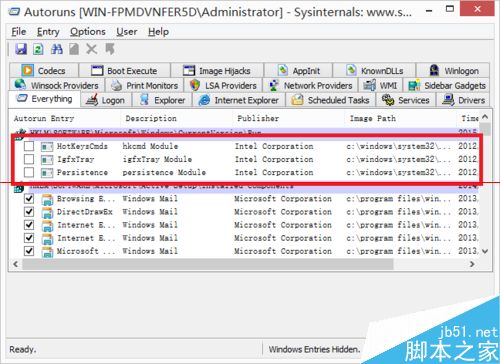
autoruns.exe,同意授權。igfxpers, igfxtray, hkcmd),取消勾選。Win7 命令提示字元輸入指令無效?修復環境變數 Path 變數值恢復系統預設路徑
Win10 Mobile 10572 上手體驗影片:Edge 改進、Cortana 跨裝置、開發者選項說明
微軟確認已停用所有 Windows 10 預覽版產品金鑰:全新安裝無法啟用,僅支援升級安裝
Win10 照片 App 開啟「自動增強」:一鍵修圖讓新手也能出好片
升級Win10 10061遇錯誤 0x80246017?Build 10066僅供內部測試外部用戶無法安裝
Win7 開機黑屏只有滑鼠?三大解法:強制重開、休眠喚醒、工作管理員重啟 explorer + 修復登錄 Shell 值