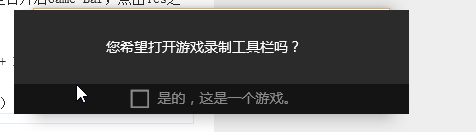
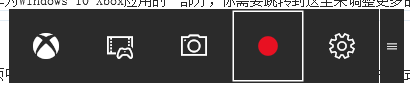
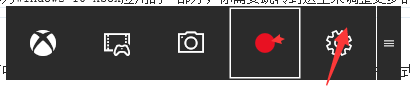
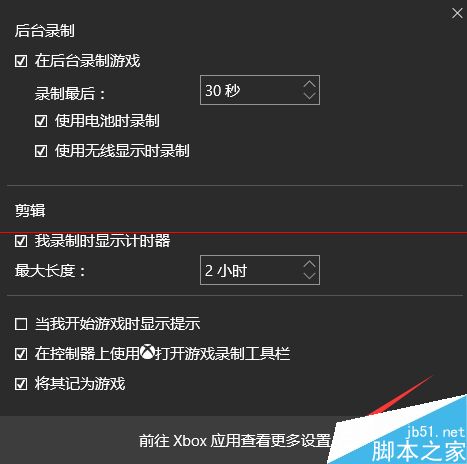
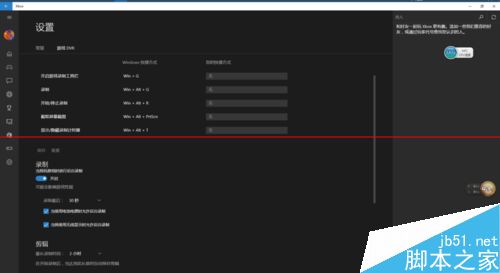
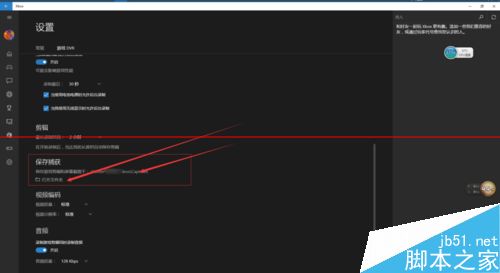
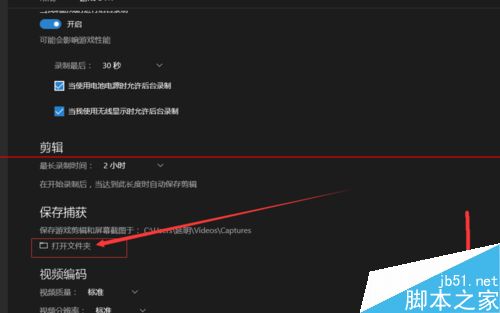
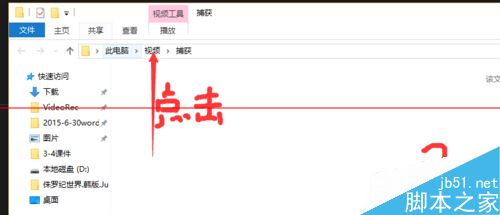
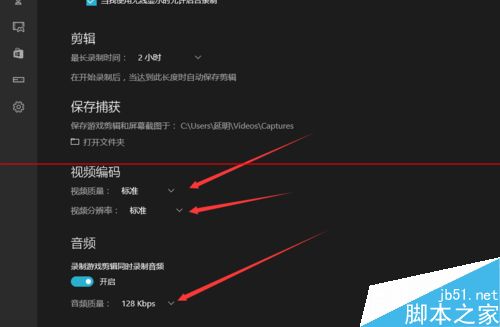
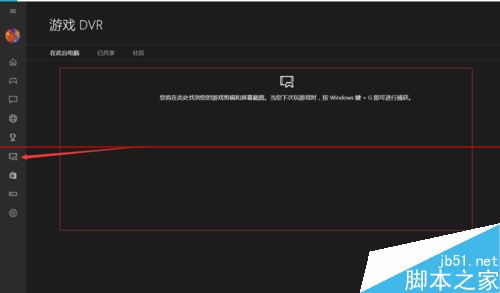
Windows 10 內建 Xbox Game Bar 錄影工具,非僅限遊戲,通用於桌面應用:
Win+G
Win+Alt+R
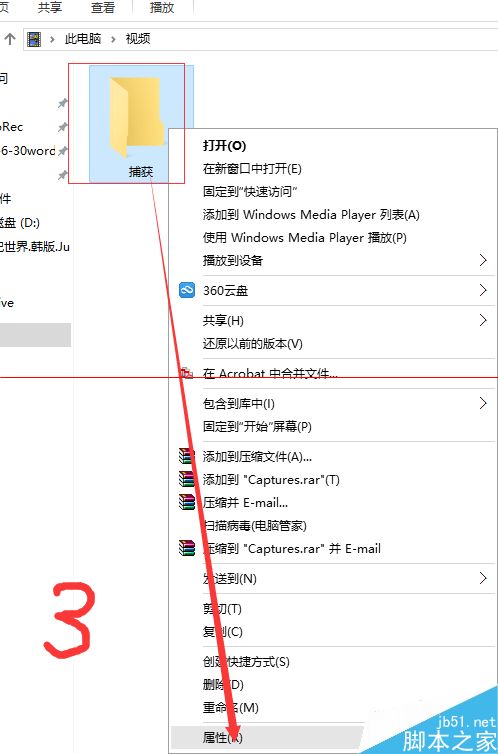
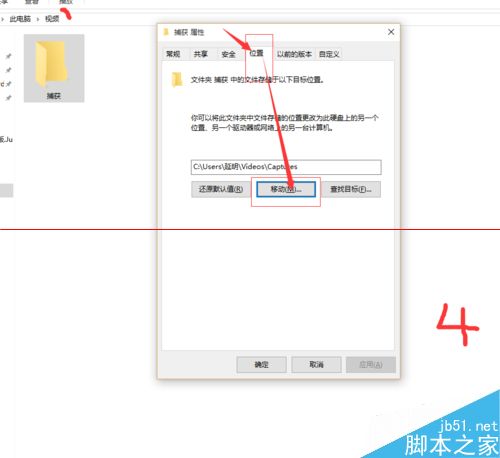
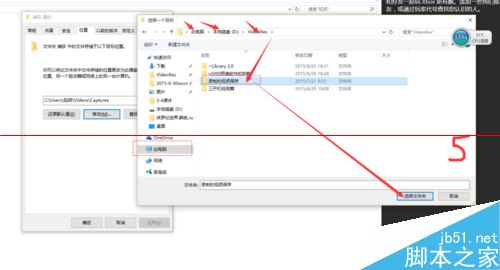
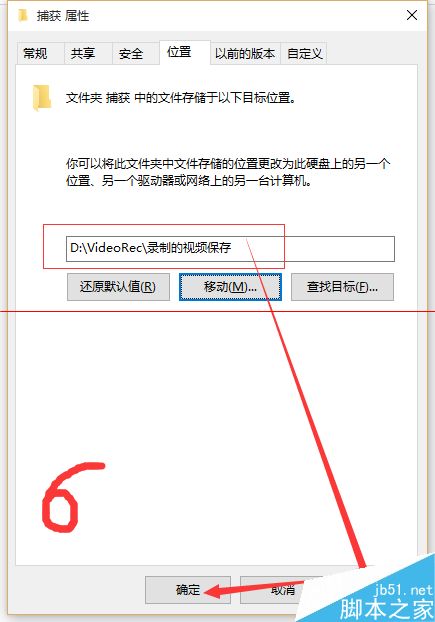
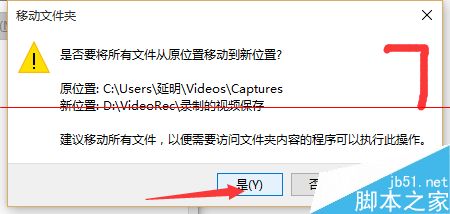
Videos\Captures
Windows 7 架設 VPN 伺服器讓他人連入完整教學
Win7 旗艦版擴充硬碟容量四大注意事項:買二手、大碟慢開機、啟動順序、同牌同型
Win7 瀏覽器提示「伺服器安全憑證尚未生效」?多半是系統時間錯誤
Win7 提示「此 Windows 副本不是正版」黑桌面解決方案(含激活工具下載)
Windows 10 開啟淘寶 HTTPS 顯示紅色斜線?系統時間錯誤導致憑證風險
Win10 移除桌面捷徑小箭頭三大法:修改登錄檔、IE 拖曳法、第三方工具 (魔方)
Win10 11099 開機彈窗 WSClient.dll 錯誤?任務排程器禁用刷新任務徹底根治
Windows 10 開機引導記錄損壞怎麼辦?BCD 重建與 MBR 修復完整指令教學