Win10 專業版以上用戶鎖定畫面缺少關機鍵,因群組原則停用:
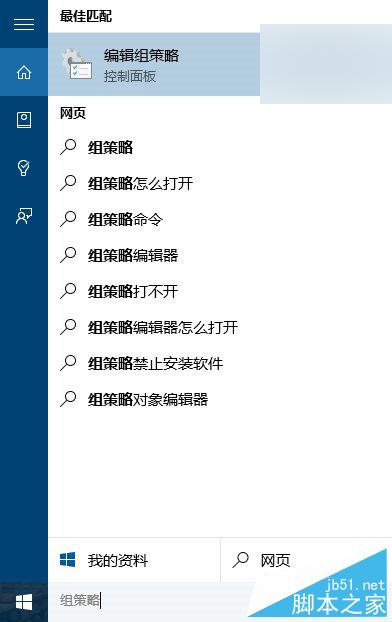
gpedit.msc。電腦設定 → Windows 設定 → 安全性設定 → 本機原則 → 安全性選項。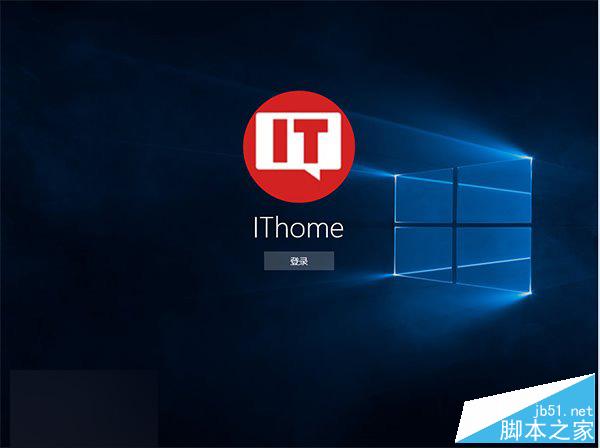
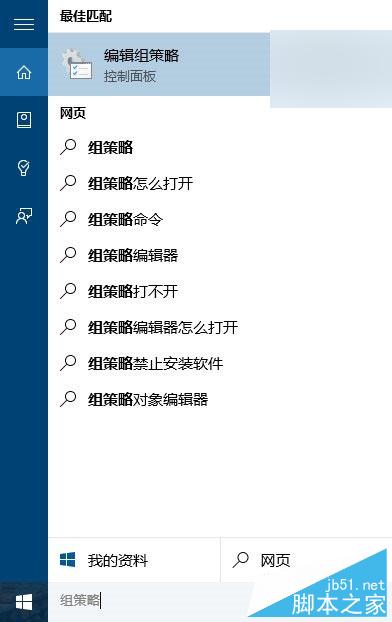
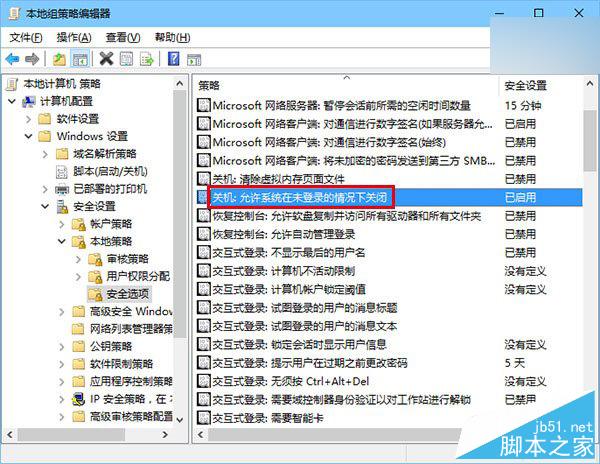
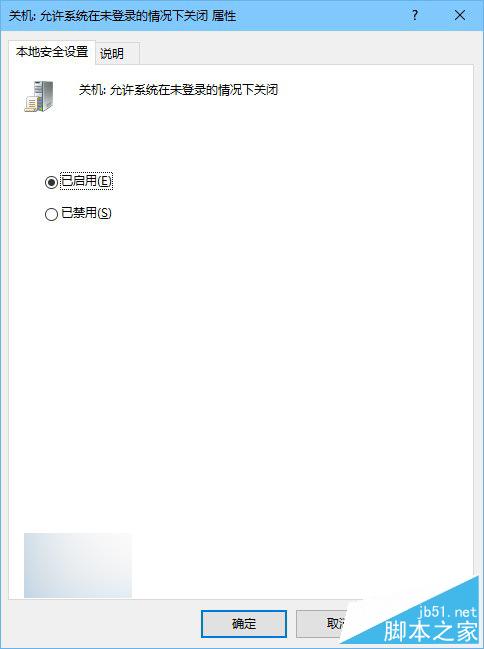
家庭版無群組原則功能,暫無解法,待登錄表鍵值研究後補充。選「已停用」可隱藏關機鈕。
Win8.1 選 32 位還是 64 位?核心差異、記憶體支援、效能對比、選購建議完整分析
Win7 視窗拖到螢幕邊緣自動最大化怎麼關閉?兩種方法禁用 Aero Snap
Windows 10 移除 WiFi 共享精靈後無法上網解決方案
Windows 10 遇到網頁被鎖定無法複製文字?透過登錄編輯或群組原理解除限制兩種方法
Windows 10 9926 Administrator 帳戶啟用後開始功能表失效?群組原則修復指南
Vista 升級 Windows 7 遇無限重啟?官方臨時修復方案
Win10 最讓人愛不釋手的五大功能:Cortana、Windows Hello、Continuum、開始選單、Edge 瀏覽器