Win10 正式版版本眾多(家庭版、專業版、企業版、企業版長期服務、教育版),究竟該選哪一個?依據五大使用情境分析:
需求:Windows 應用商店、Edge 瀏覽器、Cortana、Continuum 平板模式、Windows Hello、桌面環境。
→ Win10 家庭版 (Home) 最佳選擇。
除情境一外,另需:群組原則、BitLocker 加密、遠端桌面主機、加入網域、Windows Update for Business。
→ Win10 專業版 (Pro) 最佳選擇。
除情境二外,另需:Windows To Go、AppLocker、BranchCache、DirectAccess。
→ Win10 企業版 (Enterprise) 最佳選擇。
除情境三外,不需功能更新(僅接受安全更新)、不需內建通用應用(商店、Cortana、Xbox、Groove、郵件等)。
→ Win10 企業版長期服務版 (LTSB) 最佳選擇。
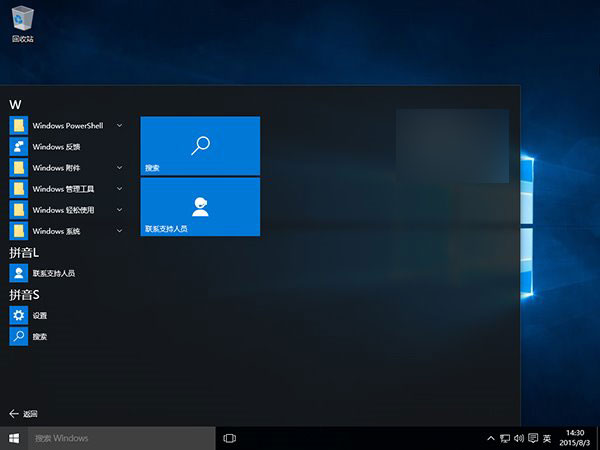
▲ Win10 企業版長期服務版
需求同情境三,但用於教育領域。
→ Win10 教育版 (Education) 最佳選擇。
簡言之:家庭版給個人、專業版給進階、企業版給公司、LTSB 給穩定性優先、教育版給學校。