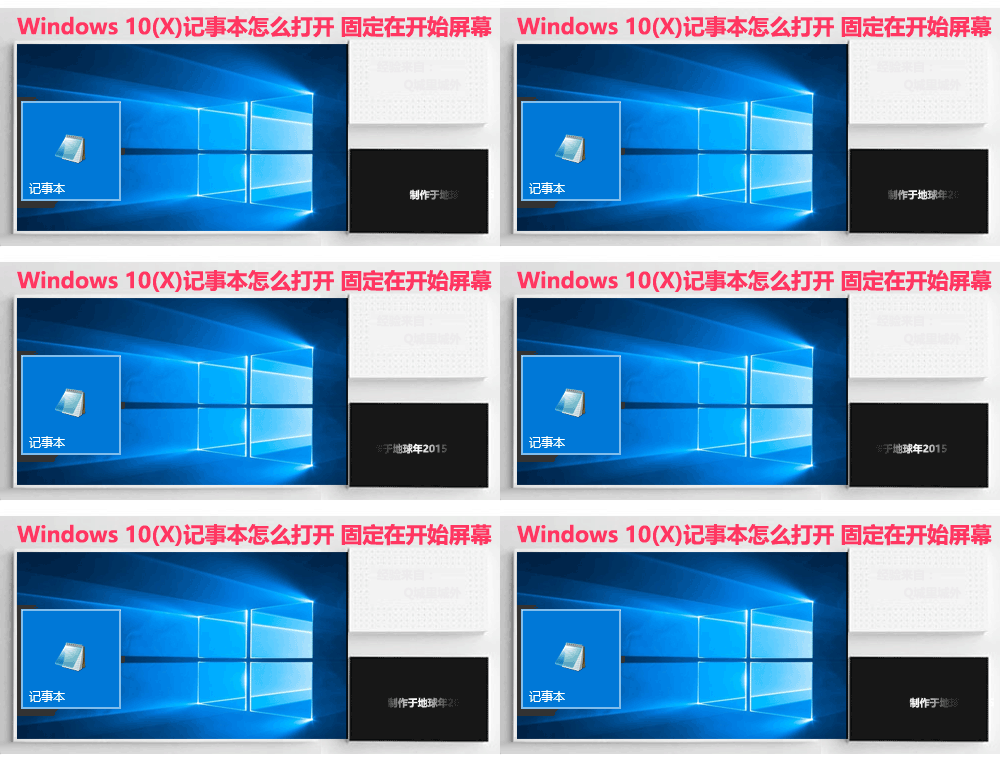
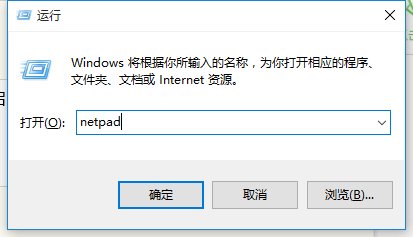
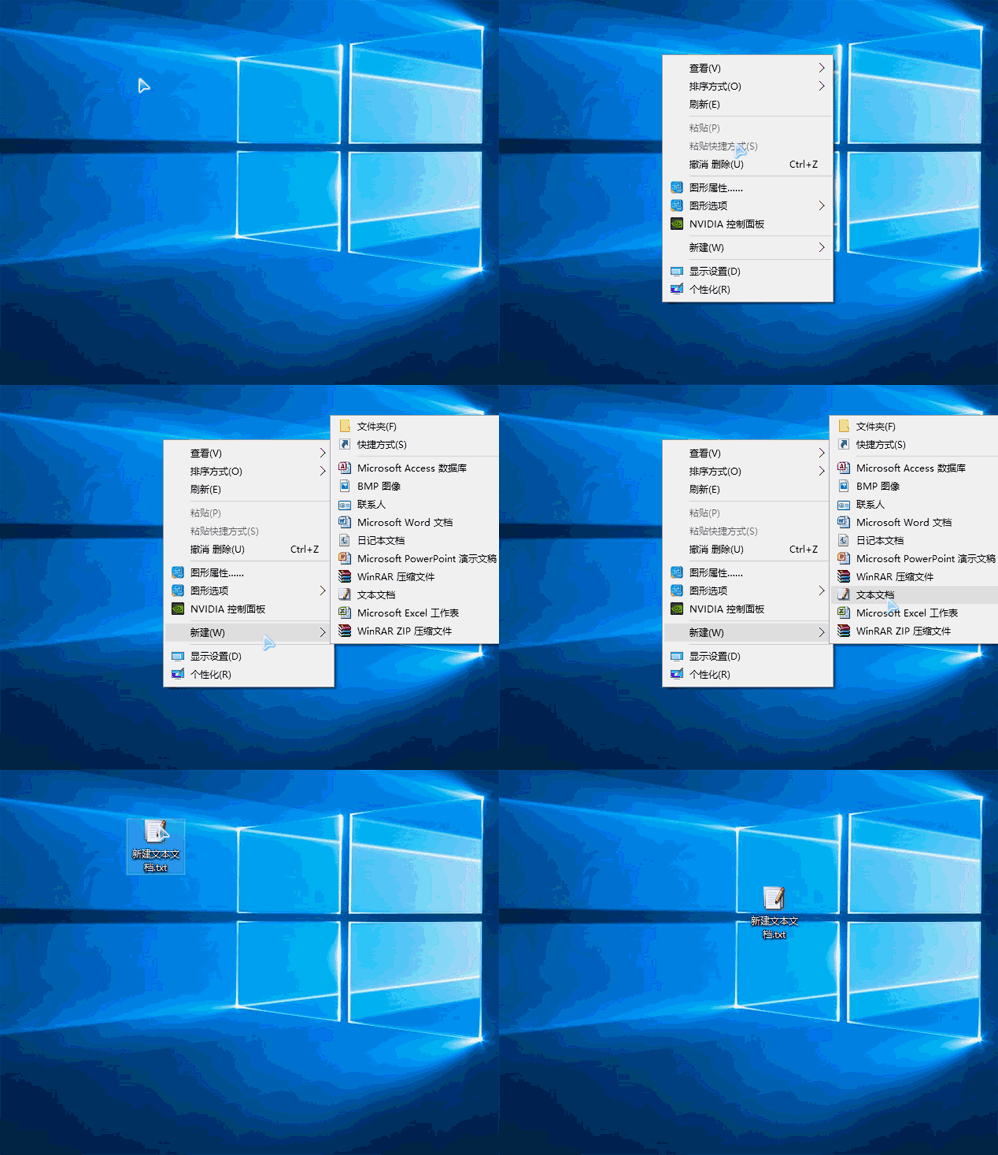
升級 Win10 後找不到記事本?五種快速開啟管道:
note
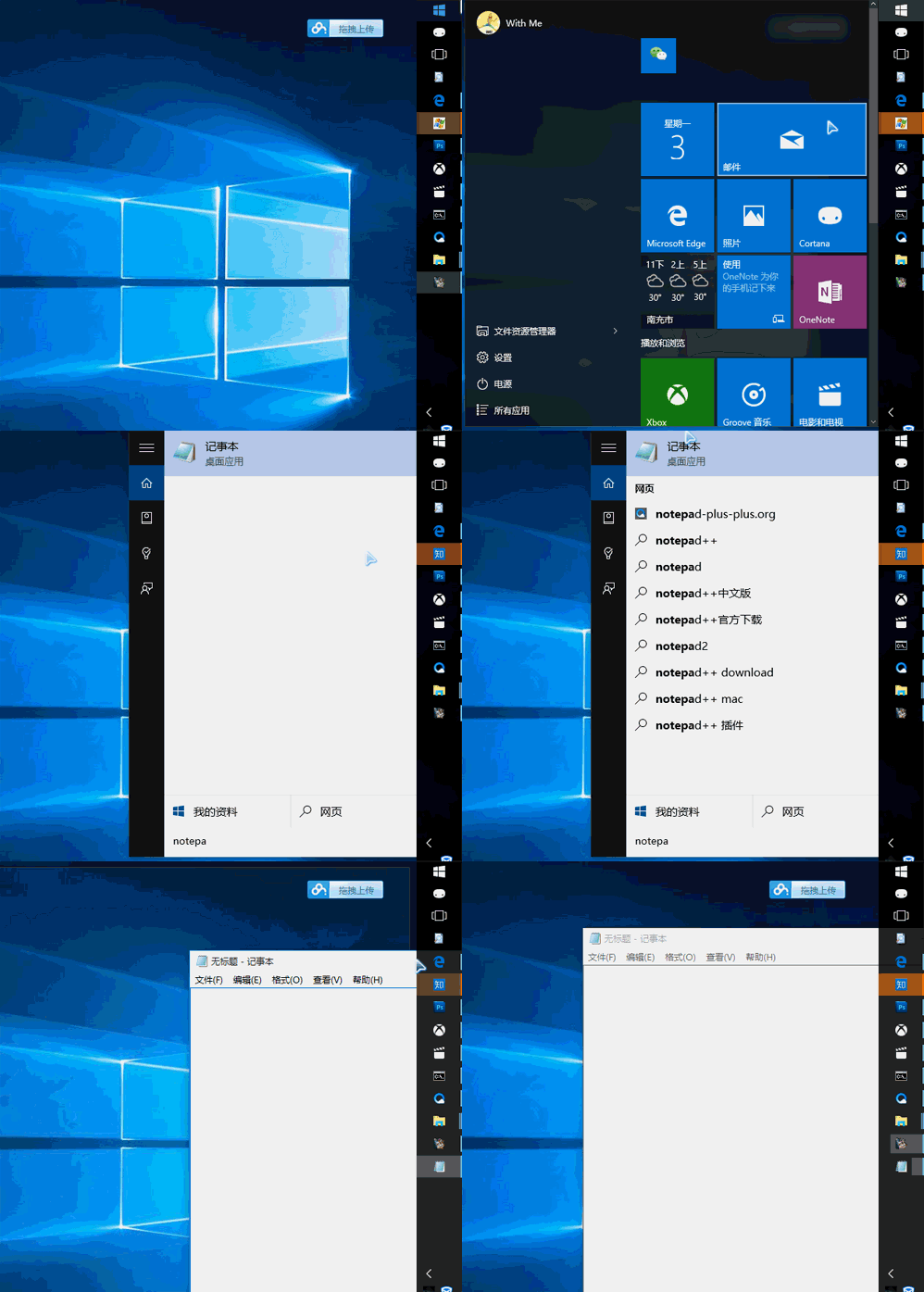
notepad
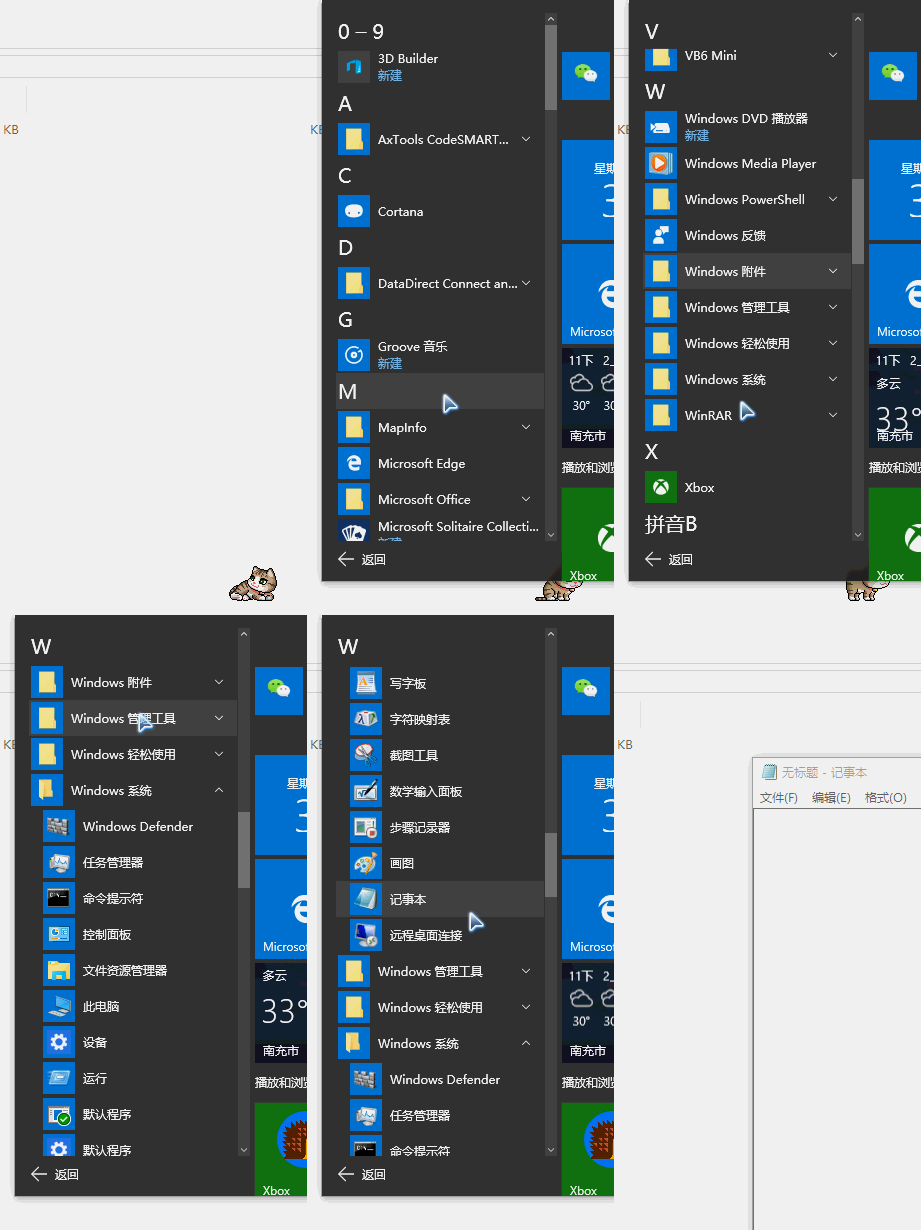
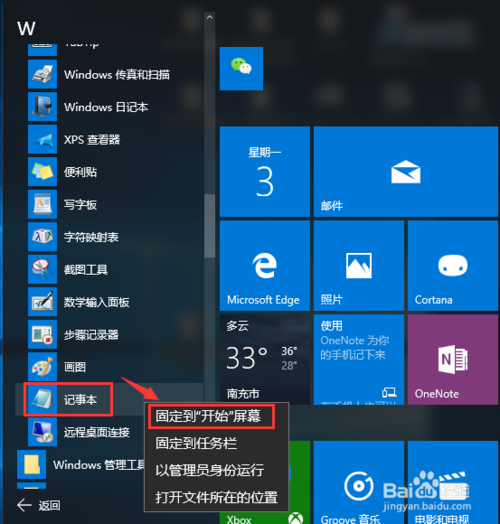
方法一:「所有應用」→ 「Windows 配件」→ 右鍵「記事本」→ 「固定到開始螢幕」。
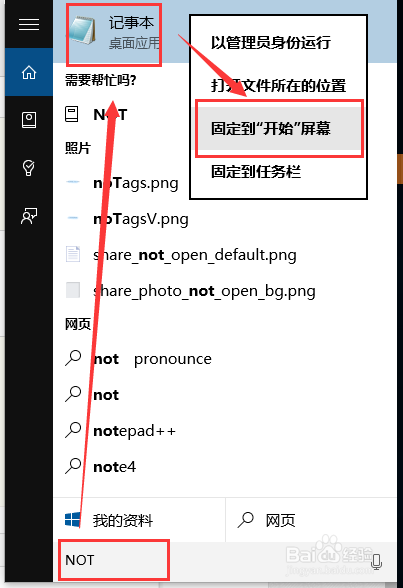
方法二:Win → 輸入 not → 頂部右鍵 → 「固定到開始螢幕」。
not
記事本雖隱藏於配件資料夾,多管道快速呼叫,固定後一鍵直達。
Win8 筆電螢幕亮度調節四大法:系統托盤、行動中心、Charms 列、Fn 快捷鍵
Win10 高分屏調整 DPI 後字體仍模糊?第三方 DPI Fix 工具一鍵修正
Win10 預覽版安裝 KB3105208 更新後藍畫面?暫時解決方案:關閉安全開機
Win10「主頁」恢復初始狀態:一條命令清除快速存取歷史記錄
Windows XP 雙閘道切換批次檔:快速切換內外網預設閘道
Win10 週年更新 KB3194798 無法安裝?NVIDIA 顯卡登錄表衝突導致,官方尚未釋出修正
Windows 10 Build 10041 新功能:全新手寫輸入辨識畫板上線,支援候選詞與扁平化介面
Win10 9879 版檔案總管崩潰補丁 KB3020114 安裝失敗解決方案