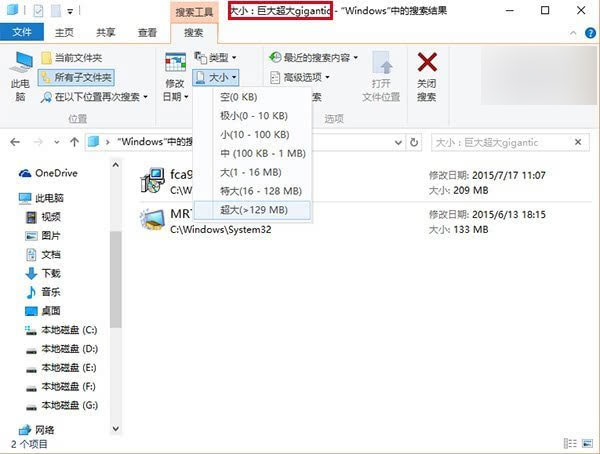
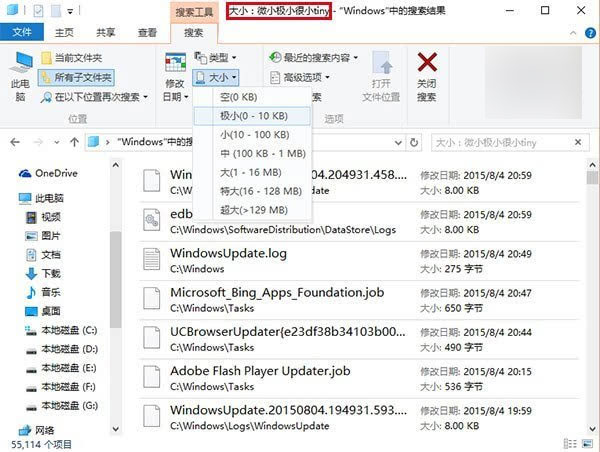
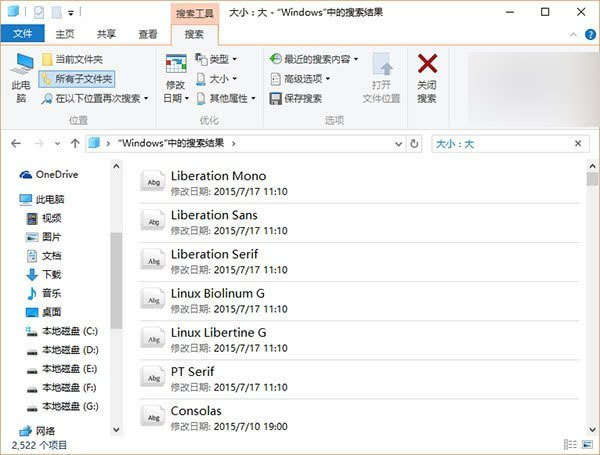
Win10 正式版 10240 檔案總管「搜尋工具」依檔案大小篩選時,標題列顯示嚴重翻譯錯誤:
標題列對「極端」尺寸分類(超大、極小)會疊加中英多重同義詞,屬低級本地化 Bug。雖不影響功能,但作為正式版不應出現。微軟預計 8 月初推送 SR1 大型修補套件,望能同步修復此問題及開始選單/Cortana 罷工等嚴重 Bug。
Win10 开始菜单不习惯?一键切换 Win7/Win8 经典风格
WinXP 如何查看電腦使用記錄?7 大管道完整教學:工作排程、Prefetch、最近開啟、瀏覽器歷史等
Win8 安裝驅動程式提示「檔案雜湊值不在指定目錄」解決:進入停用強制驅動簽章模式
微軟作業系統事業群副總裁 Terry Myerson 正式宣佈 Windows 10:新紀元、跨裝置統一、Insider 計畫啟動
XP 系統玩遊戲閃屏?調整重新整理率與更新顯卡驅動雙重解法
Windows 10 安裝建立本地帳戶完整教學:跳過微軟線上帳號
Windows Server 2016 TP3 新特性深度解析:容器技術成最大亮點
Win7 開始選單建立「系統管理員命令提示字元」捷徑:圖文完整教學