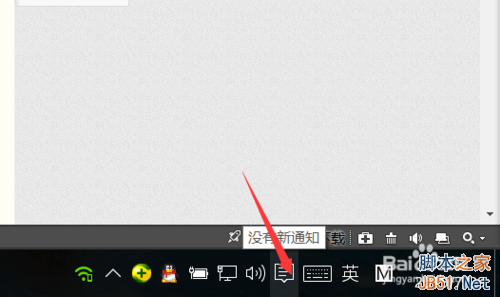
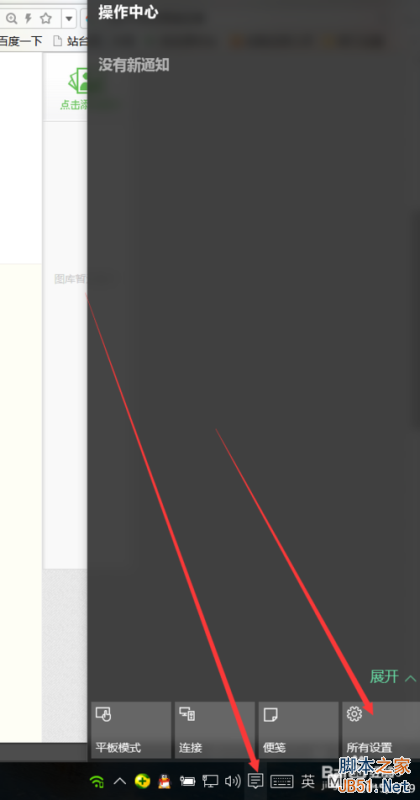
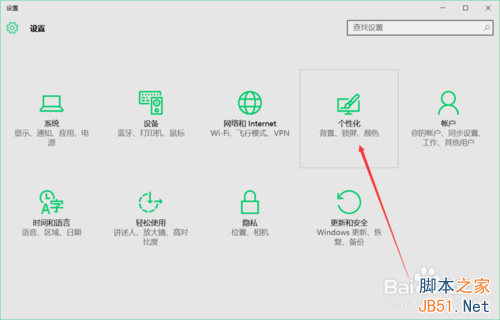
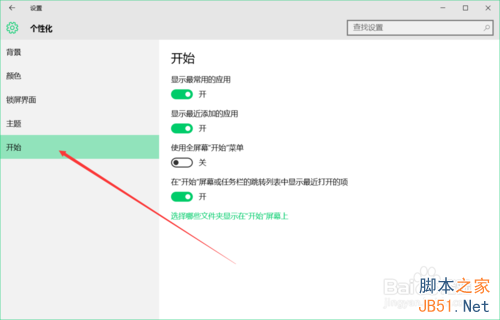
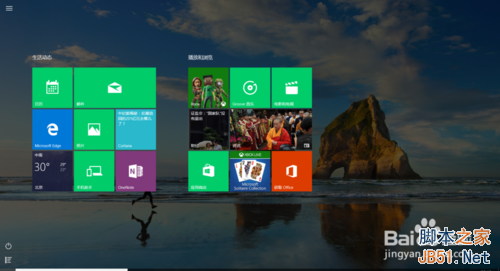
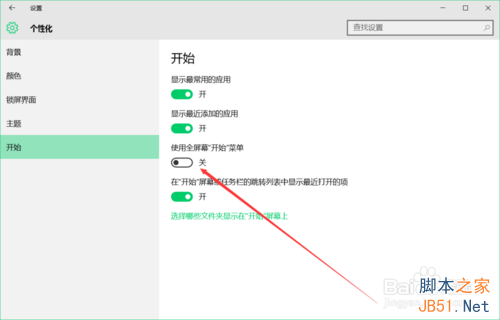
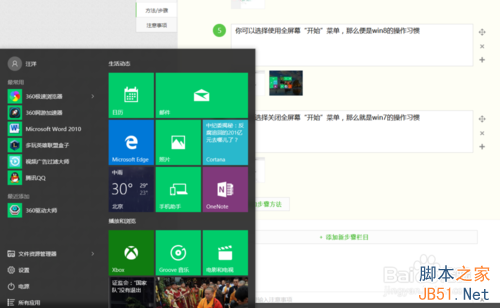
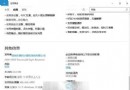
Win10 开始菜单融合 Win7 列表与 Win8 磁贴,不习惯可切换:
还可自定义显示常用应用、最近添加、文件资源管理器等快捷项。按个人习惯调整即可。
多重開機已裝 Win10 卻仍被推廣升級?六種關閉 Win10 推送提示方法總整理
Win10 開啟軟體提示找不到 d3dx9_26.dll 怎麼辦?啟用 DirectPlay 組件解決
Win10 如何將已激活系統改回未激活狀態?slmgr /upk 指令移除產品金鑰
Windows XP 語音辨識系統啟用與訓練完整圖文教學
微軟解釋 Win10 封鎖盜版遊戲:為保護用戶免受惡意軟體侵害
Win7 安裝程式報 mom.exe .NET Framework 初始化錯誤:安裝 .NET 4.0 修復
【视频】Win10 正式版 Cortana 简体中文体验:快捷唤醒、提醒设置、笔记本查看
Windows 7 桌面變黑提示非正版 SLMGR -REARM 延長授權