Win10 商店應用無法下載問題雖官方宣稱已修復,但部分用戶仍遇到。提供四種解決方案:
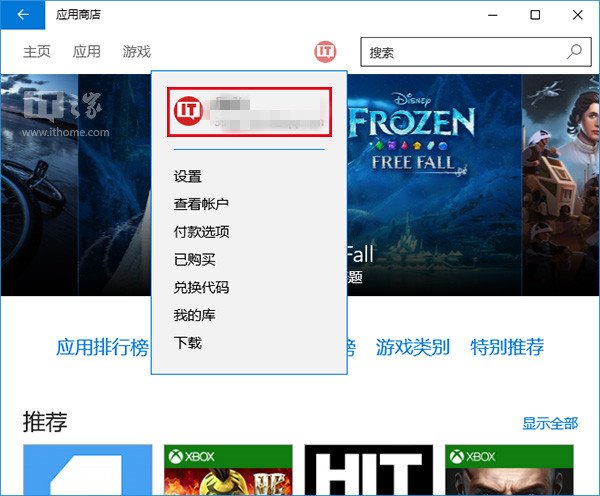
一、重新登入商店帳號
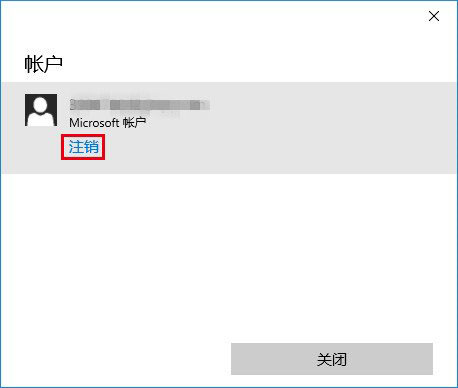
- 開啟商店 → 點擊頭像 → 帳號名稱 → 「登出」
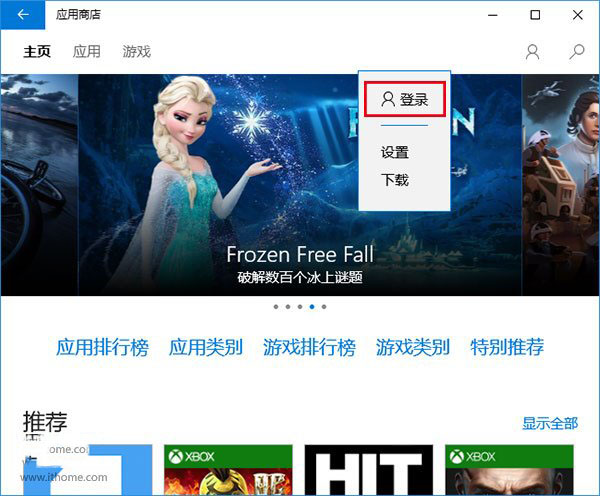
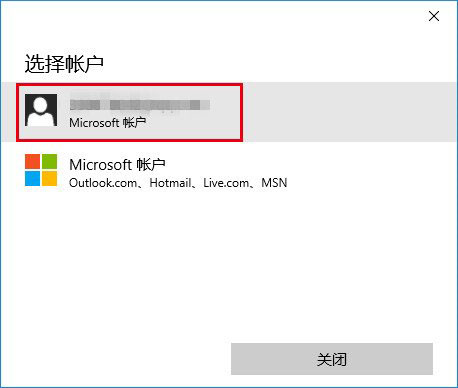
- 再次點擊頭像 → 「登入」 → 選擇帳號登入
- 嘗試下載應用
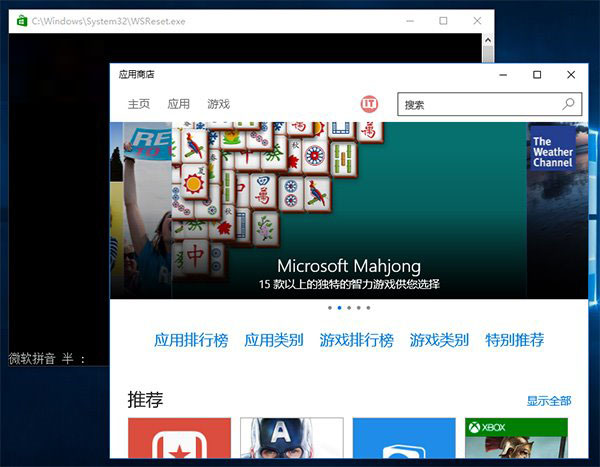
二、重置商店快取 (wsreset)
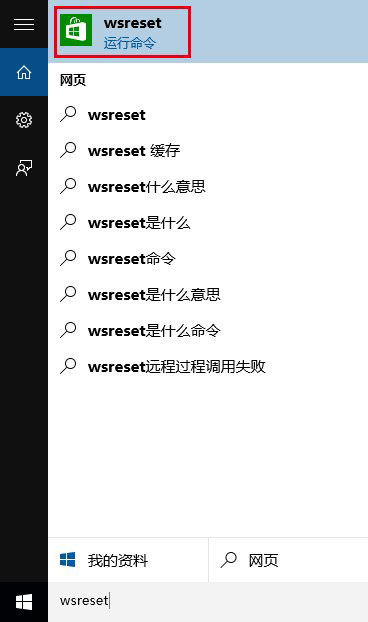
- Cortana 搜尋
wsreset → 選第一項
- 指令自動執行並開啟商店
- 再次嘗試下載
三、使用「疑難排解」
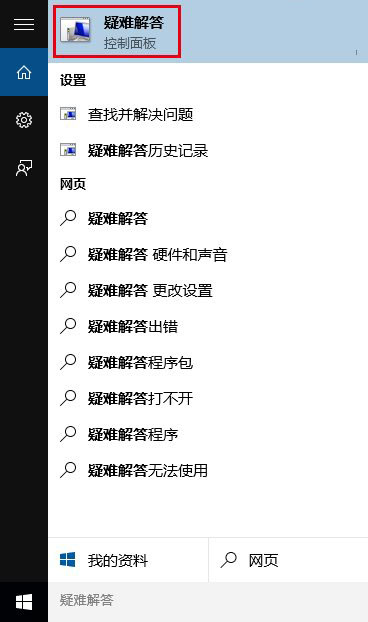
- Cortana 搜尋「疑難排解」 → 選第一項
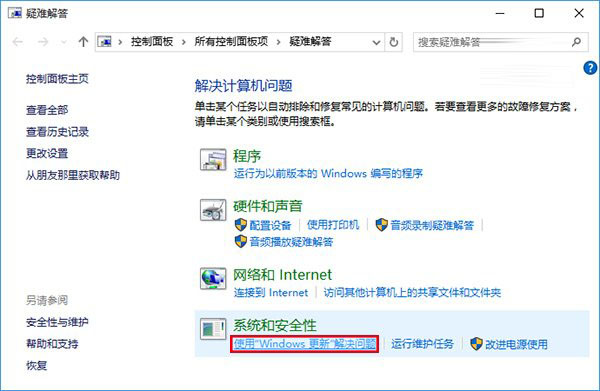
- 點擊「使用 Windows Update 解決問題」
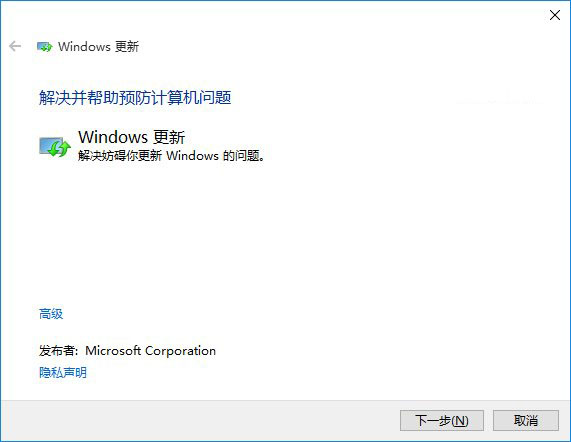
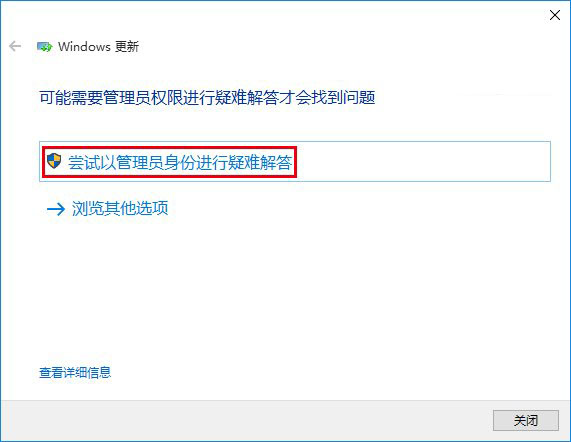
- 依提示「下一步」,需管理員權限時選「嘗試以管理員身分進行疑難排解」
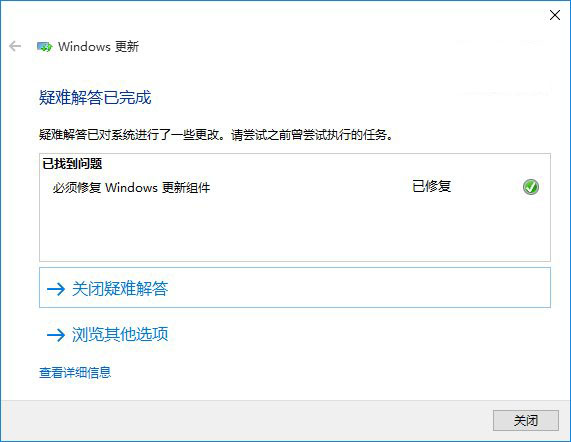
- 系統自動搜尋並嘗試修復
四、重置 Windows Update 元件 (猛藥,前三法無效再用)
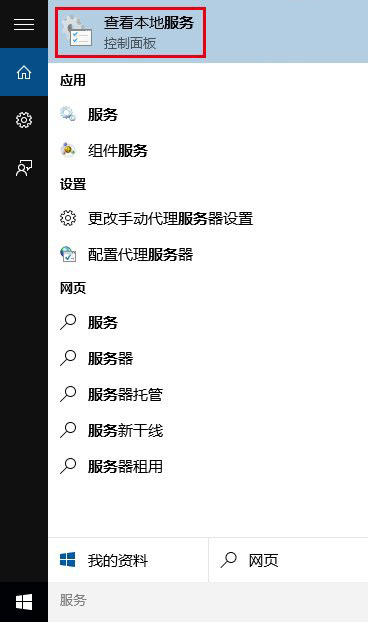
- Cortana 搜尋「服務」 → 開啟
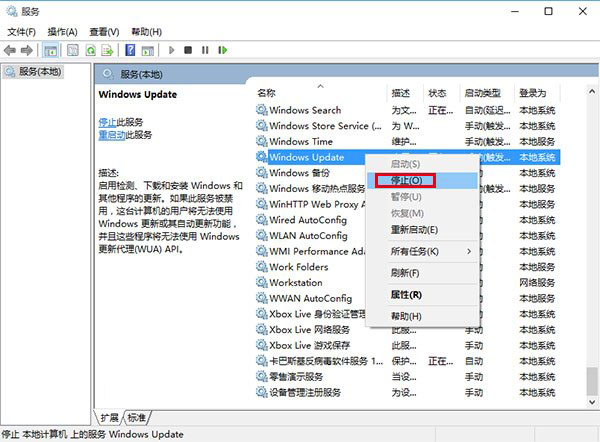
- 找到 Windows Update → 停止服務
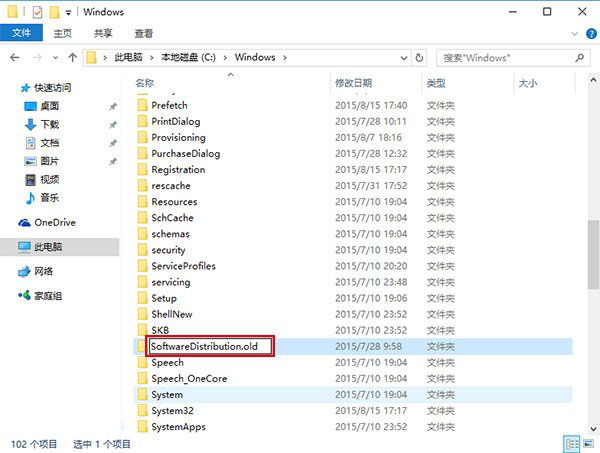
- 進入
C:\Windows\ → 將 SoftwareDistribution 重命名為 SoftwareDistribution.old
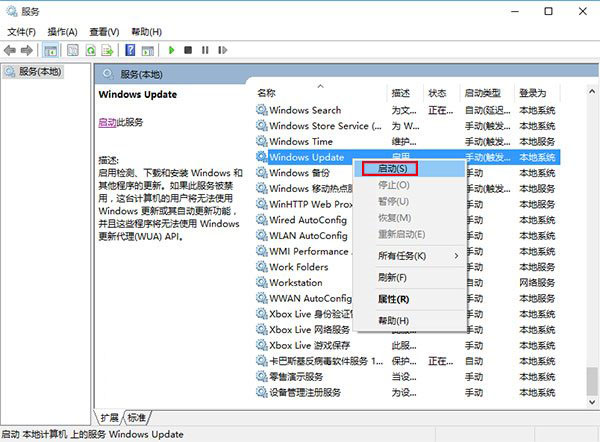
- 重新啟動 Windows Update 服務
- 再次開啟商店應用