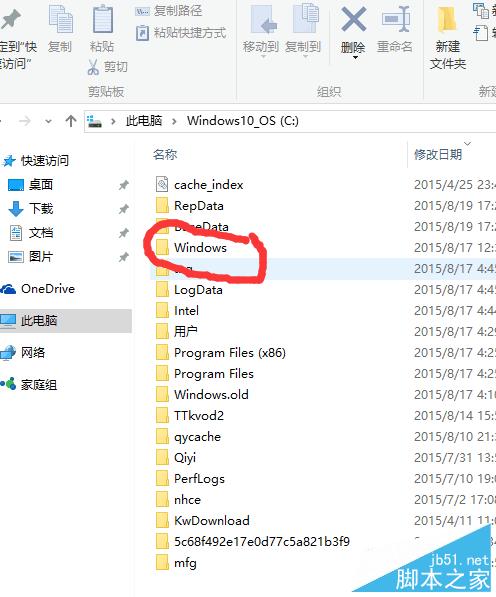
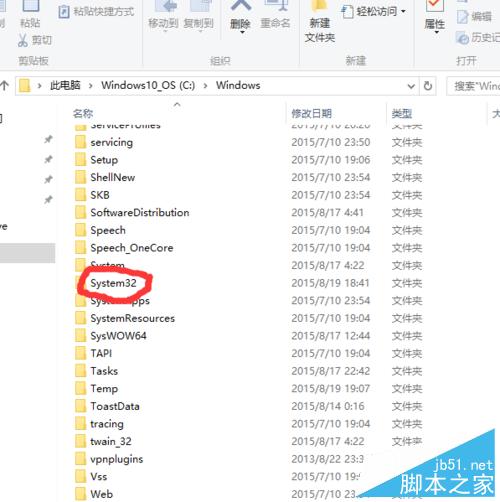
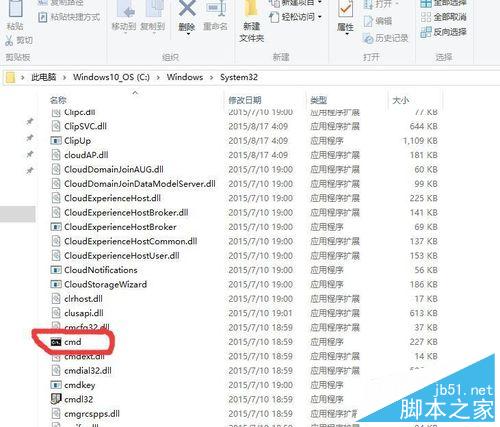
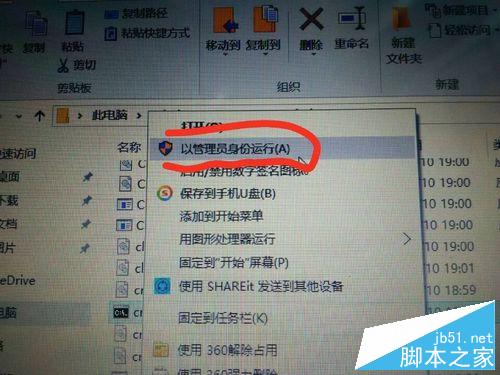
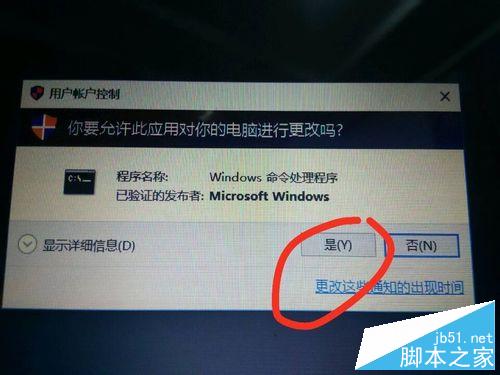
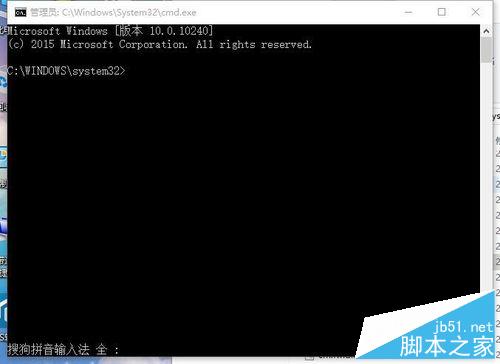
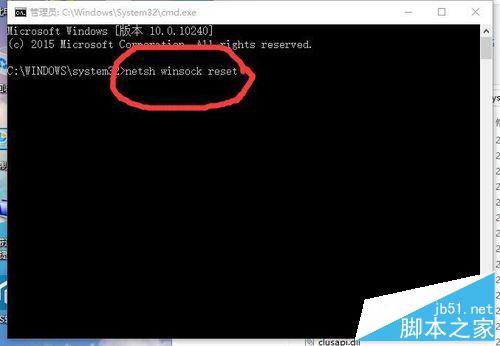
Win10 連上 Wi-Fi 卻無法上網,執行重設 Winsock 指令通常能修復:
cmd.exe
netsh winsock reset
netsh winsock reset 可重設網路通訊端目錄,解決因升級或軟體衝突導致的網路協定損壞問題。
Win10 看影片卡頓怎麼辦?本地與線上影片兩大情境完整解決方案
Win8 Metro 版 IE 跳轉至桌面版 IE 怎麼辦?設定桌面版 IE 為預設瀏覽器解決
WinXP 隱藏控制台防他人亂改:群組原則一鍵禁用
Win7 跳出「Windows 檔案保護」提示?兩種方法徹底關閉或修復
下載:Win7/Win8.1 8 月補丁日安全更新 ISO 映像檔 (KB3075220)
Win7 任務列時間不顯示月份日期?自訂短日期格式修正
WinXP 熱鍵小漏洞:「自動登出」狀態下熱鍵服務仍運作,恐被惡意利用
Win7提示IPv6無網絡訪問權限?兩大原因精準排查與修復指南