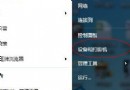
為防他人隨意更改系統設定,可透過群組原則徹底隱藏控制台:
gpedit.msc。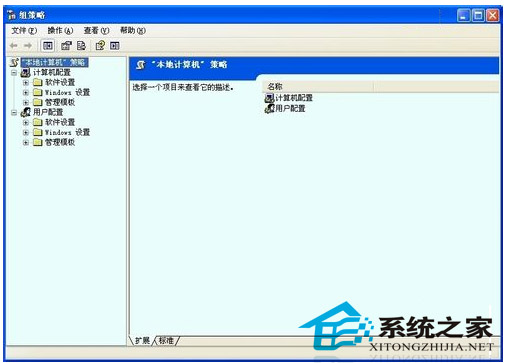
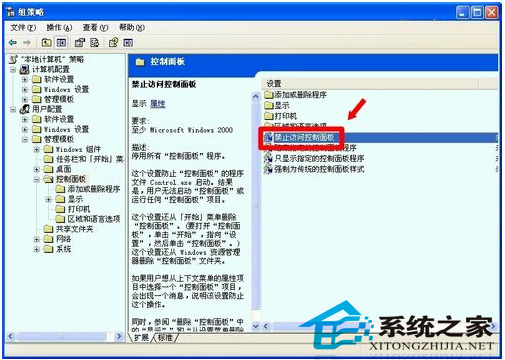
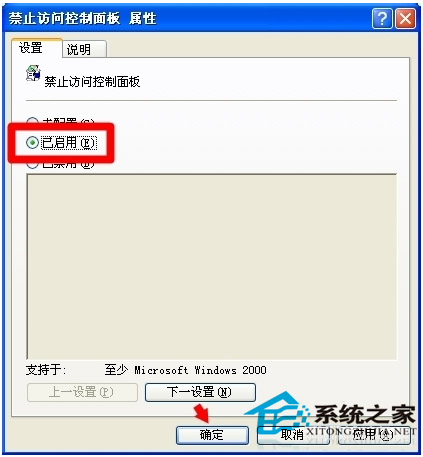
恢復時同樣在群組原則設為「未設定」或「已停用」。但最有效的保護仍是設定登入密碼並鎖定電腦 (Win+L)。
Win7 群組原則五大實用設定:強制關機、防止佔位、阻擋木馬、封鎖 Ping、媒體播放優化
微軟發布 Win10 Build 10041 可下載:虛擬桌面拖曳、小娜中文化、Spartan 缺席、官方 Bug 清單
Win10 Build 10240 UAC Bug:不降低桌面亮度導致 Modern 應用授權對話框被遮擋
微軟推出 Win10 企業級安全新功能:Device Guard(裝置防護)
Win10 10547 預覽版頻繁藍畫面重開機?關閉 Windows Defender 開機掃描與驅動程式簽章強制