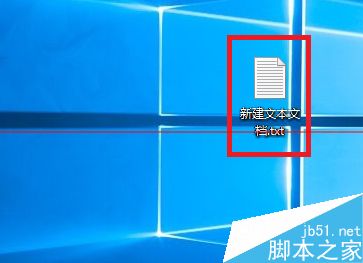
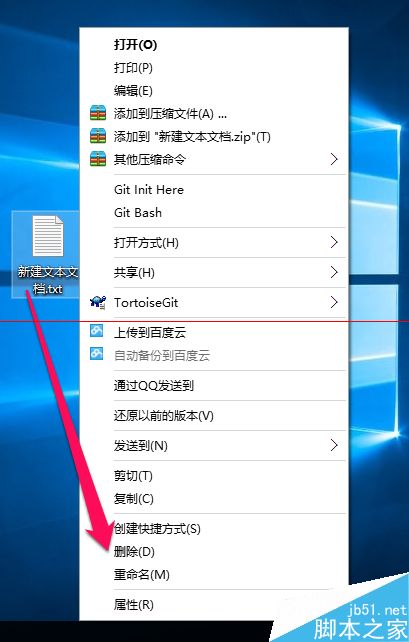
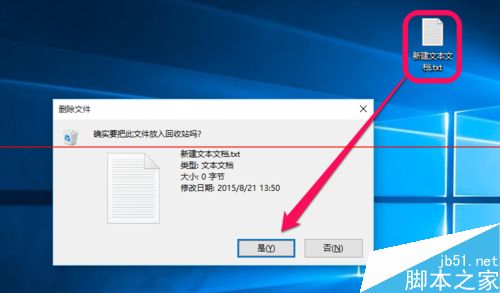
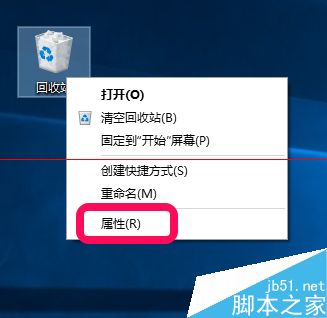
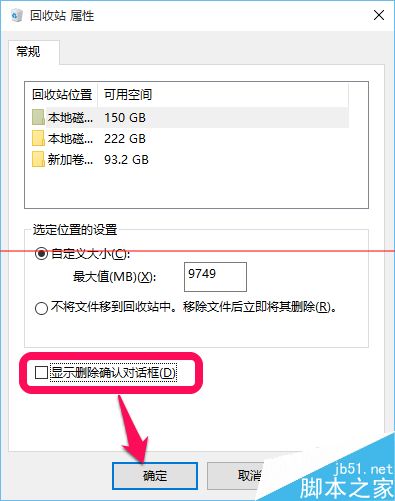
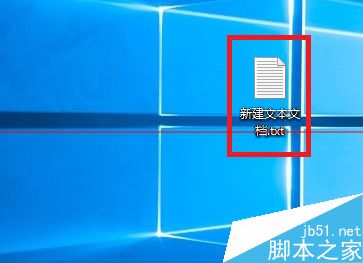
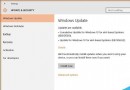
Win10 刪除檔案預設會彈出確認視窗,若嫌煩可關閉:
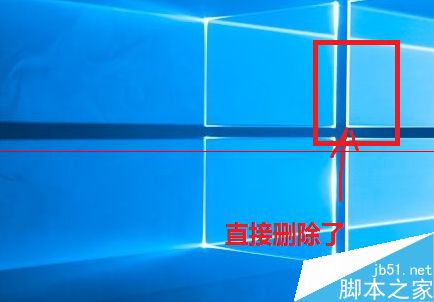
設定後按 Delete 或右鍵「刪除」即直接移至回收站,不再彈窗確認。需恢復時同樣勾選即可。
Win7 開機顯示 0xC0000428 錯誤?使用安裝光碟修復教學
Win10桌面圖片顯示縮略圖而非圖標:文件夾選項一鍵開啟視覺預覽
Windows 7 工作排程器在哪?兩種快速進入方法圖解
Win7休眠不斷網:註冊檔啟用Away Mode讓下載任務休眠中持續運行
Windows 8 磁碟分區完整三步驟教學:建立簡單磁碟區、格式化、刪除分區圖文詳解
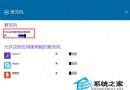
Win10 Edge 瀏覽器如何更換搜尋引擎?以 Google 為例完整教學
Win7 USB 連接埠無反應?裝置管理員逐一解除安裝 USB 控制器 → 重開機自動重裝驅動 + 排除 update.exe 異常程序
Win7 自行優化開機速度:msconfig 縮短等待 + 啟用多核心引導