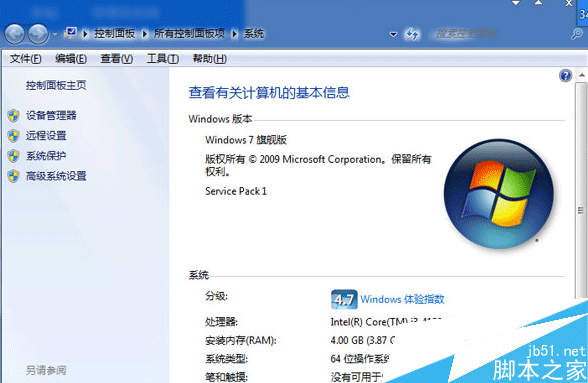
Win10 允許針對個別應用程式授權麥克風存取,而非全域開關。操作方法:
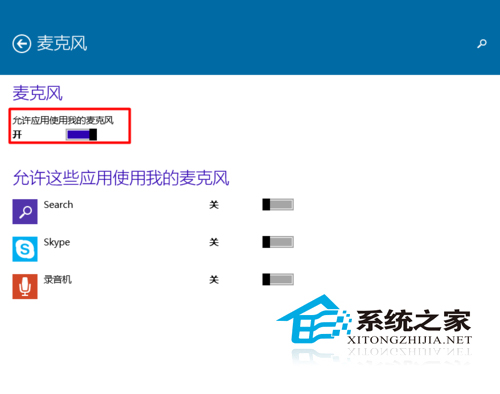
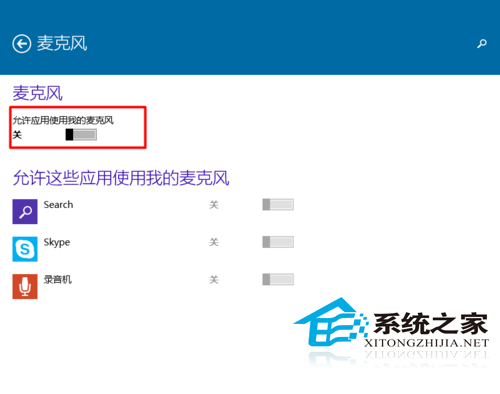
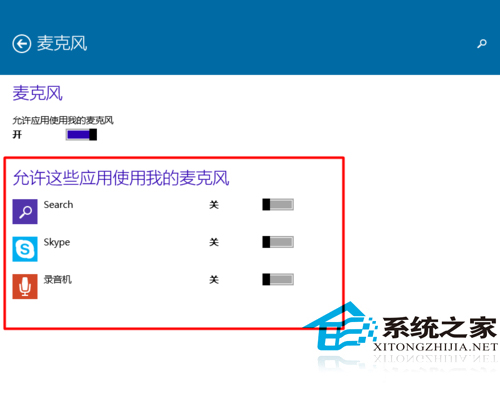
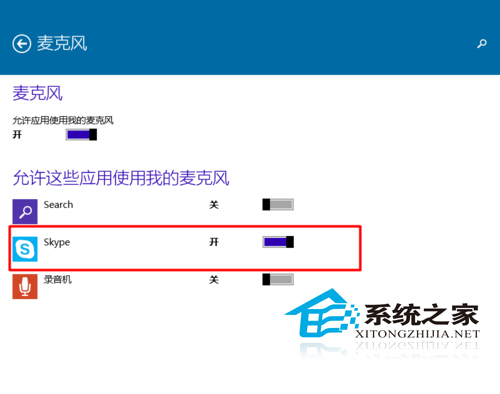
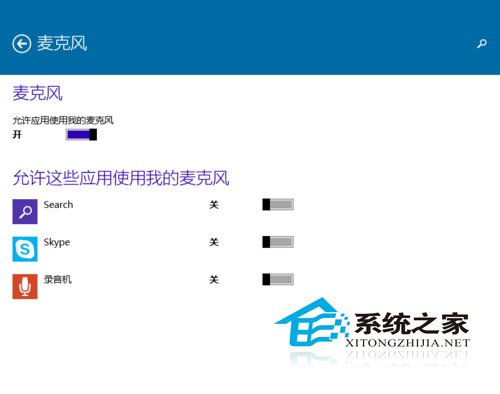
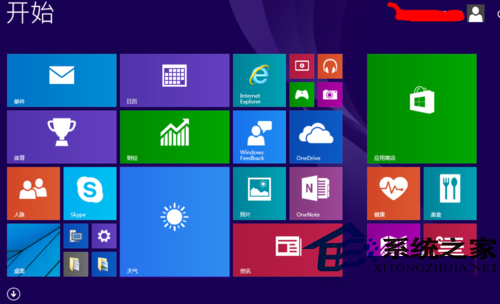
此功能實現「最小權限原則」,兼顧功能性與隱私保護,建議定期檢視授權清單。
Win10 無法刪除檔案提示權限不足?取得完整控制權限或變更擁有者強制刪除
Win10 正式上市滿月:全球安裝量破 7500 萬,中國份額僅 3.18% 遠落後 Win7/XP
Win10 TH2 修改視窗標題列顏色:註冊表技巧實現彩色標題列
Win10 10586.71 累積更新 KB3124262 如何安裝?官方下載與手動更新教學
Win7 註冊 OCX 控制項出現錯誤 0x80040200 解決方法
Windows 7 忘記路由器密碼解決方案:硬體重置恢復出廠預設
微軟 Build 2015 圖文直播完整紀錄:Spartan 正名 Edge、HoloLens 震撼示範、通用應用與 Android/iOS 移植全揭密